
When we started building Trimrly, the obvious move would have been to build a Linktree clone. A bio page tool with a slightly different design, slightly different pricing, and a slightly different pitch. That market exists and there are dozens of tools competing in exactly that lane, several of which are genuinely good products built by capable teams.
We did not do that. We built a bio page, but we built it alongside a URL shortener and a dynamic QR code generator, in the same account, with the same analytics dashboard. The reason was not a feature checklist exercise. It came from watching how the people we talked to actually managed their links, and noticing that the bio page was never the whole story.
What Linktree Actually Is, and What It Was Built to Solve
Linktree invented this category in 2016. The premise was simple and genuinely useful: Instagram and other platforms allow exactly one clickable link in a bio. Linktree gave creators a single page that could hold many links behind that one URL. It is, fundamentally, a link aggregator: a page that holds links, presents them attractively, and tells you which ones got clicked.
That single-job focus is also Linktree's defining limitation. Linktree's architecture was not designed to function as a URL shortener, a QR code platform, or a campaign tracking system. It built the bio page extremely well and then added creator tools, shops, and integrations around that core, but the center of gravity never moved. Linktree does not offer a native URL shortener feature as part of its core product. The company eventually added link shortening through a separate sister-domain tool, but it remains secondary to the bio page in the product's own narrative.
Linktree's bio page is a mature, well-designed product used by over 70 million people. For a creator whose entire link management need is "one attractive page behind my Instagram bio," Linktree remains a perfectly reasonable choice. The point of this article is not that Linktree builds a bad bio page. It is that a bio page alone no longer reflects how most people actually manage links.
The Fragmentation Problem We Kept Running Into
Talk to almost any active creator, marketer, or small business owner about how they manage their links, and a familiar pattern emerges. The bio page is one piece. Alongside it sit several other tools, each handling a different surface, each with its own login, its own analytics dashboard, and no shared visibility between them.
The cost of this fragmentation is not just inconvenience, though the inconvenience is real. A business running a print campaign with QR codes, a social media campaign with short links, and a bio page on Instagram has no single view of which of those three channels is actually performing best. The data sits in three separate places. Comparing them requires manually copying numbers between dashboards or, more commonly, not comparing them at all and making decisions on incomplete information.
The way creators and brands manage links has expanded significantly over the past several years. Someone is now managing short links for social posts, QR codes for print materials, campaign tracking links with UTM parameters, email newsletter links, and a bio page, often simultaneously. Using a dedicated bio page tool while managing everything else separately creates exactly the structural gap we kept hearing about.
What We Built Instead
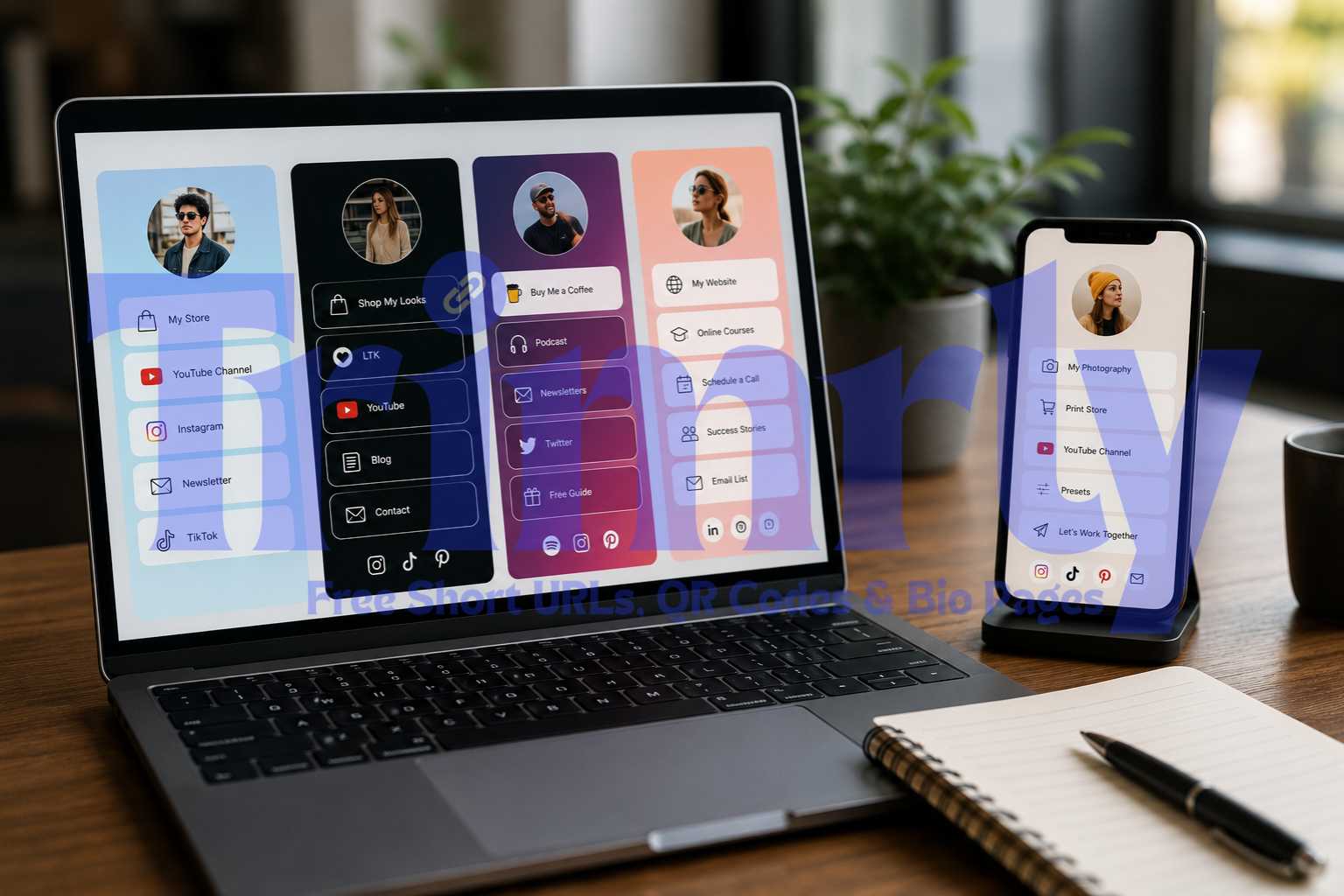
Trimrly's free account includes three things in one dashboard: a bio page builder with 46+ widgets, a URL shortener for any link you want to share anywhere, and a dynamic QR code generator for print and physical placements. All three share the same analytics layer.
This is the structural difference that matters most in practice. When you add a link to your Trimrly bio page, it can be tracked as a short link with its own independent analytics. When you tag a link with a campaign source, that tagging is visible whether the click came from a QR code, a bio page button, or a direct share. You are not copying data between tools. There is one source of truth for link performance across every channel simultaneously.
Platforms that consolidate link management this way have a structural advantage over single-purpose tools, not because consolidation is inherently superior in every case, but because the actual workflow of managing links in 2026 spans multiple surfaces for most active users.
Three Reasons We Made This Choice
A small restaurant's customers find the menu through three different paths: a QR code on the table, a short link in a WhatsApp broadcast, and a bio page button on Instagram. All three should point to the same menu, but each one needs to be tracked separately to know which channel is actually driving traffic. If your QR scans live in one tool and your bio page clicks live in another, you cannot answer the basic question of where your customers are actually coming from.
With Trimrly, all three surfaces, the QR code, the short link, and the bio page button, exist in the same account with comparable analytics. You can see in one dashboard that the table QR code drove 40% more menu views than the Instagram bio link last month, and make a decision about where to invest more signage based on that comparison.
Technically, a button on a bio page and a short link shared in a text message are the same thing: a redirect with analytics attached. There is no meaningful technical reason these should live in separate products with separate codebases, separate dashboards, and separate accounts. Treating them as fundamentally different problems is an artifact of how the market happened to develop historically, not a reflection of how the underlying technology actually works.
Building them together meant that every widget on a Trimrly bio page benefits from the same link infrastructure as the standalone URL shortener. A WhatsApp button on your bio page and a WhatsApp short link you send in a broadcast both get the same depth of device, location, and referrer data, because they are built on the same system rather than bolted together as separate integrations.
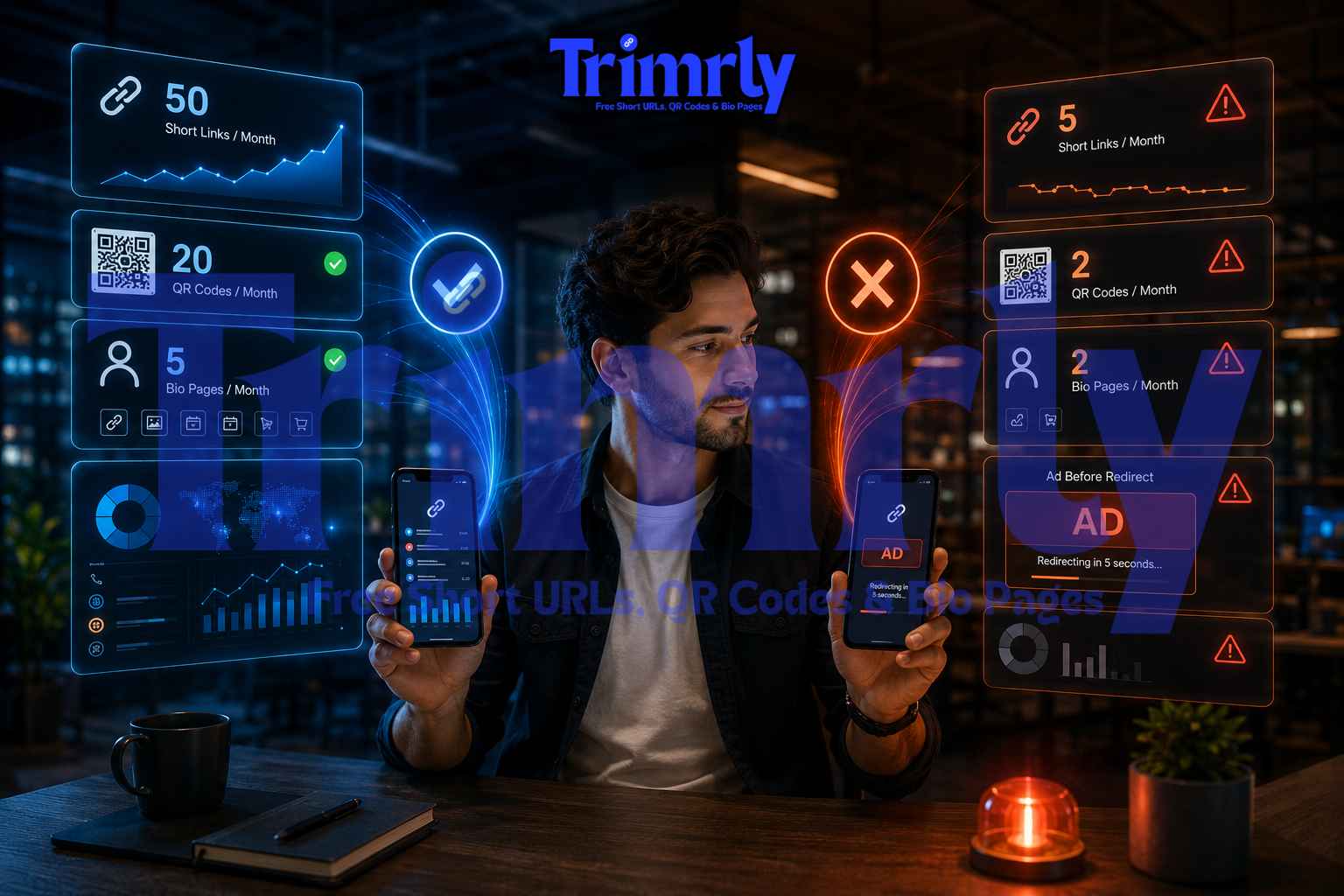
Many bio page tools structure their free plan as a deliberately limited preview designed to create upgrade pressure. Basic analytics, capped customization, paywalled widgets. We took a different approach: the free plan includes the full bio page widget library, from a plain trackable Link to a rectangular-image Featured Link, full analytics with device and location data, and no expiry on historical data, alongside 50 short links and 20 QR codes per month.
The volume limits exist because hosting and infrastructure cost money at scale, and that is a reasonable place to draw a line. But the feature set on the free plan is the same feature set as the paid plans. We would rather have someone use the full product within a usage limit than use a stripped version of the product indefinitely.
One Account. Bio Pages, Short Links, QR Codes.
Free plan includes 5 bio pages, 50 short links, and 20 dynamic QR codes per month, with shared analytics across every channel. No credit card.
When Linktree Is Still the Right Choice
It would be dishonest to write this article without being clear about who Linktree still serves well. Not every Linktree user should switch, and there are situations where staying is the rational choice.
- ✓
Your audience already knows your Linktree URL by heart. If it is printed on merchandise, embedded in years of YouTube descriptions, and referenced across podcast episodes, the switching cost of changing that URL may outweigh the benefit of consolidation, at least in the short term.
- ✓
You genuinely only need a bio page. If you have no print materials, no QR code use case, and never share short links outside your bio page, the consolidation argument carries less weight for you specifically. A dedicated bio page tool is not the wrong tool for a single-surface need.
- ✓
You need a specific integration Linktree offers that we do not yet support. Linktree's paid plans include integrations with Zapier, Mailchimp, and Calendly that have matured over several years. If your workflow depends specifically on one of these integrations, evaluate whether the switching cost makes sense for your situation right now.
What the Feature Comparison Actually Looks Like
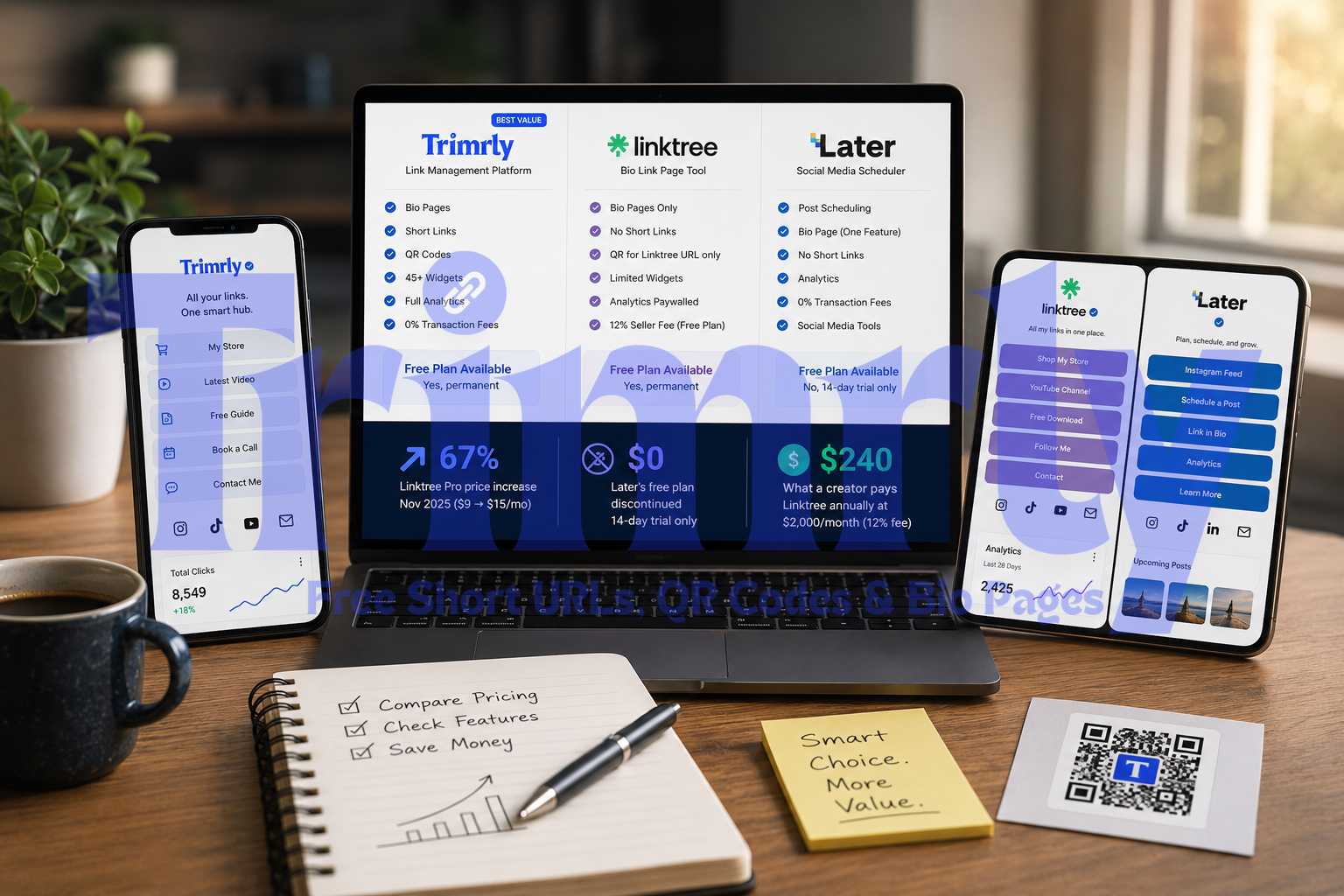
| Capability | Trimrly | Linktree |
|---|---|---|
| Bio page with multiple widgets | Yes, 46+ widgets free | Yes, core product |
| Native URL shortener in the same account | Yes, 50/month free | Separate sister-domain tool |
| Dynamic QR code generator in the same account | Yes, 20/month free | Static QR for bio URL only |
| Shared analytics across bio, links, and QR | Yes, one dashboard | Bio page analytics only |
| Full analytics depth on free plan | Device, country, referrer | Clicks and views, 28 days only |
| Transaction fee on sales | 0% | 12% free / 9% paid |
| Brand recognition and user base | Growing | 70M+ users globally |
| Zapier, Mailchimp integrations | Not yet | Yes, paid plans |
"We did not build Trimrly to be a Linktree clone. We built it because the bio page was never the whole problem, and we wanted to solve the whole problem in one place."
What This Means If You Are Switching
If you decide the consolidated approach fits your situation, the switch itself is simple. Create a free Trimrly account, build your bio page with the widgets you need, and update the single link in your Instagram, TikTok, or YouTube bio to your new Trimrly URL. Your audience sees no disruption beyond a single link update, and from that point forward, every link you share, whether on a bio page, in a text message, or printed on a flyer, lives in the same dashboard with the same depth of data.
For businesses already running QR codes through one tool and a bio page through another, the consolidation pays off immediately: the first month of combined analytics typically reveals at least one insight that was invisible while the data was split across separate dashboards. A retail business might discover their in-store QR code drives three times more engagement than their Instagram bio link, or a restaurant might find their WhatsApp short link converts at twice the rate of their bio page button. Those comparisons are not possible when the data lives in separate, disconnected tools.
Frequently Asked Questions
No. Trimrly is built for people and businesses who manage links across multiple surfaces: bio pages, short links for social and messaging, and QR codes for print or physical placements. If your only need is a single bio page with no other link management requirements, a dedicated bio page tool like Linktree remains a reasonable choice. Trimrly's value is clearest for anyone who is currently juggling separate tools for these different surfaces and wants one dashboard instead.
Linktree added a URL shortener on a separate sister domain (tr.ee) with the ability to automatically add UTM parameters, but it functions as a secondary tool rather than being integrated into the core Linktree bio page dashboard. Linktree's QR code functionality is limited to generating a static QR code for your bio page URL itself, not a general-purpose dynamic QR code generator for arbitrary print materials or campaigns with independent analytics.
When bio page clicks, short link clicks, and QR scans live in separate tools, there is no way to directly compare which channel is actually driving the most engagement without manually combining data from multiple dashboards. A combined platform lets you see, in one view, that your print QR code generated more unique visits than your Instagram bio link last month, which directly informs where to invest future marketing effort. Separate tools make this comparison either impossible or so manually effortful that most people never do it.
The switch itself takes about 10 minutes. Create a free Trimrly account, build your bio page with the widgets and links you need, copy the new Trimrly bio page URL, and update the single link field in your Instagram, TikTok, or YouTube profile. Your followers see no disruption beyond a single link change, which takes effect the next time they tap your bio link. Existing Linktree content can remain live during the transition with no urgency to delete it immediately.
Yes. Trimrly's free plan includes 5 bio pages per month with all 46+ widgets unlocked, 50 short links per month, and 20 dynamic QR codes per month, all with full analytics including device, country, and referrer data stored permanently with no expiry. No credit card is required. The free plan is limited by monthly volume, not by feature access, meaning every feature available on paid plans is also available on the free plan within those usage limits.