TL;DR: Long links look messy and often break in messages. Shortening a URL turns a 100-character string into a clean, clickable link that tracks how many people clicked it. You can do this in seconds without an account.
Why Long Links Need to Shrink
Have you ever tried to send a link to a friend, only to have it take up the entire phone screen? It is annoying. Most web addresses are packed with tracking codes and random gibberish. These help sites function but make sharing a total mess. When you copy a link from a big store or a search engine, it might be three lines long. This is a problem for everyone.
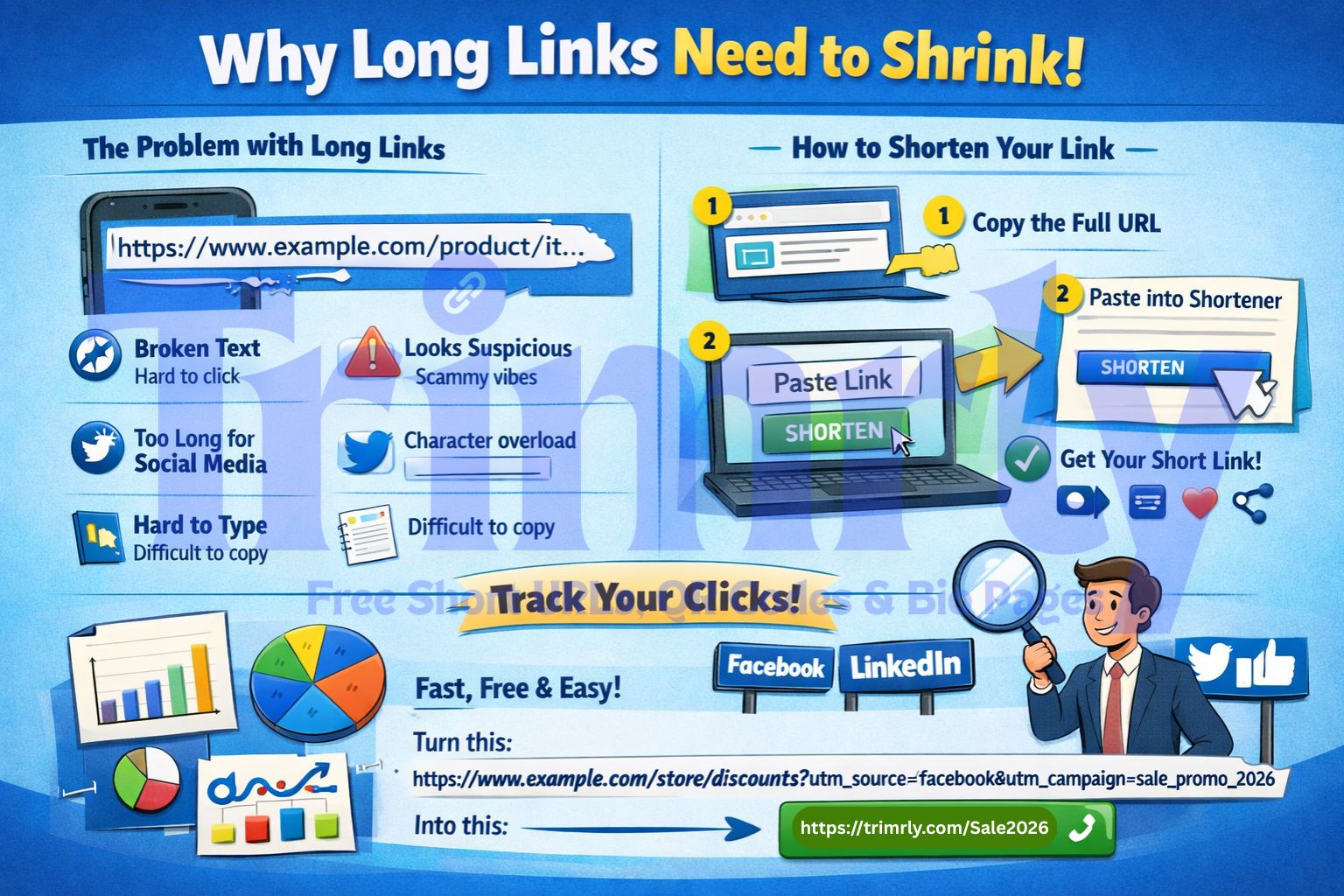
A long link often:
- Snaps in half when sent via SMS. One part is blue, the other is black text. It just won't work.
- Looks like a scam. Cluttered text makes people nervous about their digital safety.
- Eats up your character count on social media.
- Is a nightmare to type out if someone sees it on a poster.
Using a link management tool swaps that chaos for a neat URL. It makes you look like you know what you are doing. Plus, people are much more likely to click something that looks clean. It creates an immediate sense of trust between you and your audience.
Step-by-Step: How to Shorten Any Link
You do not need to be a tech genius to fix your links. My grandmother could do this. It takes about thirty seconds. Follow these three steps.
1. Copy Your Source URL
Find the page you want to share. Click the bar at the top of your browser. Copy the whole thing. Do not leave out the https:// part. That bit is the security handshake for the web. Without it, the link might fail on some phones or appear as an unclickable string of text.
2. Paste into the Shortener
Open the homepage and find the big box. Paste your long link right there. You do not even need to sign up for a basic link. If you have fifty links to track, maybe make an account later, but for now, just paste and go. It is designed to be frictionless.
3. Generate and Share
Hit the button. Boom. You have a tiny link. Copy it. Now, go put it in your Instagram bio, an email, or a text. Always click it once yourself just to be 100% sure it goes where it should. There is nothing worse than sending a dead link to a thousand people and having to send a "correction" email ten minutes later.
The Benefit of Tracking Your Clicks
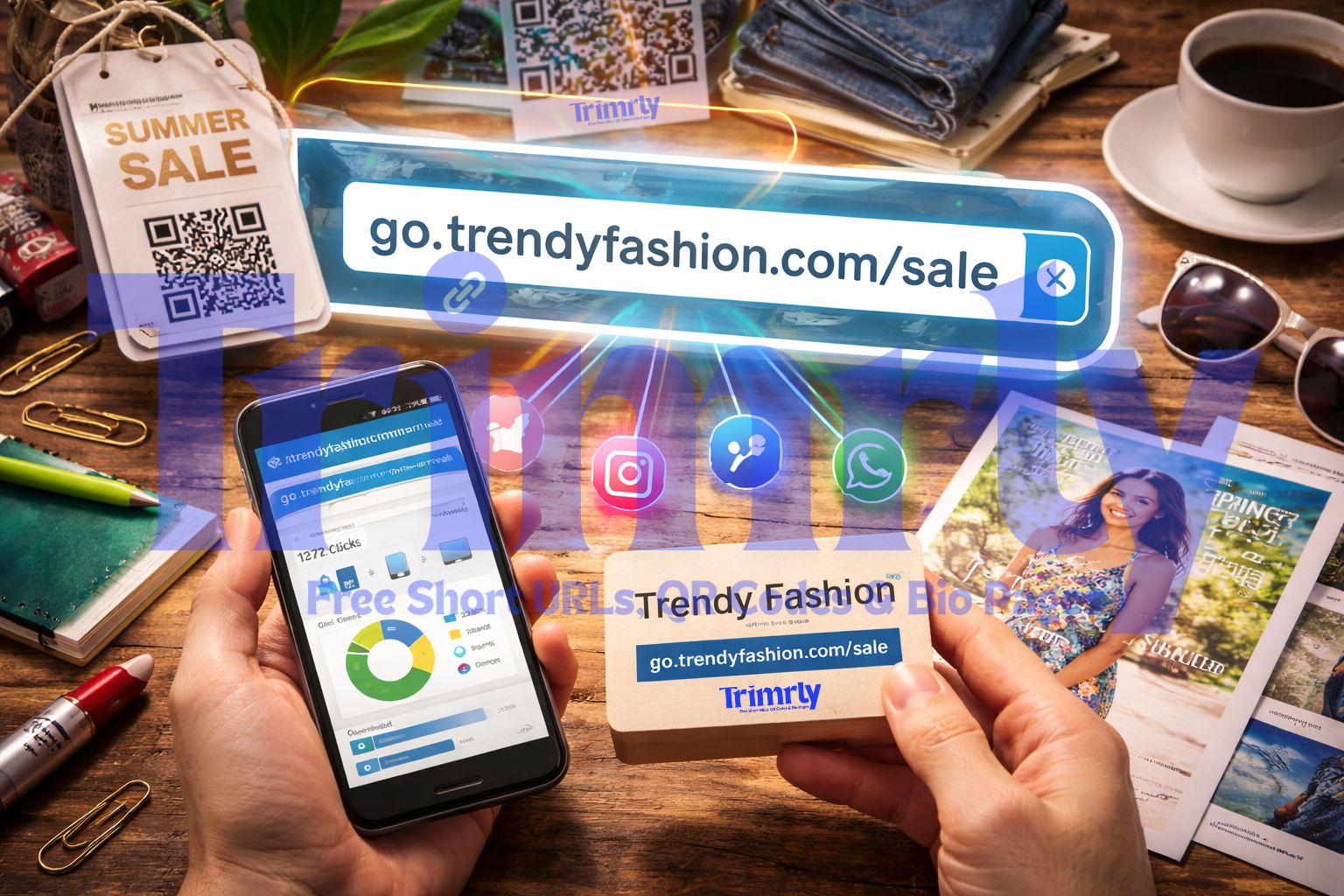
The real magic isn't just the size of the link. It is the data. When you share a regular link, you are flying blind. Short links give you a dashboard. You can see how many people clicked. You can see what time they clicked. This is huge for anyone with a business.
Imagine sharing one link on Facebook and another on LinkedIn. If you use two different short links, you can see which site actually brings in customers. Stop wasting time on platforms that don't work. Let the data tell you the truth. In the world of marketing, guessing is expensive. Data is free.
Why Branding Your Links Matters
A random string of letters at the end of a link is fine for a quick text. But if you are building a brand, you want a custom alias. Instead of a random code, use a word that relates to your content. Custom links build trust. People click because they see your name in the URL. It stays in their head. It looks professional. It says you care about the details, which is a rare trait in the digital age.
Understanding UTM Parameters and Short Links
Marketing pros use things called UTM tags. These are long snippets of code added to a URL to tell analytics software exactly where a visitor originated. The downside? They make a link look like a giant block of code that scares away regular users.
By shortening a link with UTM tags, you keep the deep tracking but hide the mess. It is a win-win. You get the data, and your audience gets a clean link. This is a must for any real digital campaign in 2026. If you aren't using UTMs with shorteners, you're missing half the story of your traffic.
Real-World Applications for Shortened URLs
Think outside of social media for a second. Short links are versatile tools for almost every industry:
- Direct Mail: If you send a flyer, a short link is easy for a human to type into a phone.
- Podcasts: Tell your listeners to go to a short, memorable link. They won't remember a 200-character URL while they're driving.
- Resumes: Put a clean link to your portfolio on your CV. It looks much better than a raw Google Drive link.
- QR Codes: Every QR code should point to a short link. This makes the code easier for cameras to scan because the pattern is less complex.
Common Mistakes to Avoid
Don't shorten a link that is already short. This creates a "daisy chain" of redirects. It slows down the loading time. Nobody likes a slow website. Use the original long link every time to ensure the fastest possible experience for your user.
Also, be careful with private info. Short links are public by nature. If you put a link to a private document in a shortener, anyone who guesses the code could theoretically see it. Use them for public content and marketing materials only.
Frequently Asked Questions
Do shortened links expire?
Most stay active forever. Your links won't suddenly stop working after a year. This is great for "evergreen" content like YouTube descriptions that might be viewed for years to come.
Is it free?
Yes. Basic shortening and tracking won't cost you a penny. No hidden fees or credit cards are needed for the basics. You can start improving your links right now.
Can I change the destination later?
Only if you use a "Dynamic" link. These are great because if the destination website changes, you can update the link without needing to share a new one with your followers.
Does it hurt SEO?
Nope. A 301 redirect tells search engines that the "juice" should pass to the final page. It is perfectly safe for your rankings and highly recommended for social sharing.