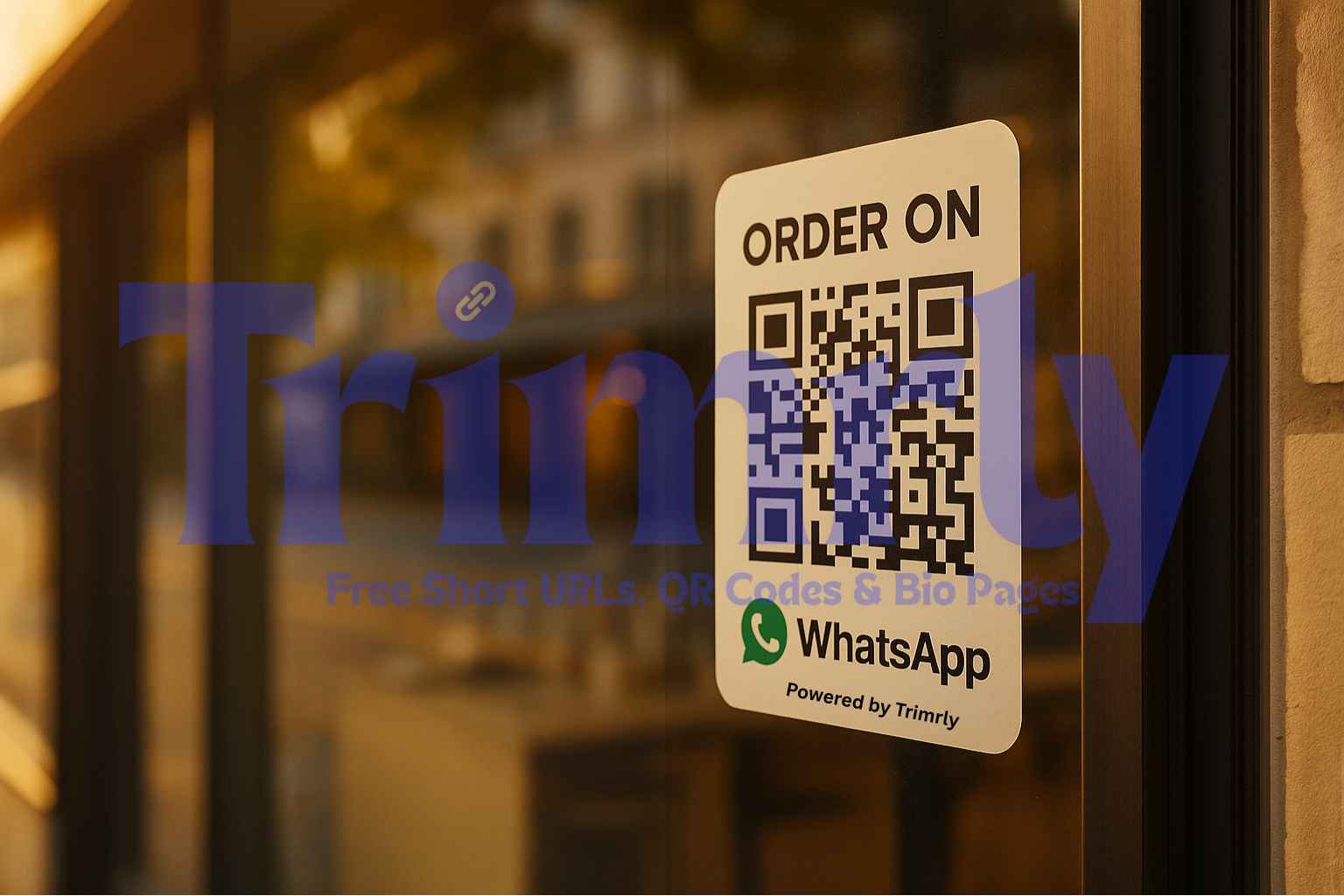
Local customers notice your flyer, scan a QR, and message you on WhatsApp. You reply in minutes, take the order or booking, and save the contact for the next promo. This is a simple street-level funnel that any small business can run with Trimrly.
Trimrly is Always Free for core tools. Generate QRs, short links, and bio pages without fees on the basics.
Why a QR plus WhatsApp funnel works for local buyers
People want quick answers. A phone call can feel heavy. A website form can feel slow. A WhatsApp chat is easy and personal. If a flyer sends someone straight into your chat with a single scan, they are more likely to ask a question and move forward. This is perfect for cafes, salons, gyms, clinics, repair shops, delivery kitchens, and weekend markets.
What you need before you print a single flyer
- A WhatsApp deep link that opens your chat with a pre-filled message like "Hi, I saw your flyer. I would like to book a slot on Saturday."
- A dynamic QR made in Trimrly so you can update the destination later without reprinting.
- A short link printed under the QR. This covers the few people who prefer to type rather than scan.
- Simple UTM presets so you can see which flyer or area worked best inside analytics.
The local SMB funnel you can copy today
| Step | What happens | Trimrly tool | Result |
|---|---|---|---|
| Flyer reach | Flyers at the counter, door, street boards, mail drops | Dynamic QR + short link | ✅ Instant scan or quick typing option |
| Tap to chat | QR opens WhatsApp with a pre-filled message | Deep link via Trimrly | ✅ Low friction contact |
| Fast reply | Template answers for price, hours, menu, booking link | Saved replies in WhatsApp | ✅ Faster decisions |
| Secure payment | Send a checkout link or cash on pickup | Existing payment tool | ✅ Closed sale |
| Follow-up | Save contact and send a thank you with a coupon | Short link with UTMs | ✅ Repeat business |
How to create a WhatsApp QR in minutes
- Write the pre-filled text you want customers to send. Keep it short and clear. Example: "Hi, I want a haircut appointment at 5 pm."
- Open the Trimrly QR generator. Choose WhatsApp and paste your business number with the text.
- Turn on dynamic so you can change the message later. This is useful for seasonal offers or menu updates.
- Create a short link that points to the same deep link. Print the short link under the QR for accessibility.
- Download the QR as SVG for crisp printing and PNG for social posts.
What to print on the flyer
- Clear headline that names the offer or service.
- Short benefit list with three quick bullets only.
- QR with call to action like Scan to WhatsApp for a quote.
- Short link below the QR so no one is stuck if scanning fails.
- Small legal or timing note if needed.
Offer examples that convert well on WhatsApp
| Type of business | Pre-filled chat text | What to reply | Outcome |
|---|---|---|---|
| Cafe | "Hi, I saw the flyer. Can I pre-order the lunch deal for pickup at 1 pm?" | Menu photo, total price, pickup time, pay link | ✅ Faster line and more orders |
| Salon | "Hi, I want a haircut on Saturday. Any slots?" | Available times, quick booking link, stylist note | ✅ Confirmed booking |
| Gym | "Hi, I want a 7 day trial. What is included?" | Trial details, class schedule, join button | ✅ Trial starts and new member path |
| Repair shop | "Hi, my phone screen is cracked. Price and time?" | Price range, time estimate, location pin | ✅ Walk in or booked slot |
| Clinic | "Hi, I need a consultation. Earliest appointment please." | Available date, prep note, secure intake link | ✅ Scheduled visit |
Follow-up that feels helpful not pushy
Once a chat turns into an order or booking, thank the customer and ask for permission to send one useful update in the future. Save the contact with a clear label. Two days after a positive visit, send a short message with a small coupon or tip. Link it with a Trimrly short link so you can see click throughs by segment and by neighborhood.
Copy and adapt these WhatsApp follow-ups
- Thank you note - Thanks for visiting. If you enjoyed the service, here is a 10 percent coupon for next time: trimrly.com.
- Reminder - Your haircut is due in two weeks. Want the same time as last month?
- Menu drop - New lunch bowls just landed. Scan to order in under a minute: short link.
How to measure what is working
- Use UTM presets so all flyers in one area share the same source and medium. Keep the campaign name simple and readable.
- Track total scans and clicks inside the Trimrly dashboard. Look at daily trends and top locations.
- Save a one line outcome in your chat CRM or phone contacts. Sold, booked, or asked a question only.
- After one week, reprint the winning headline and rotate a new offer into low performing areas.
Common mistakes and quick fixes
| Problem | Why it happens | Fix in Trimrly | Result |
|---|---|---|---|
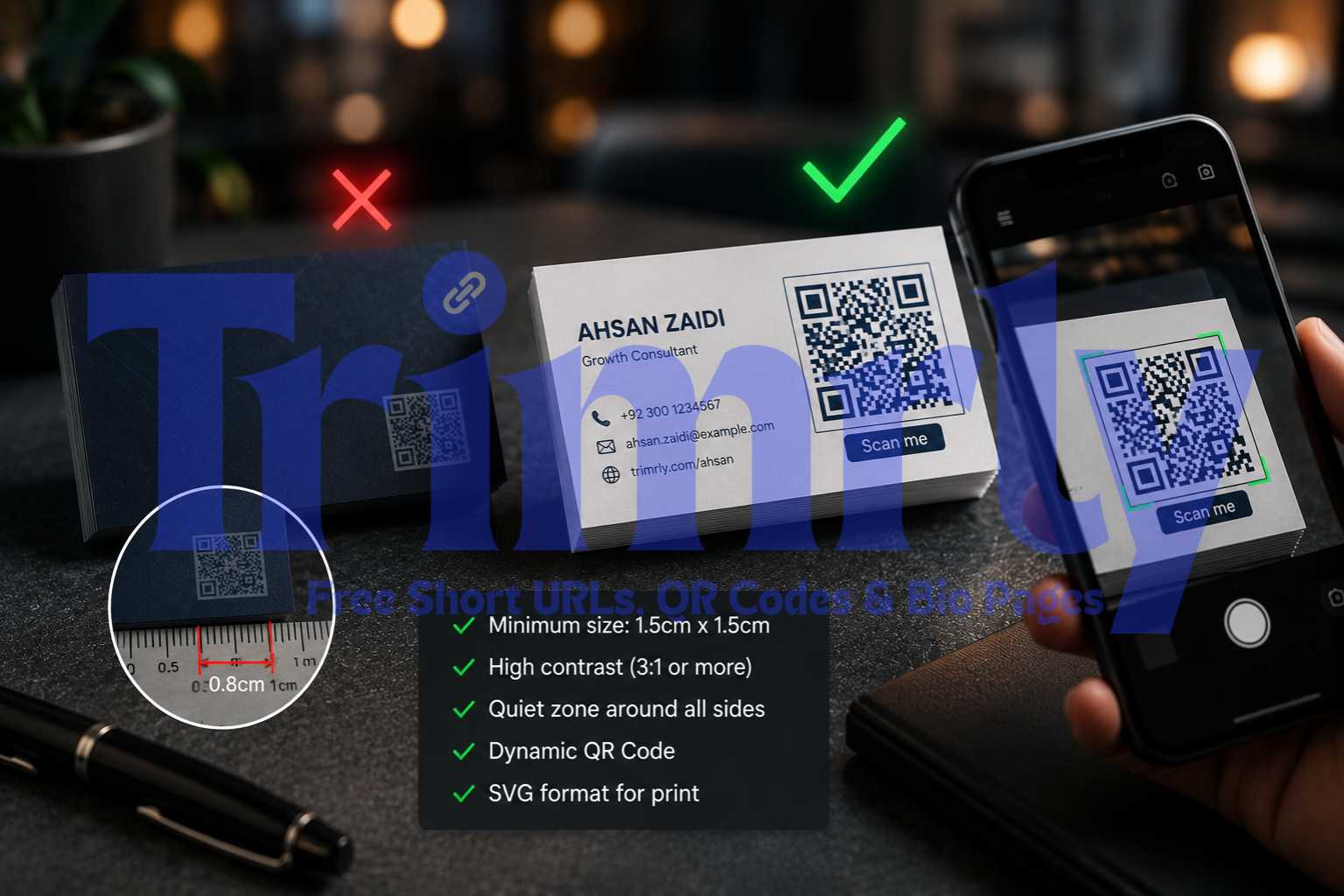
| Tiny QR on a busy flyer | Low contrast and not enough quiet space | Export a larger QR and keep a white margin around it | ✅ Higher scan rate |
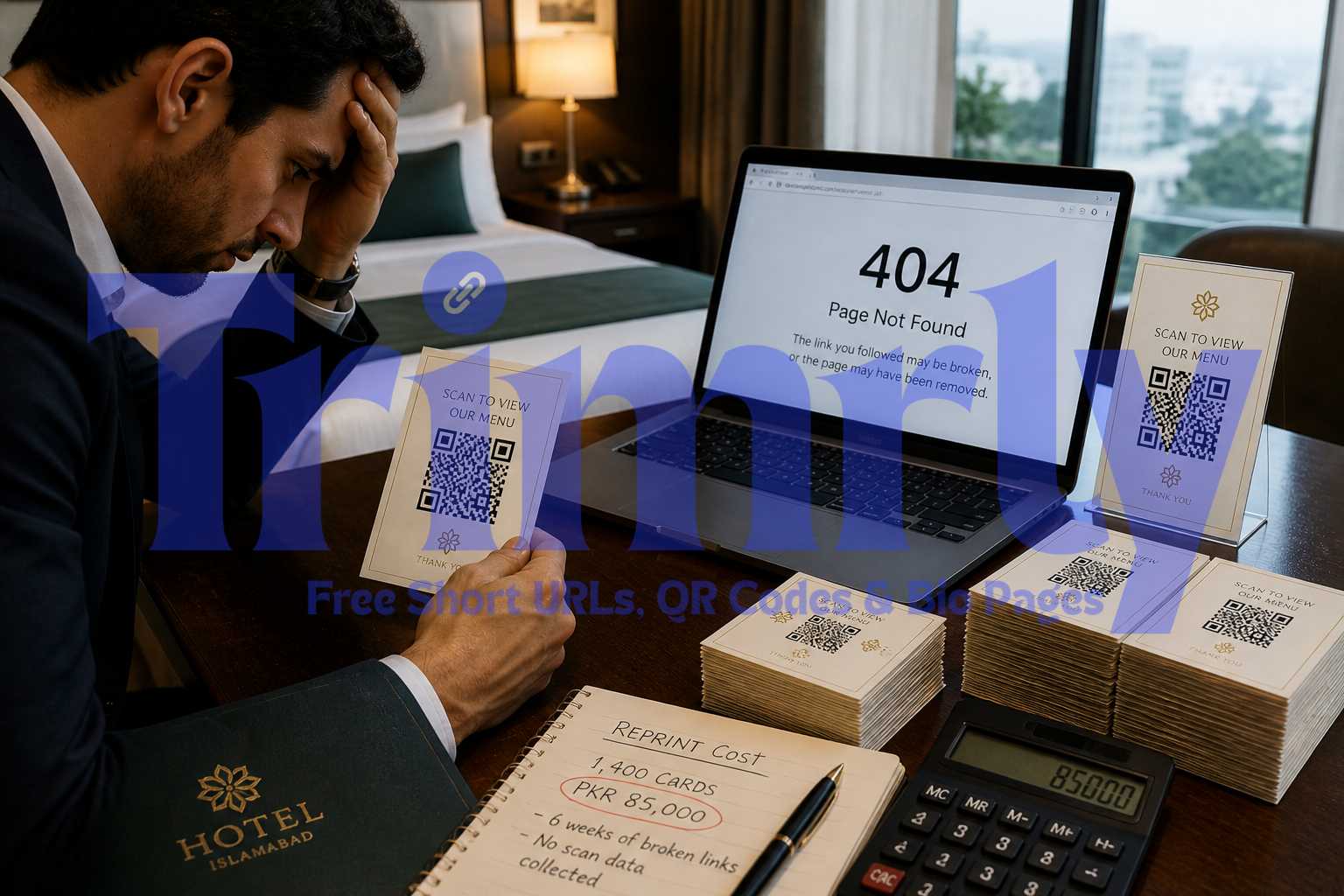
| Wrong chat message | Link copied with a typo | Use dynamic and update the destination without reprint | ✅ Correct inquiry text |
| No plan for non scanners | Only a QR on the flyer | Print a short link below the code | ✅ More conversions from all segments |
| Messy attribution | UTMs not consistent | Apply a preset that matches your UTM rules | ✅ Clean reports |
Set this up in one afternoon
- Write the pre-filled WhatsApp message and create the link in Trimrly.
- Generate a dynamic QR and a short link with UTMs for your area.
- Design a simple flyer with a strong headline and QR call to action.
- Print ten copies and place them where your customers already look.
- Reply fast and record outcomes. Reprint with the winning message by next week.
FAQs
Can I change the WhatsApp message after printing the flyer
Yes. Use a dynamic QR in Trimrly and edit the destination any time. Your printed code will continue to work.
What if customers prefer SMS or phone instead of WhatsApp
Create a short link that opens a web page with two buttons. One taps to WhatsApp. The other taps to call. Print the short link under the QR so both paths are covered.
How do I track which area works best
Use UTM presets with the area name. For example, utm_campaign=market-street. Compare scans and bookings each week and move budget to the top location.
Is a QR safe for health or clinic use
Yes for general inquiries. For personal data, send people to a secure form first, then continue the chat. Keep public flyers simple and keep medical details in private channels only.
Can I pair this with a bio page
Yes. Build a simple bio page in Trimrly that shows your hours, menu, map, and a WhatsApp button. Use the same short link and QR across all assets.