The bottleneck at the entrance. The cash-only merch table with a queue stretching back thirty metres. The post-event silence — an inbox full of business cards from people whose names you cannot match to faces, and no way to know which sessions attendees actually engaged with.
These are the three chronic pain points of event management. They have existed for as long as events have. And in 2026, all three have the same solution: a QR code, placed in the right location, pointing to the right destination, tracked in real time.
According to Bitly's 2025 QR Code Survey, 43% of marketers now use QR codes specifically for events, making it the third most common deployment channel behind email and product packaging. 94% of marketers increased their QR code usage in the past 12 months, and 86% plan further increases in 2026. This is not a trend heading toward adoption. It is a standard that is already in place — and events that are not using QR codes systematically are already operating below the industry norm.
This guide covers the complete event QR playbook: check-in infrastructure, merchandise and commerce, in-event engagement, and the post-event retargeting strategy that most event organisers leave entirely on the table.
The Full Event QR Journey: Before, During, and After
Most event organisers deploy QR codes reactively — a code on the ticket for check-in, maybe a code on the programme. The strategic approach is different: QR codes handle the full attendee journey across three phases, and each phase feeds the next with data, engagement signals, and retargeting material.
Stage One: QR Code Check-In That Actually Works
The first impression of any event is the entry experience. A queue of 200 people checking in against a printed list, while staff with clipboards find names one by one, communicates to every attendee in that queue: this event is not organised. It is also inefficient at a scale that is measurable: one LinkedIn case study found that QR check-in reduced wait times by 70% at a 2,000-person conference.
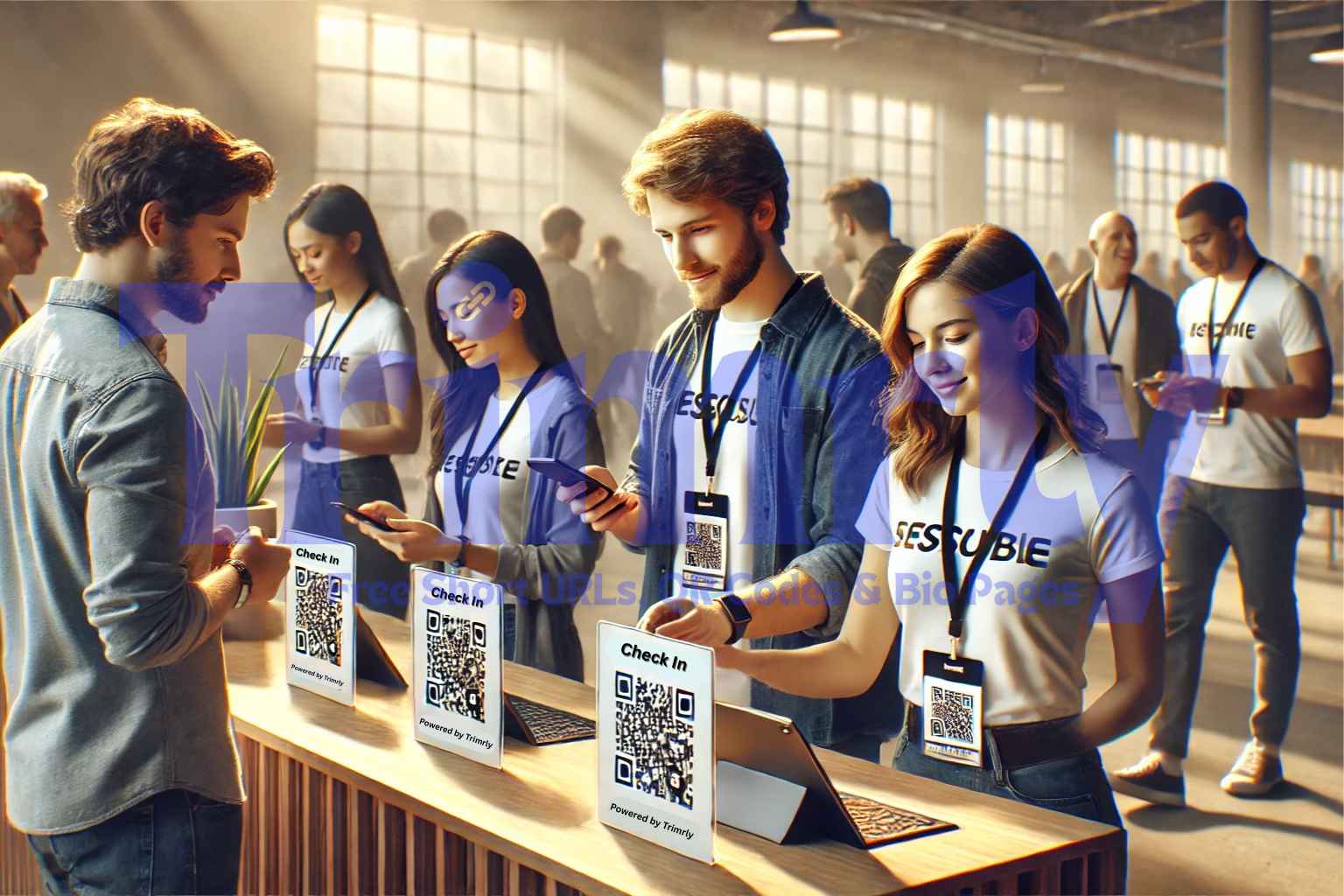
Scanning a unique attendee QR code takes seconds compared to manual name-list checking, and systems with integrated badge printing can produce personalised badges in under 3 seconds per attendee — eliminating the bottleneck that plagues paper-based check-in. The logic is straightforward: a phone camera processes a QR code faster than a human eye reads a name on a list.
How to Set Up QR Check-In Without Specialist Software
Generate a unique QR code per attendee linked to their registration data
Each QR code encodes a short link — such as
trimrly.com/event-checkin-[attendeeID]— that resolves to a confirmation page showing the attendee's name, ticket type, and any access permissions (VIP, general, workshop). Scan the code, the page loads, staff confirms the details. No list. No search. No delay. For large events, dedicated check-in apps (Eventbrite, Whova, Cvent) handle this natively. For smaller events, a dynamic short link per attendee achieves the same result with any smartphone camera.Use multiple entry lanes with dedicated scanners per lane
A single scanning station at a 300-person event creates its own queue. The correct setup is one scanning station per 75–100 expected attendees per hour, with each station operating independently. Tablet-based scanning apps process codes faster than handheld barcode scanners and allow staff to see attendee information on-screen simultaneously. For outdoor events, ensure scanning stations are positioned away from direct sunlight, which can wash out QR codes displayed on phone screens.
Use dynamic QR codes so last-minute changes do not break the system
A dynamic Trimrly QR code lets you update the destination in seconds. If a venue changes, a session is cancelled, or an access tier needs updating, you change the destination URL — the printed or emailed QR code stays identical and points to the new information automatically. Static QR codes break permanently when the destination changes, which is why dynamic codes are the only safe choice for any operational event infrastructure.
Track scan timestamps for real-time arrival data
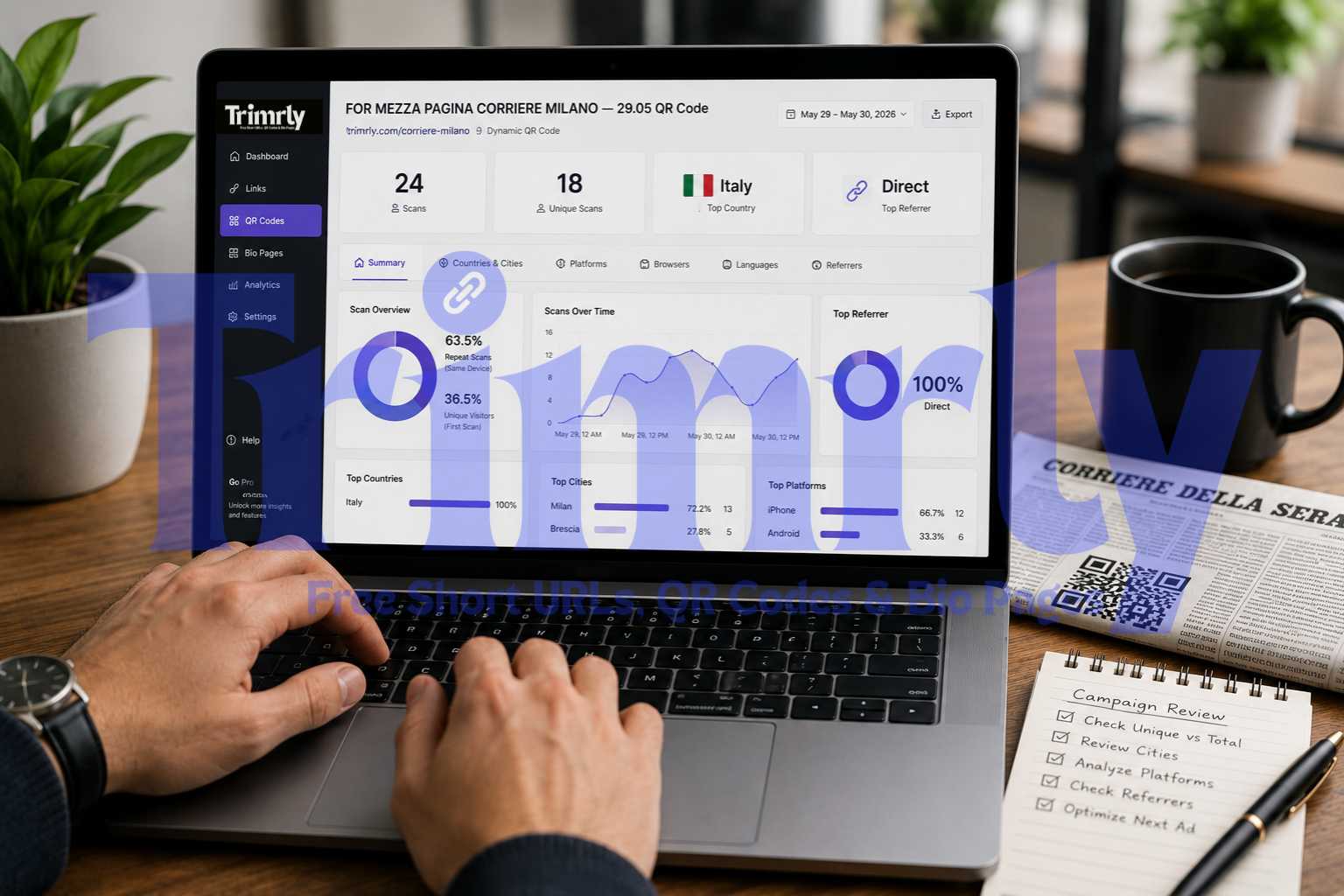
Every check-in scan generates a timestamp in your Trimrly dashboard. For a multi-hour event, this creates a real-time arrival curve — you see exactly when guests arrive, allowing you to dynamically staff the entry lanes appropriately. For multi-day events, create a different QR code alias per day (
/event-day1,/event-day2) to track daily attendance patterns independently and identify no-show rates per day.
Every attendee who scans a check-in QR generates a data point: arrival time, device type, and confirmation of attendance. Scan data can be integrated into CRM and MAP platforms to support lead scoring, segmentation, and follow-up. For B2B events, attendance confirmation is the first behavioural signal in a post-event nurture sequence. For consumer events, it is the foundation of the retargeting audience. The check-in QR is not just operational infrastructure — it is the opening data collection point of a post-event marketing campaign.
Stage Two: The QR Merch Table — Commerce Without Queues or Cash
The merch table is one of the highest-revenue-per-square-metre surfaces at any event. It is also, almost universally, the most poorly managed. Cash-only transactions create change problems. Card readers require cell signal. Physical queues form at peak moments — directly after the headliner, directly after the keynote — and attendees who cannot be served immediately walk away with money still in their pocket.
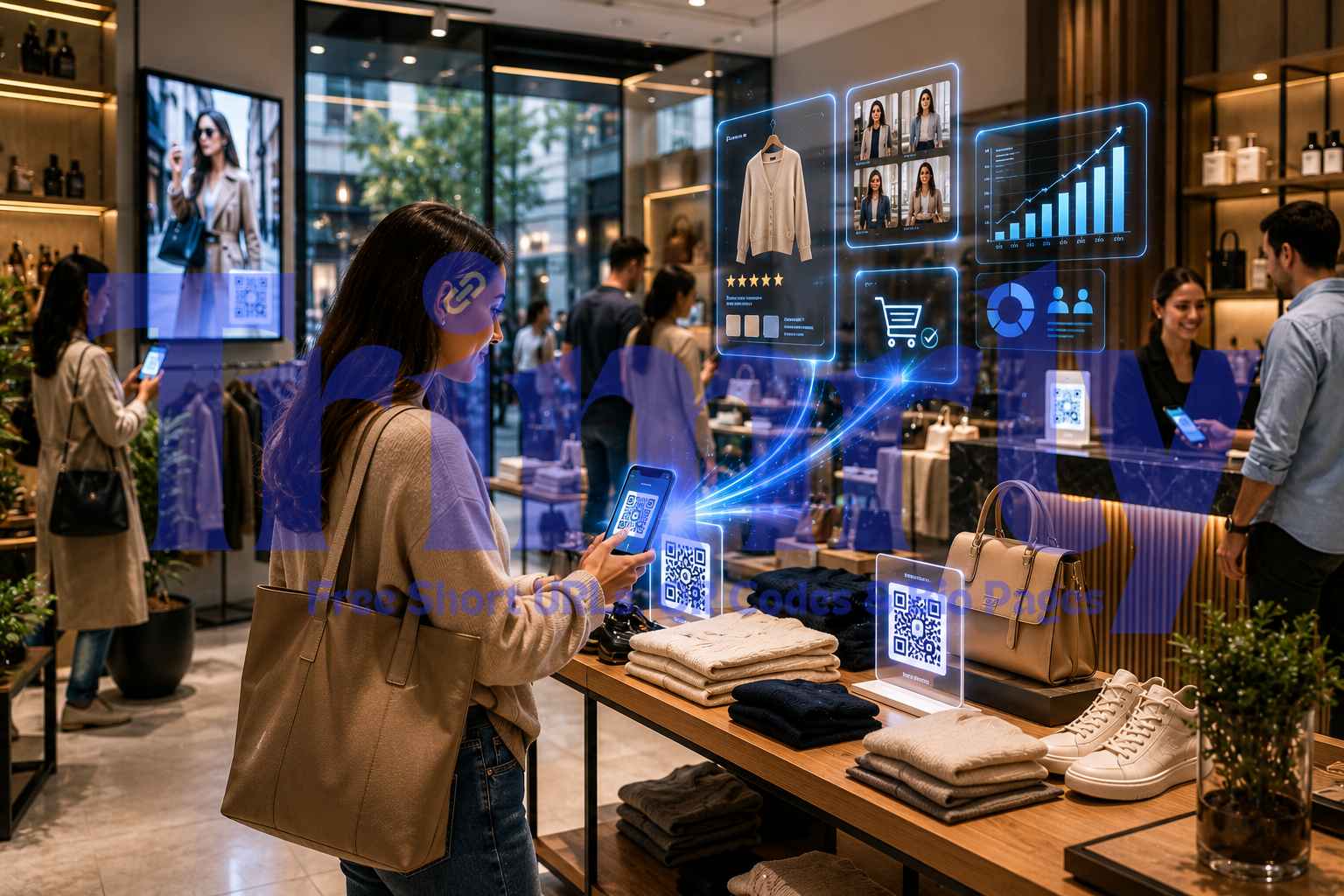
Attendees browse sizes and styles, complete purchases on their own device, and collect items — eliminating cash handling and reducing physical queue pressure at merchandise tables. A QR code at the merch table that points to a mobile shop does not replace the table — it extends it. Every attendee who scans can browse and order from wherever they are standing. Peak-moment queue pressure distributes across the venue rather than concentrating at one physical point.
Merch Table Sign
A sign at the merch table: "Browse all sizes and styles — scan to order from your phone, collect here." Eliminates the "you don't have my size" problem and the change-for-cash problem in a single QR code. Orders are queued digitally; staff fulfil from stock rather than managing real-time transactions.
Primary commerce point
Seat or Table QR
For festivals, conference dining, and seated events: a QR at each seat or table allows food, drink, and merchandise orders without leaving the seat. For venue operators, this increases average order value by removing the friction of having to queue while something interesting is happening on stage.
Reduces abandonment
Merch Insert with Purchased Item
A QR code printed on the insert card inside any physical purchase links to the digital catalogue, the loyalty programme, or an exclusive discount code for the next event. Every item sold becomes a future purchase touchpoint. The QR code on a t-shirt tag keeps working weeks after the event.
Post-event reach
Entry Corridor or Lobby
Displaying merch QR codes in the entry corridor or lobby means attendees can browse and place orders before they reach the physical merch area. Early orders can be pre-prepared and waiting for collection, reducing peak-window fulfilment pressure when demand concentrates at entry and exit moments.
Pre-queues the queue
Photo Opportunity Activation
Photo moments — a branded backdrop, a themed installation, a selfie wall — generate natural phone-out moments. A QR code at the photo activation ("scan to tag us and get 15% off merch") capitalises on an already-engaged, phone-in-hand audience at their most emotionally positive moment of the event.
Emotion-peak timing
Stage or Screen Display
A QR code on the stage screen or backdrop between sessions, with a "limited-time event exclusive" CTA, generates orders during transition periods when attendees are phone-in-hand waiting for the next session to begin. Flash exclusives tied to the on-screen QR create urgency that standalone merch table signage cannot replicate.
Maximum eyeballs
What a Full QR Event System Looks Like in Practice
From 45-Minute Check-In Queues to 8-Minute Average Wait — and 340 Post-Event Leads
A UK-based B2B technology conference with 2,000 registered attendees had a consistent check-in problem: a 40-to-45-minute average wait at peak arrival (the 30-minute window before the opening keynote), two staff members running out of printed lists, and an annual complaint theme in post-event surveys centred almost entirely on entry experience.
For the 2025 edition, the organiser implemented a four-layer QR strategy. Each registration confirmation email included a unique Trimrly QR code as the attendee's ticket. Five dedicated scanning stations — two iPads each — were deployed at entry, with staff scanning codes and the screen confirming attendance and badge type. Average wait time dropped to 8 minutes. The check-in queue complaint disappeared from the post-event survey for the first time.
During the event, each of 14 session rooms had a unique QR code on the door. Attendees who scanned on entry were logging session participation data — not as a requirement, but as an opt-in through a "scan to add to your personal agenda" mechanism. 1,340 of 2,000 attendees scanned at least one session. Post-event, the organiser had a session-by-session attendance breakdown and used it to send personalised follow-up emails referencing the exact sessions each attendee had entered.
The sponsor exhibition used QR codes at each booth rather than paper lead-capture forms. Specific calls-to-action increased scan rates by up to 37% — booths that replaced "scan me" with "scan to download the 2026 Benchmark Report" consistently outperformed generic codes. Total sponsor leads collected digitally: 1,870. Total contacts from the same event the prior year, using paper forms: 420.
Stage Three: Post-Event Retargeting — The Part Most Organisers Skip
The event ends. Attendees leave. Most organisers send a generic "thank you for attending" email to the full list and consider the post-event work done. That approach discards the most valuable asset the event produced: behavioural data about what each attendee actually engaged with.
The real advantage of QR codes is what they unlock after the event. Scans from a product demo can send tailored content based on what was viewed. When QR scans feed directly into your marketing systems, they provide valuable context for sales conversations, lead scoring, and targeted follow-up campaigns.
89% of B2B marketers report that capturing and using event data has positively influenced their marketing strategies. The scan data QR codes generate during an event — which sessions were entered, which booths were visited, which merch items were browsed, which sponsor demonstrations were engaged with — is the foundation of a post-event follow-up strategy that is categorically more effective than a generic broadcast email.
The Post-Event QR Touchpoints That Keep Working
Post-event QR codes are not just digital follow-up links. The most effective post-event QR codes are on physical objects — merchandise, packaging inserts, lanyards, event programmes — that attendees keep and carry. A t-shirt with a QR code on the tag that links to an exclusive members-only discount keeps generating scans for as long as the shirt is worn. Dynamic Trimrly codes let you update that destination every season: same tag, new offer, new campaign.
| Post-Event Touchpoint | What to Link To | Lifespan | Retargeting Value |
|---|---|---|---|
| Thank-you email QR | Photo gallery + session recordings + survey | 24–72 hours | High — immediate engagement window |
| Lanyard / badge QR | Speaker slides, digital programme, next event link | Days to weeks | Medium — kept while relevant |
| Merch tag QR | Loyalty signup, exclusive content, discount code | Months to years | Very high — evergreen reach |
| Printed thank-you card QR | Feedback survey + next event pre-registration | Days to weeks | Medium — depends on open rate |
| Session recording access QR | Gated recording behind email capture | Weeks to months | High — new lead capture post-event |
| Sponsor follow-up QR | Demo booking, whitepaper download, trial signup | Weeks | Very high — warm lead continuation |
Create All Your Event QR Codes Free
Dynamic QR codes that are editable anytime, tracked per scan, downloadable as SVG for perfect print quality, and managed from one dashboard — alongside your short links and bio page. No credit card. No expiry.
QR Code Design and Placement Rules for Events
Event QR codes fail for predictable, preventable reasons. A code that cannot be scanned from the viewing distance, a code with no CTA text, a static code that breaks when a last-minute change is made — all of these are avoidable with a short pre-event checklist.
- ✓
Match code size to viewing distance. A QR code at an entry desk viewed from 50–80 cm: minimum 4 cm × 4 cm. A code on a stage screen viewed from 5 metres: minimum 15–20 cm. A code on a venue billboard viewed from 10+ metres: minimum 40 cm. Always test scan at the actual intended viewing distance — on both iOS and Android — before the event. Print SVG format from Trimrly for sharp output at any size without pixelation.
- ✓
Always include a text CTA above or below the code. Specific calls-to-action can increase scan rates by up to 37%. "Scan me" generates fewer scans than "Scan to download the speaker slides." "Scan to order" generates fewer scans than "Scan to order from your phone — skip the queue." The CTA is the only copy you have to motivate the scan. Make it specific and value-first.
- ✓
Use a unique alias per code per placement. A check-in QR, a merch table QR, and a session QR all pointing to the same destination should still use different Trimrly aliases —
/event-checkin,/event-merch,/event-session-A. This gives you scan data by placement, showing you which surfaces drove the most engagement and informing next-event decisions. Identical QR codes at different placements produce undifferentiated data. - ✓
Use dynamic codes for everything printed. Last-minute venue changes, session reschedules, and speaker substitutions happen at every event. A dynamic Trimrly code updates in 20 seconds from any browser. Every physical code already printed automatically redirects to the new destination. Static codes are permanently broken by any change to the destination URL — making them structurally unsafe for operational event infrastructure.
- ✕
Do not place QR codes in high-traffic transitional zones. QR codes should live where attention is natural — such as demo areas, lounges, and session-entry points. Avoid areas with rushing crowds and transitional spaces where scanning just doesn't make sense. A QR code in a doorway people are rushing through will not get scanned. A QR code at a table where people are sitting, at a display where people are browsing, or at an activation where people are paused will.
- ✕
Do not use dark backgrounds with light QR modules. Inverted QR codes — white or light modules on a dark background — scan unreliably on many phone cameras, particularly in variable event lighting. Always use dark modules on a white or very light background. If your event's brand requires a dark colour scheme, place the QR on a white island within the dark design rather than inverting the code itself.
- ✕
Do not link QR codes to a non-mobile-optimised destination. If a link page takes too long to load, you'll lose visitors. Every destination that an event QR code points to will be accessed from a mobile device, in a venue with variable network quality, often with a short window of attention. A desktop-only page, a slow-loading site, or a form with 12 required fields will lose the majority of the scans your code worked to generate. The destination is at least half the conversion equation.
"The event ends at the venue. The QR code keeps working in the pocket of everyone who scanned it."
Frequently Asked Questions
No. For small to medium events, a dynamic Trimrly short link per attendee — pointed at a simple confirmation page — and a phone camera is sufficient for QR check-in. For larger events with real-time attendance tracking, badge printing, and CRM integration, dedicated event management platforms like Eventbrite, Whova, Cvent, or Fielddrive add those layers. The QR code itself is tool-agnostic — the infrastructure around it scales with your event size and budget.
A static QR code permanently encodes the destination at creation. If anything changes — a URL moves, a session is cancelled, a speaker is substituted — the code is broken forever and everything printed with it must be reprinted. A dynamic QR code from Trimrly stores a short redirect link. The destination can be updated in 20 seconds from any browser. Every physical code automatically points to the new destination without any changes to the printed material. For event use, static codes introduce operational risk that dynamic codes eliminate entirely.
Scan data from event QR codes reveals which sessions, booths, products, and content each attendee engaged with. This behavioural data enables personalised follow-up emails that reference specific interests, audience segmentation for paid retargeting on Meta and LinkedIn, and lead scoring based on demonstrated interest level. Attendees who scanned a product demo QR receive different follow-up than attendees who only scanned at check-in. QR codes on physical merchandise keep generating post-event scans for weeks, providing ongoing data and ongoing touchpoints.
Minimum sizes depend on viewing distance: 2 cm × 2 cm is the absolute floor for codes scanned at very close range (under 20 cm, such as a lanyard badge). For counter or table display at arm's length (50–80 cm), 4 cm × 4 cm is the safe minimum. For stage screens or backdrops viewed from 5 metres, 15–20 cm minimum. For venue exteriors viewed from 10+ metres, 40 cm minimum. Always download QR codes as SVG from Trimrly — vector format prints sharp at any size. Test scan on both iOS and Android before the print run.
You can, but you lose placement-level analytics. Using a unique Trimrly alias per location — /event-checkin, /event-merch, /event-session-A — means your dashboard shows scan volume per placement independently. After the event, you know exactly which surface drove the most scans, which session rooms were busiest, and which merch locations outperformed others. That data improves every future event decision. Identical codes at multiple locations produce aggregate data that cannot be attributed to specific placements.