A boutique clothing store in Nashville, Tennessee had been using the same printed price tags since 2022. Each tag was a small cardstock label with a SKU, a price, and a care symbol. When a customer asked whether a jacket came in other colors, the answer required a staff member. When a customer wanted to know the fabric source, there was no answer at all. When the item sold out, the tag stayed on the rack until someone remembered to remove it.
The store owner added QR codes to every tag over one weekend, linking to a product page on their Shopify store. Customers could now check other colorways, read fabric details, see real customer photos, and add items to a wishlist for out-of-stock sizes. Staff time spent answering basic product questions dropped. The store's first month of scan data showed 340 unique code scans from in-store customers, 23% of whom clicked through to the full product page and 11% of those converted to an online purchase within 48 hours from a size that was not available in-store.
That outcome started with a single tag QR code. It revealed a conversion pathway the store had not known existed.
Where QR Codes Live in a Modern Retail Store
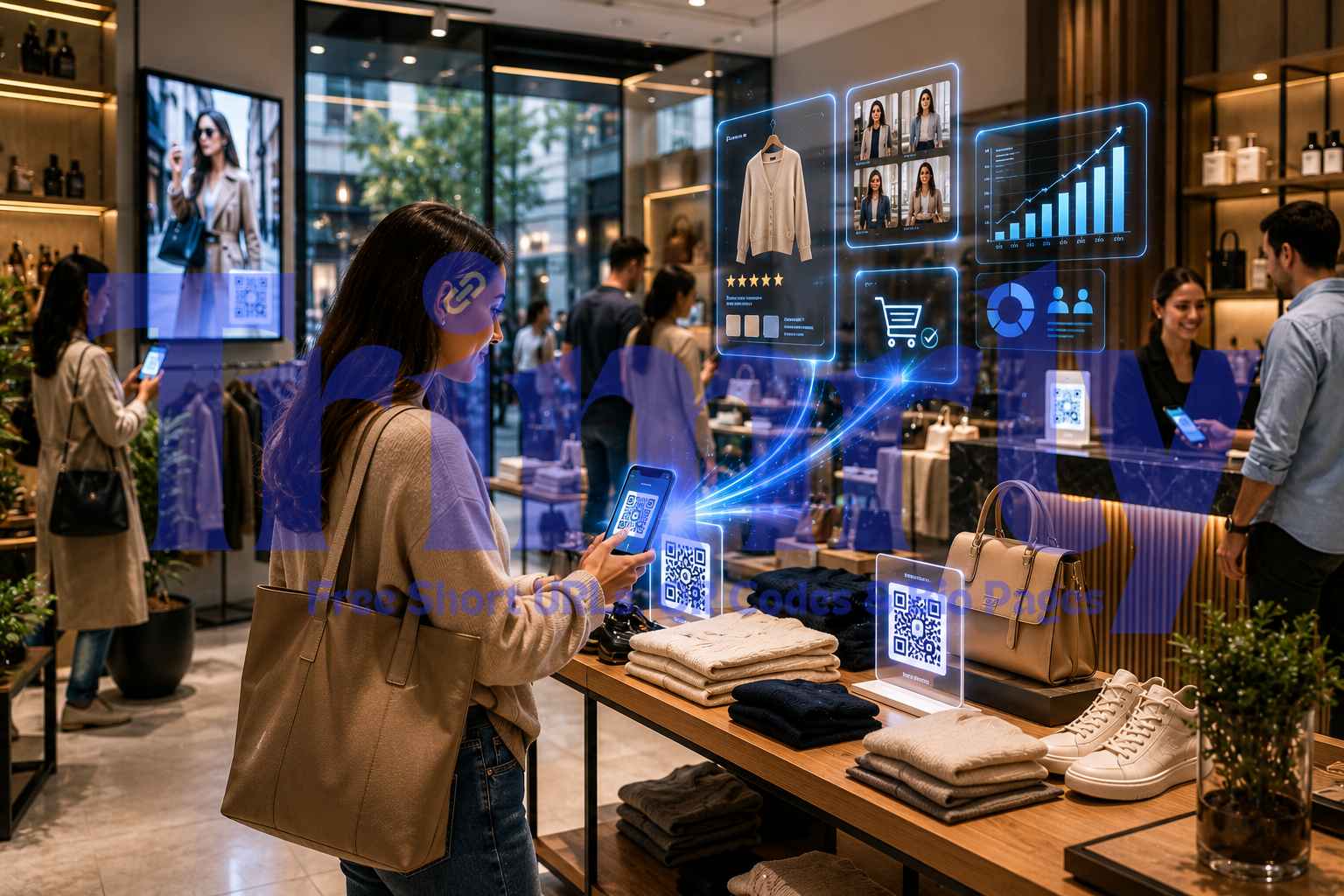
Before covering specific use cases, it helps to see the full physical map of where QR codes can operate in a retail environment. Most retailers start with one or two placements and discover others over time. Here is the complete picture.
The 8 Retail QR Code Use Cases That Drive Measurable Results
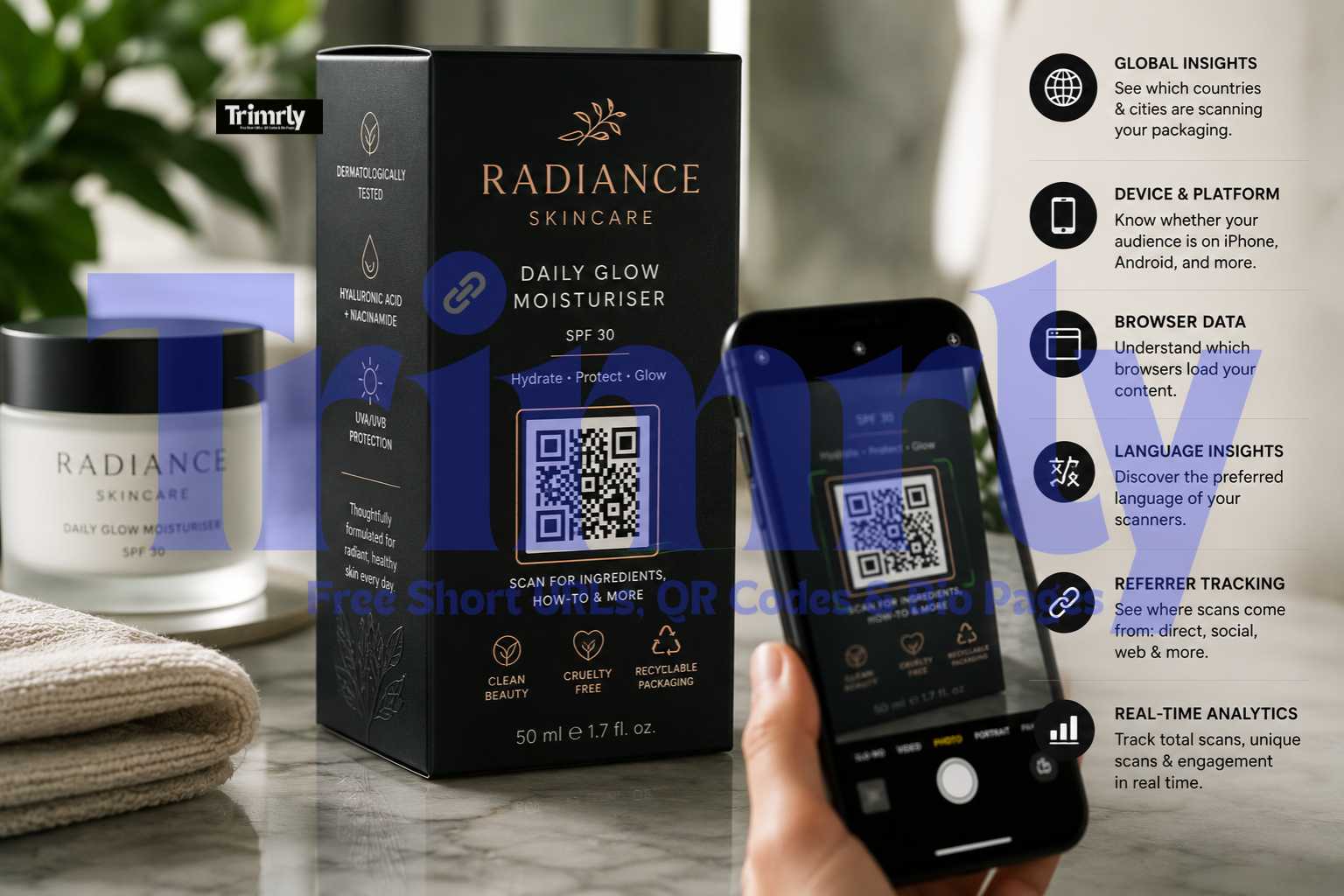
The gap between what a physical product tag can tell a customer and what they want to know before buying has always been large. A price tag communicates four pieces of information at most: SKU, price, size, and care symbols. A customer evaluating a $180 jacket wants to know the fabric composition, where it was made, how it fits compared to reviews from people with their body type, what other customers say about its durability, and whether it comes in the navy colorway shown in the window display.
A QR code on the product tag or a shelf talker next to it links to a product page with all of that information. The page loads in under two seconds on a mobile phone. Staff involvement is optional rather than required. And customers who scan are demonstrating buying intent, which means every scan is also a data point about which products are getting the most pre-purchase research.
For independent retailers without a Shopify or WooCommerce product page, a Trimrly bio page works as an immediate product hub with a YouTube demo video, a WhatsApp chat button for questions, a size guide PDF, and a purchase link, all on a single mobile-first page.
Loyalty programme enrollment at physical retail has historically required a paper form, a website visit later that day, or a download of an app. The friction at each step reduces enrollment rates significantly. A QR code at the counter that opens a pre-filled loyalty signup form with minimal fields removes every intermediate step.
The timing is critical: the customer has just made a purchase and is at their highest satisfaction point with the brand. A small sign next to the card reader that says "Earn points on today's purchase — scan to join" with a QR code captures that moment. The form loads, takes 30 seconds to complete, and the customer walks out already enrolled.
For retailers using a paper receipt, a QR code in the footer linking to the loyalty signup achieves the same goal for customers who prefer to enroll after they leave. Both surfaces deserve separate QR codes with different Trimrly aliases so you can measure which location drives more signups.
The fitting room is the highest-friction point in clothing retail. A customer tries on a size medium, it is slightly large, and they want a small. They have three options: get dressed again, open the door and call for help, or leave the item behind. For any retailer with stretched floor staff, the third option happens too often.
A small card inside the fitting room with a QR code that opens a pre-filled WhatsApp message to the store's number removes the dress-again step. The message pre-fills with something like: "Hi, I'm in fitting room 3 and need a [item name] in a different size. Could you bring it to me?" The customer sends it, stays undressed, and a staff member brings the alternative size directly. The encounter becomes positive rather than abandoned.
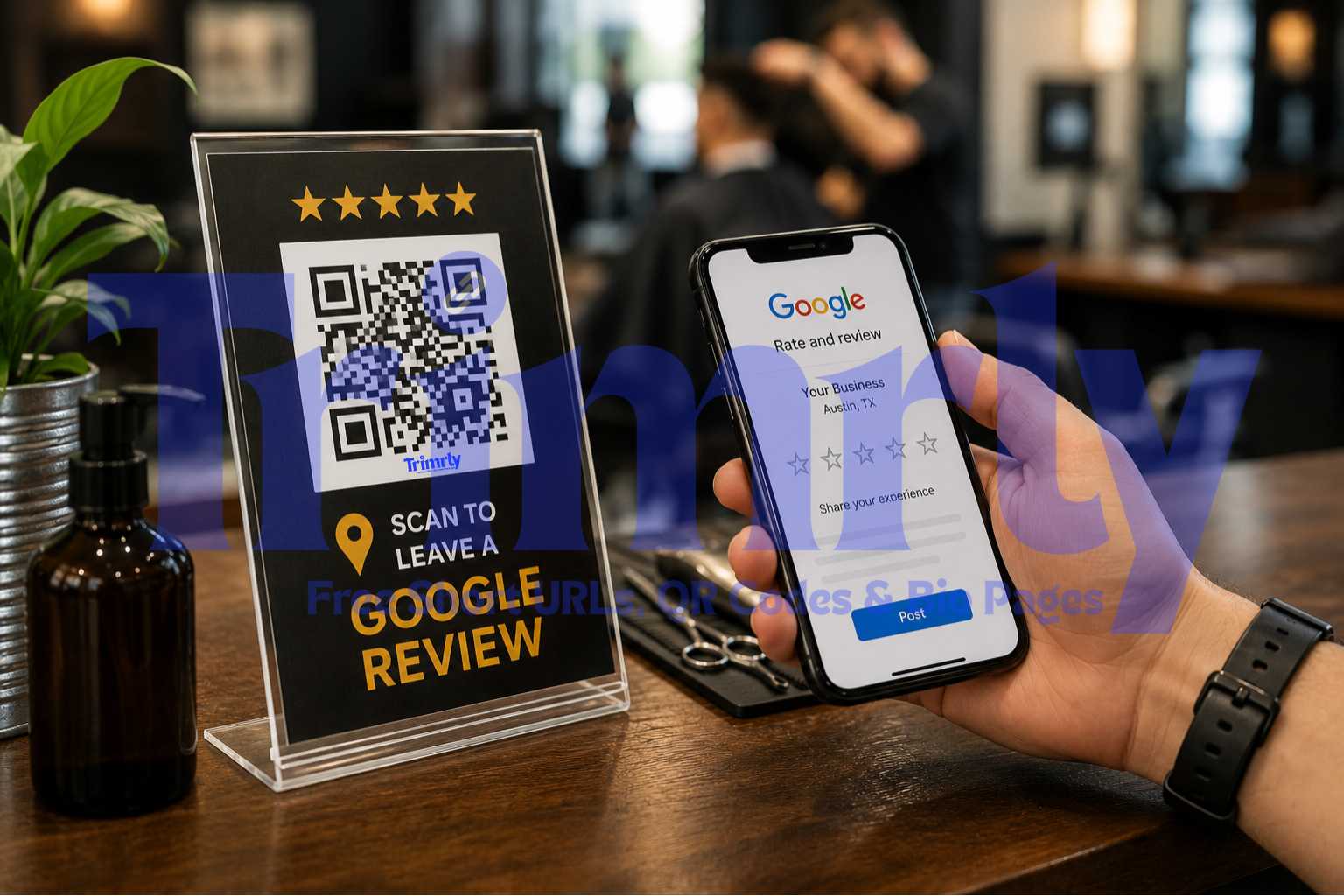
The post-purchase moment at the checkout counter is the highest-satisfaction point in the in-store customer journey. The customer has found what they wanted, paid, and is about to leave happy. A QR code on the counter or receipt that says "How was your experience today? Leave us a quick Google review" captures that satisfaction at its peak, which is why in-store QR review codes consistently outperform email follow-ups sent days later.
The code should link directly to your Google review form, not your Google Maps profile. The direct review link opens the star rating screen with one tap. Your Google Business Profile dashboard includes a "Get more reviews" button that generates this direct link. Shorten it with Trimrly to make it readable and tracked before generating the QR code.
A store's window display generates foot traffic regardless of whether the store is open. Someone walking past at 9 PM, at 7 AM before work, or on a Sunday when you are closed sees your display but has no way to act on their interest until they can return during opening hours. Many never do.
A QR code in the window display, on a weather-resistant vinyl or printed behind glass, gives the after-hours viewer an immediate action. The code links to your online store, a specific collection page, or a Trimrly bio page with your store hours, your Instagram, your WhatsApp, and a product browse button. The viewer scans while standing on the pavement, starts browsing, and either buys online or returns during opening hours with a specific item already in mind.
Window display QR codes should be sized for the viewing distance. A viewer standing 1 to 2 meters from the window needs a code that is at least 6 to 8 cm printed size. Smaller codes fail at that distance on most cameras.
Sourcing transparency has moved from a niche interest to a mainstream purchase driver, particularly for food, beverage, personal care, and clothing. A customer comparing two olive oils in a specialty food shop who can scan one bottle and watch a 90-second video of the Sicilian farm it came from is likely to choose that bottle even at a higher price. The video costs nothing to host on YouTube. The QR code that links to it costs nothing to generate.
For clothing retailers, a code on a garment tag linking to a one-page story about the factory, the fabric source, and the production process addresses the ethical sourcing question that many customers carry but few ask aloud. This is particularly relevant for independent and sustainable brands competing against fast fashion on price but winning on transparency.
The EU Digital Product Passport regulation, coming into full effect in July 2026, will eventually make this kind of transparency mandatory for products sold in European markets. Dynamic QR codes make compliance straightforward: update the destination data without reprinting any physical labels.
A customer who wants a product that is out of stock in their size has historically had two options: come back and check, or go online and try to find it. Neither generates a lead for the retailer. A QR code on an empty shelf position or an out-of-stock size tag that says "This size is sold out — scan to get notified when it restocks" captures purchase intent at exactly the moment it exists.
The code links to a simple form, a Google Form, a Typeform, or an email capture page, that collects the customer's email or phone number and which item and size they want. When stock arrives, you notify the list. The conversion rate on these notifications is consistently higher than cold email campaigns because everyone on the list already demonstrated buying intent in person.
Customers who are physically in your store are already your most engaged audience. They chose to be there. Converting that in-person engagement into a social media follow, a newsletter subscriber, or a WhatsApp contact creates a long-term relationship that extends beyond the single visit.
A Trimrly bio page as the destination for an in-store QR code can include Instagram, TikTok, a newsletter signup, and a WhatsApp contact button on one mobile-friendly page. A small counter sign or a placard near your most photogenic display that says "Love this space? Follow us and see what's new every week 👇" with the QR code consistently converts browsing customers into long-term followers.
Separate the in-store social code from your other QR codes with its own Trimrly alias. After 30 days, the scan count for this code tells you how many in-store visitors were interested enough in your brand to follow your social channels. That number is a direct measure of brand engagement quality, not just foot traffic volume.
20 Free Dynamic QR Codes Per Month
SVG download for print. Full scan analytics including device, city, and referrer. Dynamic codes you can update without reprinting. Free account, no credit card.
What the Retail Scan Data Is Showing in 2026
The macro numbers matter, but the industry-level data reveals which retail QR use cases are growing fastest and which consumer behaviours they are tapping into.
Google Review QR codes and WhatsApp QR codes are the fastest-growing business QR categories on the IMQRScan platform, up 280% and 210% respectively between 2024 and 2026. For independent retailers specifically, these two use cases are accessible immediately, cost nothing to set up, and produce measurable results within weeks: more Google reviews improve local search visibility, and a WhatsApp service code reduces the friction in customer communication without requiring additional staff tools.
How to Create Your First Retail QR Code on Trimrly
Decide on your use case and destination before creating anything
Product tag codes link to product pages. Counter codes link to loyalty forms or Google reviews. Fitting room codes link to WhatsApp. Window codes link to bio hub pages. Define the destination for each code before touching Trimrly, because the destination determines everything about how the code performs.
Create a free Trimrly account and shorten each destination URL
At trimrly.com/user/register, sign up for free. Then go to Trimrly's URL shortener and create a readable short link for each destination: trimrly.com/yourstore-product, trimrly.com/yourstore-reviews, and so on. Each short link tracks clicks independently and can be updated without regenerating the QR code.
Generate a separate QR code for each placement
At trimrly.com/free-qr-codes-generator, paste each short link as the destination. Name each code clearly: "Product Tag — Jacket SKU 001", "Counter Review Sign", "Fitting Room 1 WhatsApp." Clear naming makes your dashboard readable when you are checking analytics three months from now.
Download as SVG and send to print with sizing specifications
Always download SVG. The sizing for each placement: product tags minimum 1.5 cm x 1.5 cm, counter signs minimum 3 cm x 3 cm, window displays minimum 6 cm x 6 cm. Include a quiet zone of at least 3 mm on all four sides. Test the printed proof on both iPhone and Android before approving the full run.
Add a clear text label to every QR code placement
An unlabeled code gets scanned by fewer people than one with a one-line instruction. "Scan for ingredients," "Scan to earn loyalty points," "Scan to get notified when your size restocks." Each label should tell the customer what they get before they tap, which both increases scan rate and filters for relevant intent.
Review your scan analytics weekly and act on what you see
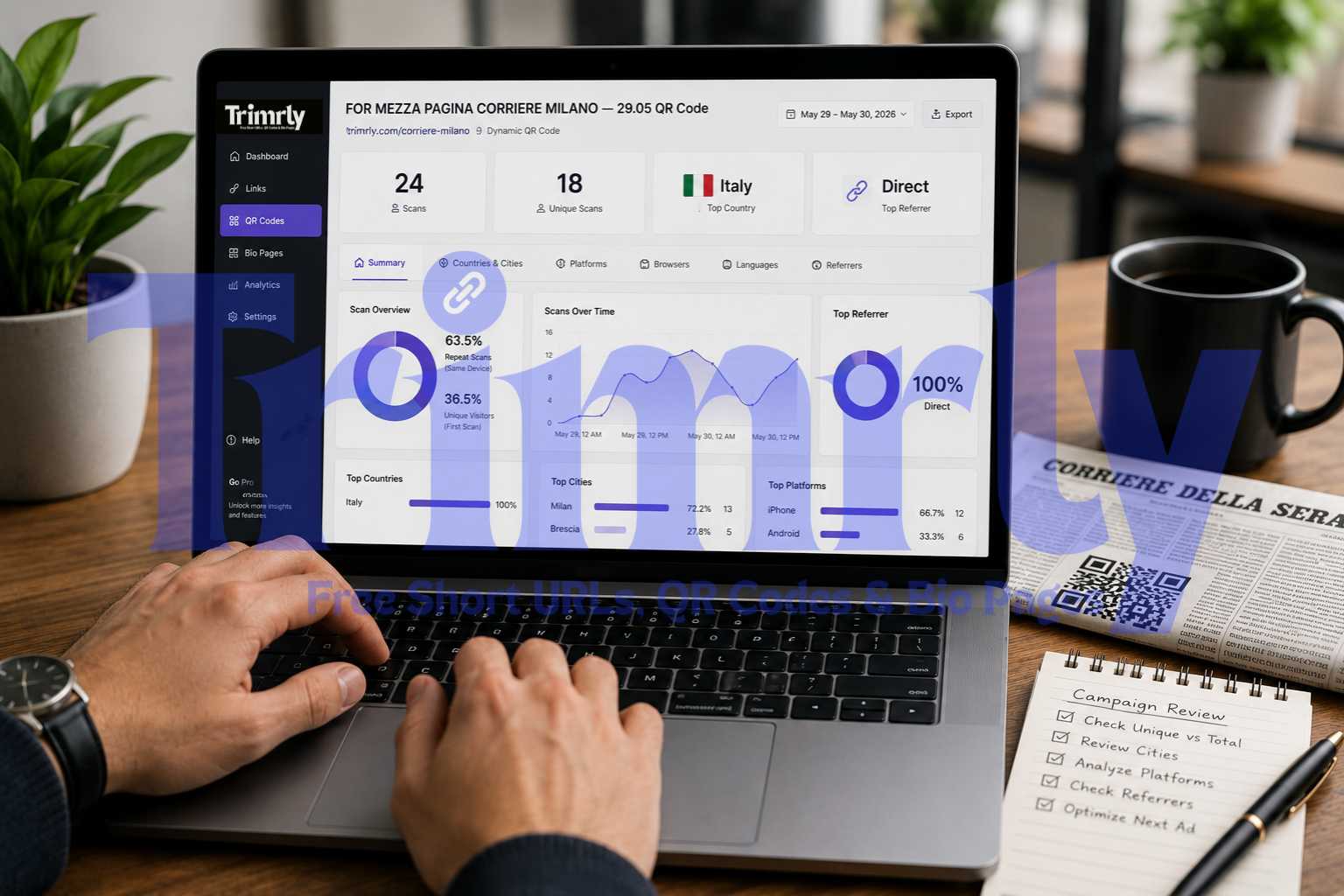
Your Trimrly dashboard shows scan counts, device types, and timestamps for every code. After four weeks, you will know which placement generates the most scans, which time of day your customers are most engaged, and whether the code on the receipt is actually being scanned or ignored. That data drives decisions about which placements to invest in for your next print run.
What Good Retail QR Code Performance Looks Like
| Placement | Expected Scan Rate | Primary Metric | Review Frequency |
|---|---|---|---|
| Product tag (high-traffic item) | 5–12% of customers handling item | Unique scans per SKU | Weekly |
| Counter (Google Review) | 8–15% of checkout customers | Scans vs new reviews received | Weekly |
| Fitting room (WhatsApp assist) | 10–25% of fitting room uses | Messages initiated from code | Weekly |
| Window display (after hours) | 1–4% of passers-by | Scans between 6 PM and 9 AM | Monthly |
| Receipt footer (loyalty) | 5–10% of receipt recipients | Form completions per scan | Weekly |
| In-store social code | 3–8% of customers in-store | New followers per scan | Monthly |
"The retailers seeing 15% sales lifts from QR codes are not doing anything exotic. They are putting useful information one scan away from the customer who is already holding the product."
The Four Retail QR Code Mistakes That Cost Sales
- ✕
Using static codes on changeable content. A product that changes price, a seasonal menu, or a promotional page that expires — any of these paired with a static QR code creates a broken experience the moment the destination changes. Dynamic QR codes account for 91% of marketing campaign QR codes and dominate business use cases. Use dynamic codes from Trimrly on every retail placement.
- ✕
Printing codes too small for the viewing distance. A product tag code viewed from 20 cm needs a minimum of 1.5 cm. A shelf talker viewed from 60 cm needs at least 2.5 cm. A window display code viewed from 1.5 metres needs 6 cm or more. Scan failure at the viewing distance is the single most common reason retail QR campaigns underperform.
- ✕
Using a single QR code across multiple placements. When one code covers products, the counter, and the receipt, your analytics tell you total scans but not which placement drives them. Individual codes per placement with separate Trimrly aliases take an extra five minutes to create and produce analytics data that is worth ten times the effort over a three-month campaign.
- ✓
Auditing your scan data monthly and adjusting placements. Only 1 in 8 marketers connects QR scans to revenue impact, and the retailers who do consistently outperform those who treat QR codes as a set-it-and-forget-it tactic. Monthly review of which codes are generating scans, which are not, and whether the destinations still match current products is what separates a useful QR programme from a decorative one.
Frequently Asked Questions
A small independent retail store can cover its core use cases with four to six codes: one for product information, one for Google reviews at the counter, one for the fitting room WhatsApp assist, one for the window display, one for the receipt loyalty signup, and one for in-store social growth. Each should be a separate dynamic QR code with its own Trimrly alias for independent tracking. Trimrly's free plan includes 20 dynamic QR codes per month, which covers all six use cases with codes to spare for testing new placements.
On a product tag held in the hand at 15 to 25 cm, the minimum reliable size is 1.5 cm x 1.5 cm and the recommended size is 2 cm x 2 cm. On a shelf talker viewed from 40 to 60 cm, minimum 2.5 cm x 2.5 cm. On a counter sign viewed from arm's length, minimum 3 cm x 3 cm. On a window display viewed from 1 to 2 metres, minimum 6 cm x 6 cm. Always leave at least 3 mm of clear quiet zone on all four sides. Test the proof at the actual viewing distance before approving a full print run.
Create a separate dynamic QR code for each physical placement using Trimrly, each with a clearly named alias (yourstore-tag, yourstore-counter, yourstore-window). All codes can point to the same destination or different destinations. Each code tracks its own scan data independently in your Trimrly dashboard. After 30 days, compare unique scan counts across codes to identify which placement drives the most engagement. That comparison directly informs which placements deserve investment in your next print run.
The best destination is a mobile-optimized product page with the information the customer wants before buying: extended product description, real customer photos and reviews, size or compatibility guide, and a purchase link for sizes or variants not available in-store. A Trimrly bio page works well for independent retailers without a full e-commerce product page: add a YouTube demo video, customer review highlights, a WhatsApp chat button for questions, and a purchase link. All loading on one mobile-first page in under two seconds.
Dynamic codes are essential for any retail use case where the destination might change. Product pages get updated. Promotional offers expire. Google review URLs can change. A static code is permanently broken the moment its destination URL changes, and reprinting retail materials is expensive. Dynamic codes from Trimrly allow the destination to be updated in 20 seconds without touching the printed code. They also include scan analytics, which static codes do not provide. Use dynamic codes on all retail placements without exception.