The bio link has been called "one of the most coveted pieces of real estate on Instagram" — and that description has only become more accurate as the platforms have refused to add more of it. Instagram still allows one clickable link. TikTok requires 1,000 followers before personal accounts unlock a bio link at all. YouTube pins a single link below the channel description. The scarcity has not changed. What has changed is the sophistication of how creators and brands are using that single slot — and the data we now have about what actually happens after someone taps it.
In 2026, the bio link is no longer just a shortcut to a website. It is a conversion surface, a data collection tool, an audience segmentation layer, and — for the creators who manage it deliberately — a meaningful revenue channel. But most bio link pages are still being set up like it is 2019: a list of buttons with no strategy, no analytics, and no understanding of what their visitors actually click.
This article is about the research. What does the click distribution on a bio page actually look like? What types of buttons convert versus which ones just collect impressions? What are the realistic CTR benchmarks by platform? And what are the structural decisions — button order, copy style, number of options — that have the most leverage on performance?
The Click Curve: Where Your Bio Page Traffic Actually Goes
The most important piece of data about bio link pages is also the least discussed: the click distribution follows an extreme cliff shape. The top button receives a disproportionate share of every click the page generates. The second button receives a much smaller share. The third, a fraction of that. Everything below the fold — any button the visitor has to scroll to see — receives crumbs.
Research from Liinks, which analysed click behaviour across thousands of bio link pages, found this pattern is near-universal and consistent across creator categories, follower sizes, and platforms. Open your bio page analytics — if your tool provides them — and you will almost certainly see a chart that looks like a cliff: high at the top, dropping sharply with each successive button.
The top three buttons absorb 70–90% of every click the page receives. Button order is the single highest-leverage optimisation available — bigger than redesigning the background, rewriting the bio, or changing icons.
This data has a simple but radical implication: whatever you put in button position one will get clicked far more than everything else combined, regardless of what it is. A creator who places "Follow me on TikTok" in position one and their newsletter signup in position five is structurally routing 50% of their bio link traffic toward a platform re-follow and 5% toward the owned channel they actually need. The same audience, the same page, radically different outcomes — caused entirely by the order of the buttons.
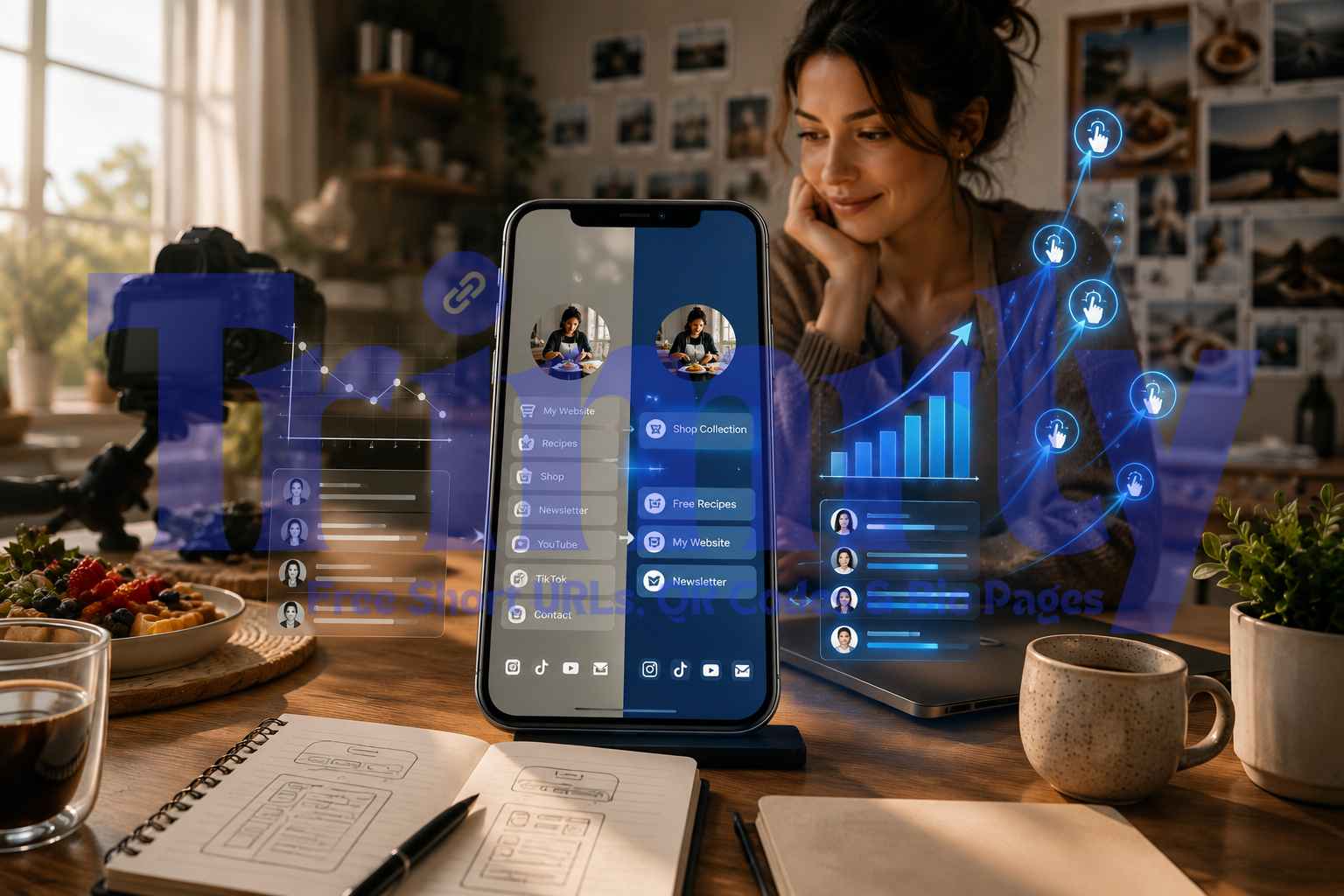
The newsletter — your primary goal — went from slot 5, where it was getting under 5% of clicks, to slot 1, where it will absorb 40–60%. The social platforms got demoted to icons, where they belong — visitors who want to follow you on TikTok don't need a full-width button to do it. Same content. Different order. Vastly different outcomes. Button order is a business decision, not a cosmetic one.
Bio Link CTR Benchmarks by Platform in 2026
Click-through rate for a bio link is calculated as the number of clicks on the bio link divided by the number of profile visits — not total post impressions or follower count. The distinction matters. A viral video might reach 10 million people but send relatively few to the profile. A niche tutorial that reaches only 50,000 followers might drive a high profile-visit rate. Each platform has structural differences that shape the bio CTR ceiling.
The bio link CTR figures above are calculated from profile visits, not follower count. A TikTok account with 200,000 followers might receive 5,000 profile visits per month — meaning a 4% profile-visit CTR produces 200 bio clicks, which is 0.1% of followers. Follower count is not a meaningful input for predicting bio link clicks. Profile visits per month — which varies by content type, posting frequency, and platform discovery mechanics — is the operative variable. Measure and optimise the profile-visit rate, not the follower-to-click ratio.
What Actually Gets Clicked: Button Type Performance
Beyond position, the type of destination a button represents influences both click rate and downstream conversion. A button that gets clicked is only half the picture — the other half is whether those clicks result in outcomes that matter (a purchase, a signup, a booking). These are distinct questions and require separate measurement.
| Button Type | Click Rate (vs alternatives) | Downstream Conversion | Best Position |
|---|---|---|---|
| Time-sensitive offer / sale | Highest click rate | High — urgency converts | Button 1 — always |
| Email newsletter / lead magnet | High — if value is clear | Highest LTV per click | Button 1 if primary goal; Button 2 otherwise |
| Latest content (video / post / podcast) | Medium — decays quickly | Medium — engagement not conversion | Button 2–3; rotate weekly |
| Shop / product page | Medium | High when paired with social proof | Button 1–2 for product-led accounts |
| Booking / appointment | Medium | Very high — high-intent visitors only | Button 1 for service businesses |
| Free guide / download | High — low friction | Medium — requires follow-up sequence | Button 1–2 for list-building goals |
| Social platform re-follow | Low to medium | Low — you already have the follower | Icon row only — not a full button |
| Homepage / general website | Lowest | Low — too many choices on arrival | Avoid entirely or Button 5+ |
The homepage link is the most common button on bio pages and the worst performer by conversion rate. Sending bio link visitors to a homepage forces them to make another navigation decision immediately after they have already made one to click the bio link. Each additional decision is a dropout opportunity. Specific destinations — a landing page built for one action, a newsletter signup with one field, a product with one buy button — consistently outperform general homepages in downstream conversion.
What Happens When You Actually Optimise the Button Order
44% More Demo Bookings Without Changing the Content — Just the Link Order
A SaaS content creator was generating steady profile visits across Instagram and LinkedIn from content about her industry niche. Her bio page had five buttons in this order: free newsletter, free trial link, case studies, demo booking, and homepage. All five destinations were genuinely relevant to her audience.
After reviewing her bio page analytics, she discovered that her case studies — positioned at button three — were driving a conversion rate to demo bookings three times higher than her homepage link at button five. The case study visitors arrived at the demo booking page pre-qualified and ready to commit. The homepage visitors bounced at a much higher rate.
She made two changes: moved case studies from position three to position two (directly behind the newsletter), and removed the homepage link entirely, replacing it with a "Book a 20-min call" button in position three. The newsletter remained in position one because email list growth was still her primary goal.
Over Q4 2025, demo booking requests increased 44% without any change to her content volume, posting frequency, or ad spend. The same audience, the same bio page traffic, a different button order. The insight that her case studies drove 3× higher downstream conversion than her homepage — data she only had because her bio page tool tracked button clicks individually — was the entire basis of the decision.
What Gets Clicked Most by Industry and Creator Type
The highest-converting button one varies meaningfully by category. A fitness creator's audience arrives with different intent than a B2B consultant's, a musician's, or a local restaurant's. Here is what the click data shows by creator and business type.
Fitness and Wellness
Bio link CTR average 4.8% — highest of lifestyle categories. Audiences arrive motivated and in decision-making mode. Programme sales pages and free workout guides outperform social links by a wide margin.
E-Commerce and Products
Time-sensitive offers — flash sales, limited drops, new arrivals — generate the highest click rates of any button type. Static "Shop Now" buttons without urgency perform significantly worse than offer-specific pages.
Musicians and Artists
New release smart links outperform all other button types during release windows. Pre-save pages drive higher engagement than generic Spotify links. Merch links perform well in second position during tour cycles.
Educators and Course Creators
Free lead magnets — guides, checklists, mini-courses — dramatically outperform direct course sales pages as button one. The email capture converts visitors into a nurture sequence that closes the sale over multiple touchpoints.
Restaurants and Hospitality
Reservation booking links and menu links split almost evenly as top performers. Google review links consistently outperform social links in second and third position — a fact most hospitality businesses do not leverage.
Consultants and Service Businesses
Calendar booking buttons significantly outperform contact forms and homepage links. The more specific the booking CTA — "Book a free 30-minute strategy call" — the higher the click-to-booking conversion rate versus generic "Contact me" buttons.
The Structural Problems That Kill Bio Link Performance
The most common reason bio pages underperform is not a traffic problem. The visitors are arriving. The problem is structural: the page is set up in a way that distributes attention across too many choices, fails to communicate clear value, or places the most important destination in the wrong position.
Too many buttons — decision fatigue kills conversions
Every additional button on a bio page is an invitation to scroll past and leave. Research consistently shows that pages with 3–5 focused buttons outperform pages with 8–12 buttons, even when the 8–12 button page has all the same destinations included. When visitors cannot quickly determine which button serves their intent, they tap nothing. Limit visible buttons to a maximum of five, with social platform links relegated to an icon row rather than full-width buttons.
Generic button labels — "Click here" and "My website" convert near zero
Button copy that uses action verbs, specificity, and clear value consistently outperforms generic labels. "Get my free 5-day meal plan" outperforms "Free guide." "Book your 20-minute strategy call" outperforms "Contact me." "Listen to the new single — out now" outperforms "New music." The button label is the only sales copy you have between the visitor and the click. Specificity does the work that generic labels cannot.
A static page that never changes — bio pages that don't rotate lose relevance
Many successful creators change their bio link weekly or monthly to stay current. A bio page set up once and never touched slowly loses relevance as promotions end, content ages, and seasonal opportunities pass. The button in position one should rotate to reflect your current highest-priority action — a launch, a sale, a new piece of content — not stay fixed on whatever you set up six months ago. Dynamic Trimrly bio pages let you update buttons and destinations in seconds without changing the URL in your bio.
Sending visitors to a homepage rather than a specific destination
Use a landing page that is single-purpose for the campaign. Don't link to a homepage with multiple choices — that increases dropoff. If the story says "link in bio for the checklist," ensure the landing page headline mirrors the CTA. Content misalignment between the post CTA and the landing page destination is one of the most common and most fixable causes of poor bio conversion. Every journey from post → bio → landing page must be consistent in topic and action.
No analytics — optimising by gut feel instead of click data
Creators who actively monitor analytics increase their click-through rates by 55% within three months. You cannot optimise what you do not measure. A bio page tool without per-button click tracking — or one whose free plan hides analytics behind a paywall — prevents you from knowing which buttons are working and which are wasting position one. Trimrly's bio page tracks per-button clicks on the free plan, permanently, with no data expiry.
Build a Bio Page That Actually Converts — Free
Per-button click tracking, unlimited clicks, dynamic destinations you can update in seconds, and a clean mobile-optimised design. No credit card. No expiry. Works on Instagram, TikTok, YouTube, LinkedIn, and everywhere else.
What the Data Says to Actually Do
- ✓
Decide on one primary goal for your bio page before placing a single button. Newsletter growth, course sales, booking inquiries, product sales, or latest content — pick one. Put the button that serves that goal in position one. The goal can change month to month, but at any given time the page should have a clear primary purpose. Treat button one as a rotating spotlight, not a permanent fixture.
- ✓
Use the top-three rule for buttons one through three. Position one gets your primary CTA. Position two gets your evergreen flagship — the thing that is always relevant, regardless of current campaigns (a portfolio, an always-on product, a full content library). Position three gets your current hot item — the newest piece of content, the active sale, the limited-time offer. Positions four and five, if they exist, are for secondary options that are genuinely relevant but not priority.
- ✓
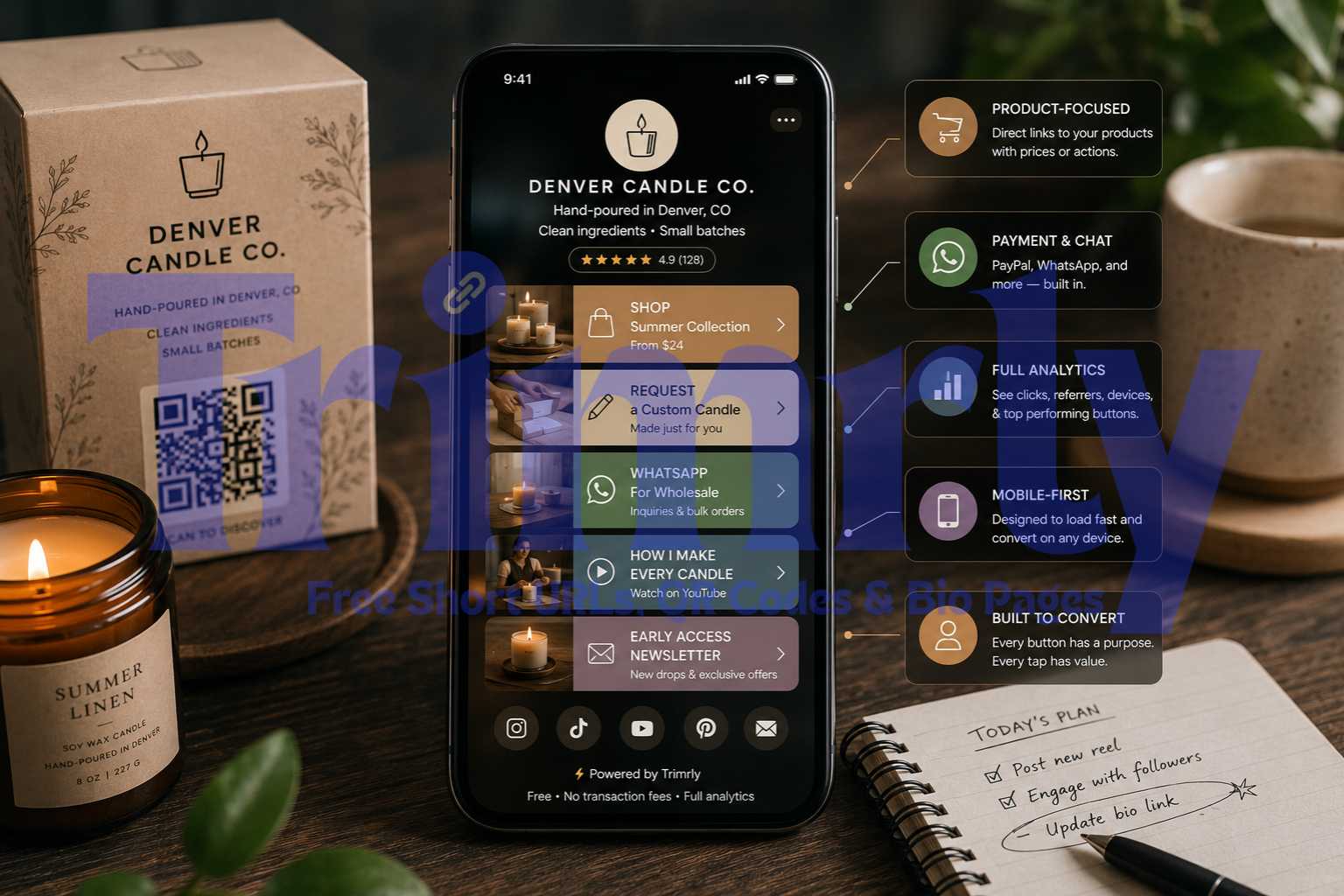
Move social platform links out of the button row and into an icon row. A full-width button pointing to your TikTok account, when the visitor is already on social media, consumes prime position real estate for an action with near-zero incremental value. If someone wants to follow you on TikTok they will search for you. Social platform links belong in a compact icon strip — not competing for the limited attention a visitor is willing to spend on the button row.
- ✓
Review your analytics every two weeks for the first two months, then monthly. Reorder whenever a link that is not in position one is getting more downstream conversions than the link that is. A link that gets a lot of clicks but zero conversions might belong further down. A link that gets few clicks but a high downstream conversion rate might belong at the top. Use data, not assumptions, to set the order.
- ✕
Do not use the same bio page across every platform without considering audience intent. Your LinkedIn audience and your TikTok audience arrive with different intent. A B2B consulting booking link converts well from LinkedIn profile visits. That same link in position one on TikTok, where the audience skews younger and more entertainment-driven, may convert poorly compared to a free resource or a content library. Platform-specific bio pages — or at minimum a different button order per platform — reflect the audience's actual mindset on arrival.
- ✕
Do not conflate click volume with conversion value. The highest-clicked button on your bio page may not be delivering the most business value. A button with 300 clicks and 30 email signups is worth more than a button with 800 clicks and no downstream action. Track both the click count from your bio page tool and the conversion outcome from your destination's analytics. The gap between the two is where optimisation opportunity lives.
"In 2026, creators no longer think of the bio link as navigation. They think of it as conversion. That one link is the only reliable exit from rented attention to an owned relationship."
Frequently Asked Questions
CTR for bio links is most meaningfully measured from profile visits, not follower count. From profile visits, a CTR of 1–3% is average for Instagram, 3–8% for TikTok, and 5–12% for Pinterest. Creators using bio page tools with multiple buttons and clear CTAs see 2.3× higher click rates than those using a single raw URL. The average CTR for a standard "link in bio" CTA from post caption to click — across the full post-to-profile-to-click journey — is around 3%.
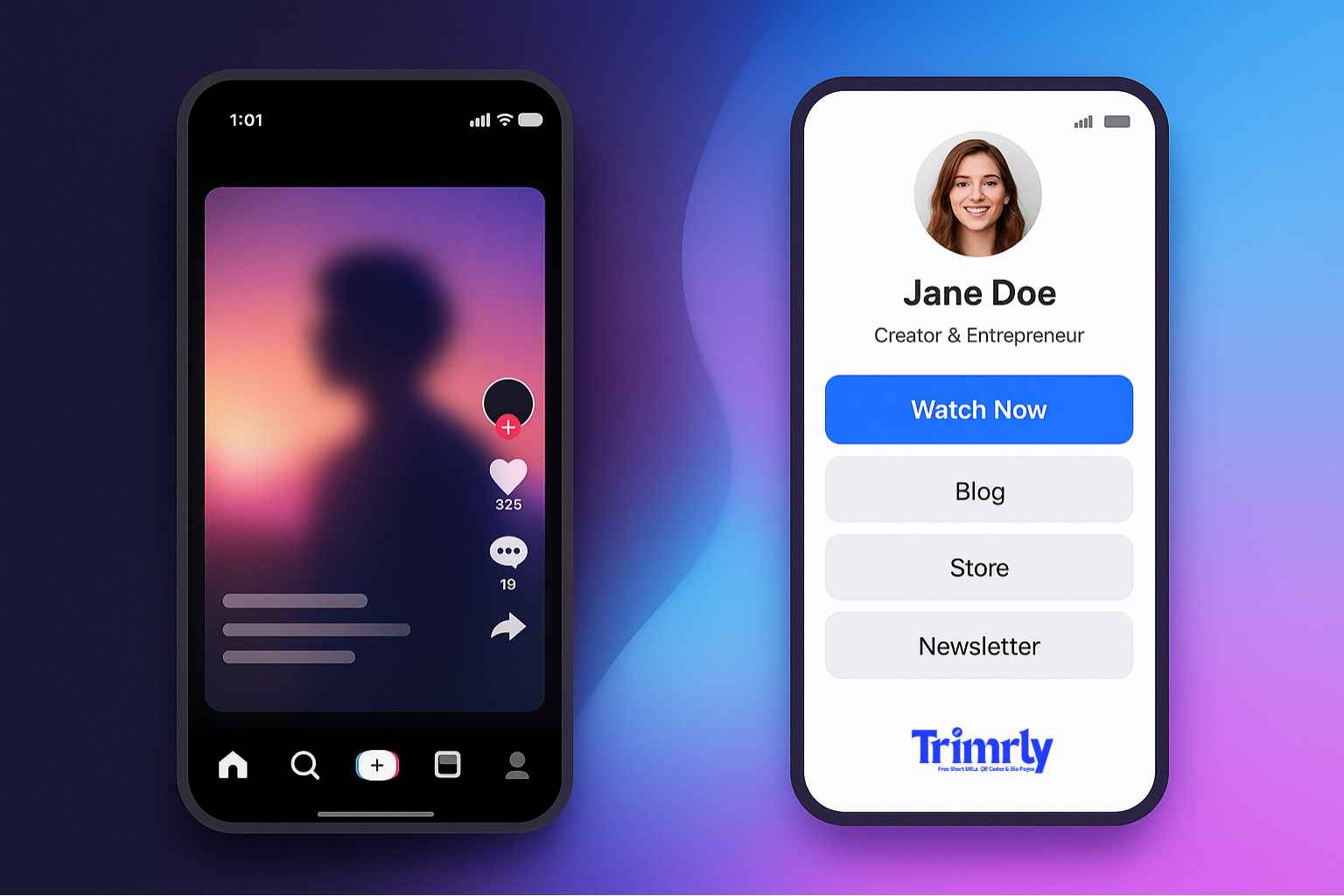
Research consistently points to 3–5 focused buttons as the optimal range. Pages with 8–12 buttons often produce less total conversion than pages with 3–5, because decision fatigue causes visitors to select nothing rather than scroll through too many options. The "after" page — half as many visible buttons — almost certainly converts at 2–3× the rate of an overcrowded page. Social platform links should be demoted to an icon row rather than full-width buttons, freeing the button row for destinations that require a full CTA.
Whichever button is in position one receives 40–60% of all clicks, regardless of its content. Beyond position, time-sensitive offers — flash sales, limited drops, countdown-linked pages — generate the highest raw click rates. Free lead magnets (guides, downloads, templates) generate high click rates with lower immediate conversion but higher lifetime value when paired with an email nurture sequence. Social platform re-follow buttons, when used as full-width buttons, consistently generate the lowest click-to-value ratio of any button type.
No. As of 2026, TikTok personal accounts require a minimum of 1,000 followers to unlock a clickable website link in the bio. Business accounts bypass this threshold and have immediate link access, but lose access to the full commercial music library (restricted to the Commercial Music Library). The 1,000-follower threshold has remained unchanged in 2026. Accounts below the threshold can drive traffic using pinned comments, verbal CTAs in videos, or by mentioning a short, memorable URL that viewers can type.
A bio page is a full mobile-optimised landing page with multiple buttons pointing to different destinations — your shop, newsletter, latest content, booking page, and so on. A smart link is a redirect that detects the visitor's device and automatically routes them to the appropriate store or platform — common for music releases where the same link needs to open Spotify for Spotify users and Apple Music for Apple Music users. A Trimrly bio page functions as the multi-destination landing page for your bio, while individual Trimrly short links can be configured as smart links for specific campaigns.