A clothing brand spent three months building a product launch campaign. Email design, social graphics, influencer partnerships, the works. Then they shared this link: bit.ly/3QrT8pZ.
Nobody knew what it was. Was it a scam? A redirect to something sketchy? Half the people who saw it hesitated. Some did not click at all. The ones who did still had no idea whose link they were about to follow until they landed on the page.
A custom short link like go.theirbrand.com/launch-day would have told a completely different story. Recognizable. Trustworthy. On-brand from the first glance. That difference in perception is not cosmetic. It has a measurable effect on whether people click.
What a Custom Short Link Actually Is
Most people know what a short link is: a compressed URL that redirects to a longer destination. What fewer people realize is that the domain in that short link is completely configurable. You are not stuck with bit.ly or tinyurl.com.
A custom short link uses a domain you own or choose. Instead of the shortener's brand appearing in your URL, yours does.
The second link tells the reader three things before they click: who sent it, what it probably leads to, and that the sender cares enough about their brand to use a consistent URL. That context changes the decision to click or scroll past.
A custom short link is not the same as a custom alias. A custom alias changes the slug after the slash (bit.ly/your-alias). A custom short link changes the entire domain. Both are available on Trimrly, and both serve different purposes.
Why Brand Names in URLs Change Click Behavior
Trust is the core issue. People click links from sources they recognize. A URL containing a brand name they know is a familiar signal in an otherwise noisy feed.
This matters most in three specific scenarios:
Social media posts and stories
On Instagram, TikTok, and X, a link preview shows the domain before anyone decides to click. If that domain is bit.ly, the person reading your post gets zero brand reinforcement from the URL itself. If it is your brand's domain, the link does double duty: it takes them somewhere useful and it repeats your name one more time in a context they were not expecting.
Repetition is how brand recognition is built. The URL is one of the cheapest and most overlooked repetition opportunities available.
WhatsApp and SMS
In messaging apps, link previews are smaller and less prominent. The URL itself carries more weight because there is less visual context around it. A random string of characters in a WhatsApp message from a business looks like spam. A branded domain looks like communication.
A retail shop in Karachi switched from a generic shortener to branded links before a sale campaign. Their WhatsApp click rate went up by 31% on the same message, sent to the same contact list, with the same offer. The only change was the URL.
Print and offline materials
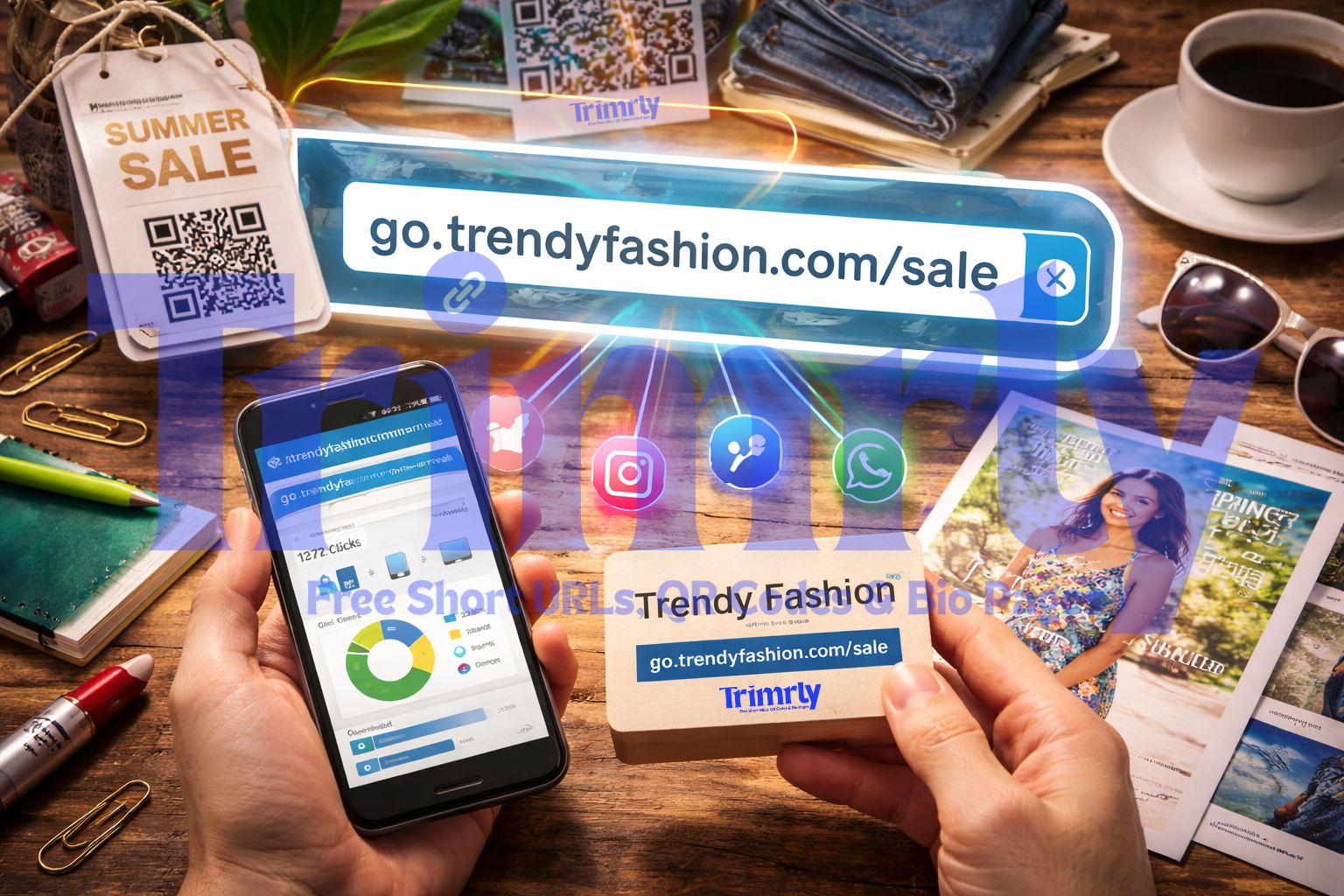
Business cards, flyers, packaging inserts, and event signage all use short links for the same reason: long URLs are impossible to type. But a branded short link does something a generic one cannot. It stays in someone's memory. go.yourbrand.com/menu is typeable and memorable. bit.ly/3QrT8pZ is neither.
"Every link you share is a branding moment. A generic shortener domain wastes that moment entirely."
Custom Short Links vs Generic: The Full Comparison
| Feature | Generic Short Link | Custom Short Link (Trimrly) |
|---|---|---|
| Brand visibility | None | Full |
| Click-through rate | Baseline | Up to 40% higher |
| Trust signals | Weak | Strong |
| Readability | Random characters | Readable, descriptive slug |
| Analytics | Limited on free plans | Full analytics, free |
| Works in print | Hard to remember | Memorable and typeable |
| Cost on Trimrly | Free | Free (custom domain supported) |
Four Things Custom Short Links Do That Generic Links Cannot
Build recognition passively
Every share, forward, or screenshot of your link is a brand impression. Passive recognition compounds over time without extra effort or ad spend.
Brand equity
Reduce link anxiety
People hesitate before clicking unfamiliar URLs. A domain they recognize removes that hesitation. Less friction means more clicks on the same content.
Conversion
Make analytics readable
In your dashboard, go.yourbrand.com/black-friday tells you exactly what a link was for. bit.ly/3xKm9pZ tells you nothing at a glance.
Analytics clarity
Survive platform changes
If you ever switch shortener tools, branded links protect you. You move the domain to a new tool and your existing links keep working. Generic links are locked to whoever owns that domain.
Portability
How to Set Up a Custom Short Link on Trimrly (Free)
Most people assume branded domains require a developer or an expensive plan. Neither is true. Here is the actual process on Trimrly.
Register a short domain (or use a subdomain you already own)
Buy a short domain from any registrar. Something like go.yourbrand.com or lnk.yourbrand.com works well. You do not need a separate website on this domain. It only handles redirects.
Create a free Trimrly account
Go to trimrly.com/user/register. No credit card required. The free plan includes custom domain support and 50 tracked short links per month.
Add your domain in the Trimrly dashboard
Go to your account settings and add your custom domain. Trimrly will give you a DNS record to add at your registrar. Most registrars have a simple interface for this. It takes about two minutes.
Wait for DNS propagation
DNS changes typically take between 5 and 30 minutes, though it can occasionally take up to a few hours. Once propagated, your custom domain is active and ready.
Create your first branded short link
Paste any URL into the shortener, select your custom domain, and type a readable slug. Your first custom short link is live. Every link you create from here can use your brand's domain.
If you are not ready to set up a custom domain yet, Trimrly also supports custom aliases on its default domain. So instead of trimrly.com/abc123, you get trimrly.com/your-campaign-name. It is not branded, but it is still readable and a step up from random characters.
Create Your First Branded Short Link Free
Custom domains, full analytics, and 50 links per month on the free plan. No credit card. No expiry on your links.
Naming Your Slugs: The Part Most People Get Wrong
A custom domain is half the equation. The slug, the text after the slash, is the other half. Most people leave it as a random string or type something generic like /page or /link.
A readable slug serves two purposes. It tells the person about to click what they are getting into. And it tells you, when you are looking at your analytics three months from now, exactly what that link was for.
Here is a simple naming system that works well across campaigns:
- Channel first: go.yourbrand.com/ig-bio, go.yourbrand.com/email-april
- Campaign name: go.yourbrand.com/summer-sale, go.yourbrand.com/launch-v2
- Content type: go.yourbrand.com/pdf-guide, go.yourbrand.com/booking
- Product name: go.yourbrand.com/product-x, go.yourbrand.com/plan-pro
Pick one naming convention and stick to it across your team. Inconsistent slug naming is one of the most common reasons analytics dashboards become unreadable after a few months of active use.
Do not use dates in slugs unless absolutely necessary. go.yourbrand.com/jan-2025-sale becomes confusing and misleading if you keep the link active into February. Use descriptive campaign names instead, and update the destination URL inside Trimrly if the offer changes.
QR Codes and Bio Pages: Branded Links Work Across All Formats
Custom short links are not just for URLs you paste into social posts. They work across every format where you share links.
QR codes generated through Trimrly's free QR code generator are powered by short links under the hood. If you connect a custom domain, the QR code's underlying URL carries your brand name. When someone checks the URL before scanning (which people increasingly do), they see your domain, not a generic shortener.
The same applies to bio pages. Every button on your bio page is a tracked link. With a custom domain connected, each of those buttons points to a URL on your brand's domain, not Trimrly's. The whole experience stays on-brand from bio page to destination.
Frequently Asked Questions
Yes, for a fully branded custom domain you need to own or control a domain. Short domains typically cost between $10 and $20 per year. If you already own a domain, you can create a subdomain like go.yourdomain.com for free. Trimrly also supports custom aliases on its own domain if you are not ready to set up a custom domain yet.
Yes. Trimrly supports custom branded domains on the free plan. You get 50 custom short links per month with full click analytics, no credit card required. Custom aliases on the Trimrly default domain are also available on the free plan.
Studies on link click-through rates consistently show that branded short links outperform generic ones by 15% to 40% depending on the platform and audience. The primary driver is trust: people are more likely to click a URL that contains a name they recognize than a random string of characters from an unfamiliar domain.
A custom alias changes the text after the slash in your short link, for example trimrly.com/your-campaign instead of trimrly.com/abc123. A custom domain changes the entire base URL so the link uses your own brand's domain, for example go.yourbrand.com/campaign. Both are available on Trimrly. Custom domains provide stronger brand visibility since your name appears before the slash, not just after it.
Your links are tied to the domain you own, not to Trimrly specifically. If you move to a different link management tool in the future, you can point your DNS to the new provider and your existing branded links will continue to work. This portability is one of the key advantages of using your own domain over a generic shortener domain.