Nadia runs a hair salon in Manchester with four chairs and no marketing budget. She prints 200 flyers a month and pays £80 for a local distribution service that puts them through letterboxes in a two-kilometre radius. She has been doing this for three years and has no idea whether a single customer has ever come in because of a flyer. She thinks they work because her business is fine, but she cannot prove it.
Carlos runs a taco restaurant in Austin. He has 340 Instagram followers and sends a WhatsApp message to customers who leave their number "for reservation confirmations." He has 47 numbers. When he runs a lunch special, he sends a WhatsApp to those 47 people and typically gets 8 to 12 extra covers that day. He does not have a system for growing that number. It grows by accident.
Both of these businesses are operating without a feedback loop. They spend money on customer acquisition — flyers, labour, time — and cannot see what works. They have customer relationships — phone numbers, repeat visitors, loyal regulars — and no system for leveraging them.
A QR code, placed correctly and linked correctly, fixes both problems simultaneously. This playbook is for Nadia, for Carlos, and for every local SMB spending money on offline marketing without being able to measure it or follow up from it.
What a Local Small Business Actually Needs From a QR Code
The QR code conversation in marketing usually focuses on enterprise use cases: campaign attribution dashboards, multi-location performance benchmarking, retargeting pixel integrations. That is useful for a marketing team with a data analyst. It is not the conversation a sole trader running a beauty salon needs to have.
A local SMB needs three things from a QR code. First: to know whether the offline material it is on is actually bringing people in — a basic feedback loop that most small businesses have never had access to before. Second: to convert a physical interaction into a direct communication channel — a WhatsApp number, an email address, a Google review — something owned rather than rented from a social platform. Third: to do all of this without needing to hire anyone or learn a technical tool.
Every part of this playbook is achievable with Trimrly's free plan — 50 short links per month, unlimited clicks, QR code generation, and per-link scan analytics. No paid tier required for any business generating fewer than 50 distinct trackable links per month, which covers the majority of local SMBs comfortably.
Hair Salons & Barbers
QR codes on appointment cards for rebooking, counter signs for Google reviews, and a WhatsApp opt-in sticker so regular clients receive flash availability and cancellation fills.
Restaurants & Cafes
Table QR for digital menu and ordering. Receipt QR for Google review. Counter QR for WhatsApp opt-in to weekly specials. Delivery packaging QR for repeat order discount.
Tradespeople & Contractors
Van signage QR linking to portfolio and booking. Job completion cards with a Google review QR. WhatsApp opt-in for referral programme. Flyers in new-build estates with tracked QR to measure distribution ROI.
Wellness & Beauty
Consultation cards with booking QR. Product packaging insert with tutorial video QR. Treatment room display with review QR. Post-appointment follow-up card with rebook discount and WhatsApp opt-in.
Gyms & Fitness Studios
Trial session flyers with tracked QR by distribution zone. Check-in QR at the door for attendance data. WhatsApp opt-in for class reminders. Member referral cards with unique QR per member for programme tracking.
Retail & Boutiques
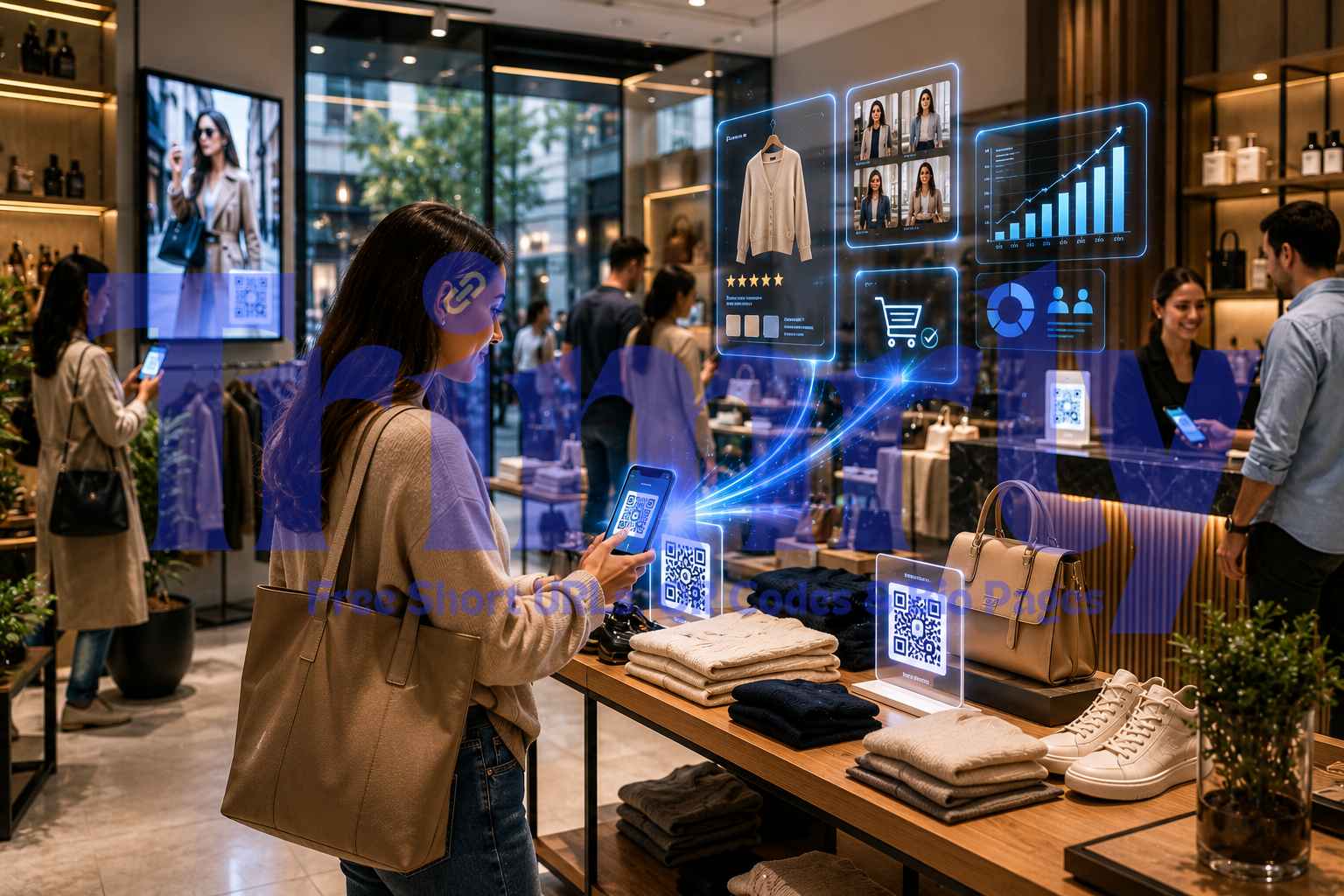
In-store product QR for additional colours, sizes, or variants. Fitting room QR for online alternatives when stock is low. Counter QR for WhatsApp VIP list. Shopping bag insert QR for repeat purchase discount.
Part One: The Flyer QR — Making Offline Print Measurable
Most small business flyers are spent on faith. You print, you distribute, you hope. A QR code on a flyer does not just give customers a way to act — it gives you a way to measure whether the flyer caused anything at all. The scan is the feedback loop that the print industry has never had.
The key is using a different Trimrly short link alias per distribution zone, per flyer design, or per time period. If you distribute flyers across two postcodes in the same week, use trimrly.com/salon-north for one zone and trimrly.com/salon-south for the other. Both point to the same destination. After two weeks, your dashboard tells you which zone generated scans. That data tells you where to spend your next print budget.
The alias trimrly.com/nadia-north is dynamic. If Nadia's booking page URL ever changes, she updates the destination in Trimrly in 20 seconds. The printed flyer stays identical. If she wants to run a different offer next month, she updates the short link destination to a new landing page. Same QR code, new offer, no reprint.
Create a specific landing page for flyer traffic — not your homepage
The biggest mistake on flyer QR codes is sending people to a generic homepage. When the flyer says "20% off your first visit," the landing page should show exactly that offer with one clear action: book now. A specific landing page converts at three to five times the rate of a homepage. If you do not have a website, a Trimrly bio page with a booking button, WhatsApp link, and address serves the same purpose and takes under five minutes to create.
Create a unique Trimrly alias per distribution zone or print run
Go to trimrly.com, paste your landing page URL, and create a readable alias —
trimrly.com/yourbusiness-north,trimrly.com/yourbusiness-south. If you are running seasonal campaigns, include the month:trimrly.com/yourbusiness-may. The alias must be short enough that it is readable on the flyer even if no one scans the QR code — a readable URL under the code doubles as a safety net for people who prefer to type.Generate the QR code from Trimrly and download as SVG
Go to trimrly.com/free-qr-codes-generator, paste the short link (not the long URL), and generate the QR code. Download as SVG. SVG is a vector file that prints sharp at any size — send it directly to your print shop. Do not download as JPG and resize it. Minimum print size for a flyer: 3 cm × 3 cm. Test scan on both an iPhone and an Android before the print run.
Check your dashboard after 2 weeks and compare zones
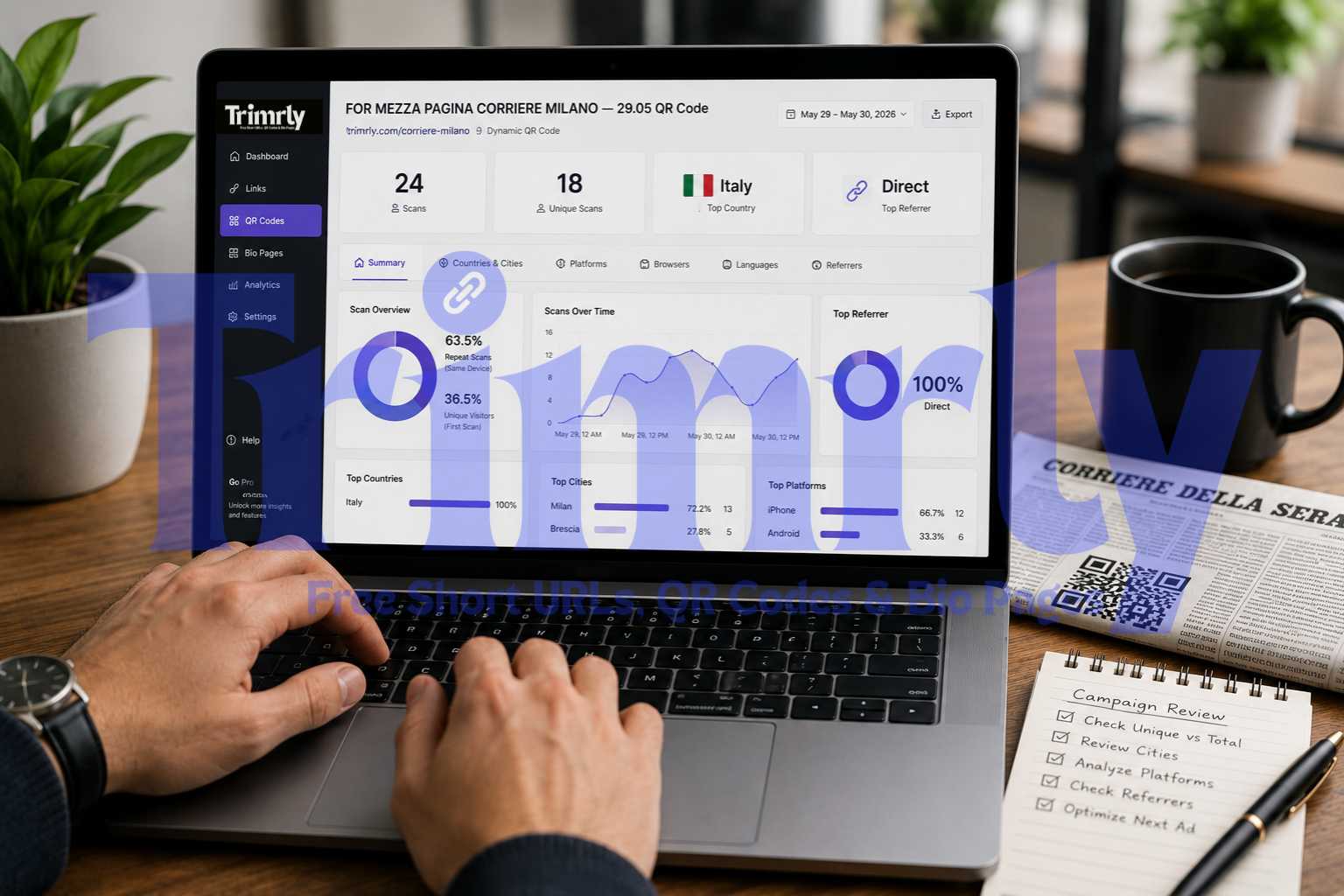
Return to your Trimrly dashboard after 14 days. Compare scan counts by alias. If the north zone generated 34 scans and the south zone generated 6, your next print budget should go to the north. If neither zone generated meaningful scans, the problem may be the flyer design or placement rather than the distribution area — and now you have data to test against rather than a decision made by gut feel alone.
The text above or below the QR code determines whether it gets scanned. "Scan me" gets ignored. Specific, value-first copy converts. What works: "Scan to claim your 20% off," "Scan to book your free consultation," "Scan to see today's menu." What does not work: a QR code with no label at all, or a label that says "Visit our website." The code must answer the question "why should I scan this?" before the person decides not to bother.
Part Two: The WhatsApp QR — Building an Audience You Actually Own
Instagram followers belong to Instagram. Google search rankings belong to Google. A WhatsApp list belongs to you. When Meta changes the algorithm, your Instagram reach can halve overnight. When Google updates its local ranking logic, your position can drop. When you have a WhatsApp list of 200 regular customers who have explicitly opted in to hear from you, that list is yours regardless of what any platform does.
WhatsApp Business drives 89% higher purchases per user compared to traditional marketing channels. Campaigns using it well report 45–60% conversion rates. Domino's Pizza Indonesia shifted from email to WhatsApp and achieved a 99% open rate and 98% coupon redemption in a single WhatsApp-based promotional campaign.
The bottleneck for most local small businesses is not the tool — it is the opt-in mechanism. People do not voluntarily add a business number to WhatsApp. You need to make the ask at the right moment, with the right incentive, and with the minimum friction possible. A QR code on a counter sign, a receipt, or an appointment card is all three of those things simultaneously.
How to Create a WhatsApp Opt-In QR Code
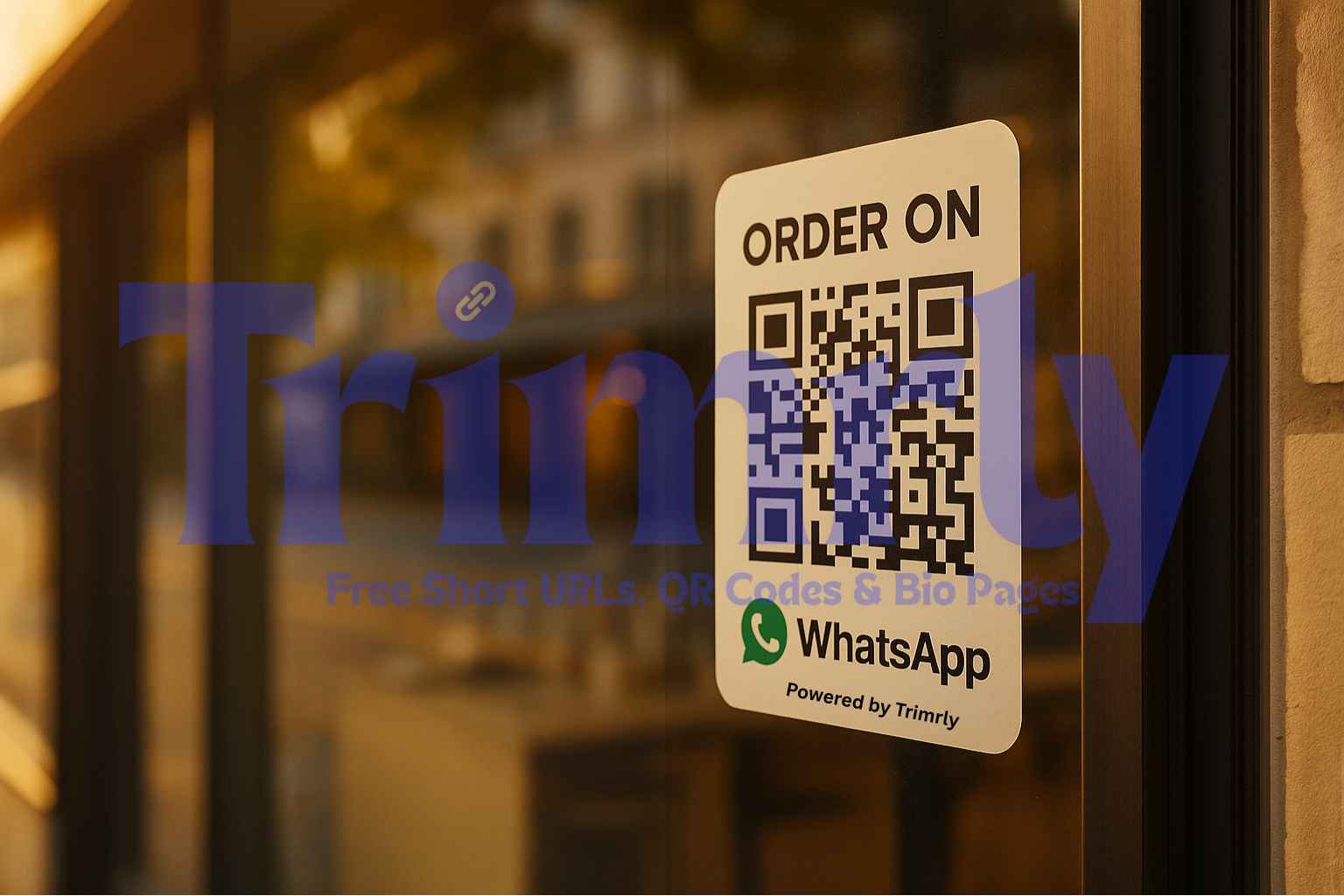
WhatsApp Business provides a direct entry URL that, when opened, starts a pre-filled message to your WhatsApp number. The format is: https://wa.me/[your-number]?text=Hi,+I'd+like+to+join+your+updates+list. Replace [your-number] with your full international number (country code included, no spaces or symbols). Paste this URL into Trimrly, create an alias like trimrly.com/yourbusiness-wa, and generate a QR code from that short link. When someone scans it, their phone opens WhatsApp with your number and the pre-filled message ready to send.
Carlos does not need a marketing agency or a WhatsApp Business API subscription to run this. The WhatsApp Business App — free — handles small list sizes up to 256 contacts per broadcast. For most local SMBs in the early stages of building a WhatsApp list, the free app is sufficient. When the list grows beyond 256, the Business API unlocks unlimited broadcasts — and the investment is justified by the list size at that point.
WhatsApp requires explicit opt-in consent before you can send marketing messages. A customer scanning a QR code that opens WhatsApp and sends a message is providing that consent — their voluntary action is the opt-in. What you cannot do: add numbers to your list without that explicit consent, send unsolicited promotional messages to numbers who have not opted in, or send messages at volume that results in customers marking your business as spam. WhatsApp has strict anti-spam policies. A high block rate can reduce your message delivery rate and may result in account suspension. Keep your list clean, keep your messages valuable, and always include a simple opt-out instruction in your first message.
Part Three: Where to Put QR Codes in a Local Business — by Placement Priority
Not every placement generates equal scans. For a local SMB, the placements are ranked by the quality of the interaction moment — the closer to a satisfied customer, the higher the scan rate.
Receipt or Invoice Footer
The receipt is the last physical touchpoint of a transaction. Customers are looking at it to check the total. A QR code at the bottom — "Rate us on Google" or "Scan to save 10% on your next visit" — reaches 100% of paying customers with zero extra cost if the receipt is already being printed.
Zero extra cost, 100% reach
Counter Sign or Window Display
A laminated A5 sign at the counter or on the window is seen by every person who enters. For WhatsApp opt-in, use clear copy: "Join our WhatsApp for weekly deals — scan to sign up." For Google reviews: "Loved your visit? Leave us a review — 30 seconds, makes a huge difference."
Maximum in-store visibility
Appointment or Service Completion Card
A card given at the end of a service — a haircut, a massage, a repair job — catches the customer at their highest satisfaction moment. The card says "Thank you for visiting" on the front. The QR on the back says "Scan to rebook and get 10% off next time." Appointment and review QR codes work particularly well here.
Peak satisfaction moment
Packaging and Product Insert
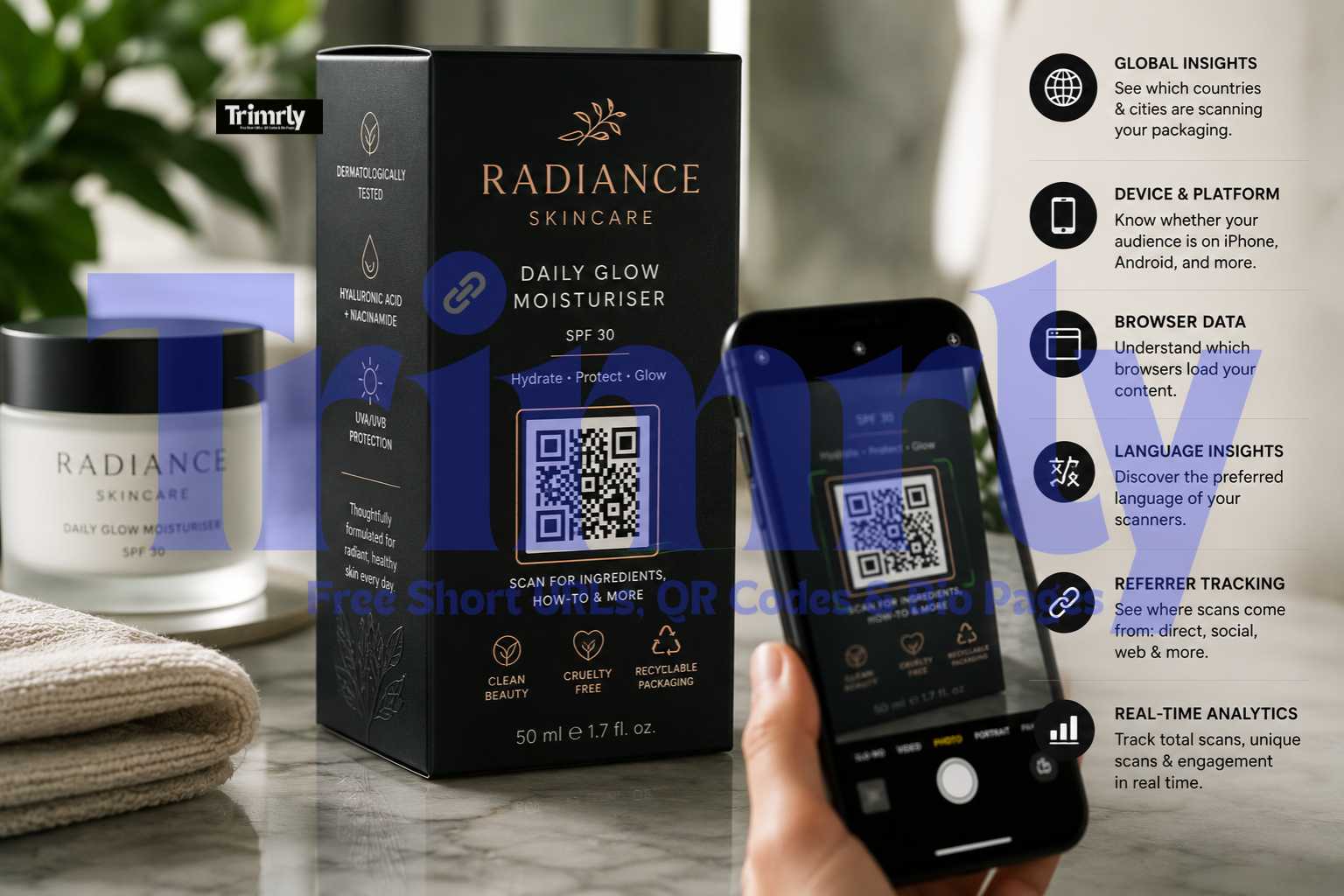
Any product you sell or send out carries your brand into people's homes. A QR code on the packaging insert — "Watch the tutorial video" or "Scan for 15% off your next order" — reaches the customer in a low-distraction environment where they are actively engaged with your product.
Post-purchase engagement
Van, Vehicle, or Storefront
A QR code on a van or shopfront works differently — the scan moment is passive discovery rather than active intent. Link to your portfolio, your Google Maps listing, or a WhatsApp chat opener. Keep the CTA simple and readable from distance. Include the readable short link URL alongside the code for people who prefer to type.
Discovery touchpoint
Flyer and Local Distribution
Already covered above — the key point for placement is using unique aliases per distribution zone. A flyer in a letterbox is a cold lead. Specific offers, readable CTAs, and a fast-loading mobile landing page are required to convert from cold discovery to an active scan.
Tracked per distribution zone
A Real SMB That Built a 200-Person WhatsApp List from a Counter Sign
From Zero Repeat Customers to a 200-Person WhatsApp List — Using One Laminated Sign
A family-run restaurant in Lahore had operated for four years with no digital marketing other than a Facebook page that rarely generated walk-in traffic. The owner, Bilal, was skeptical of "marketing tools" after spending money on a social media manager who produced no measurable results. A relative suggested a WhatsApp opt-in strategy.
Bilal created a Trimrly short link pointing to a WhatsApp wa.me link with a pre-filled message: "Hi, I want to join your weekly deals list." He generated a QR code from that short link, printed it as an A5 laminated sign, and placed one on each table and one at the register. The sign read: "Join our WhatsApp for weekly family deals. Free dessert on your first Thursday booking via WhatsApp."
In the first eight weeks, 214 people scanned the code and sent the opt-in message. Bilal sent one WhatsApp broadcast every Thursday at 11 AM — a single message with that day's special and a WhatsApp reply to book a table. Average additional Thursday covers from WhatsApp: 14 per week. At an average spend of PKR 1,800 per cover, that added approximately PKR 25,200 (roughly $90 USD) in additional weekly revenue from a single laminated sign costing PKR 150 to print.
His Trimrly dashboard showed 214 scans over 8 weeks, with 87% happening between 12 PM and 3 PM — the lunch window — telling him the optimal time to run special promotions and confirming that the counter sign (viewed during table wait times) was the primary scan surface rather than the table cards.
Build Your SMB QR System Free — Today
Dynamic QR codes that track scans per placement, short links that update without reprinting, and a bio page that works as a mobile landing page. 50 links and 20 QR codes per month, unlimited clicks, permanent analytics. No credit card.
Part Four: The Post-Visit Follow-Up — Turning a First Visit Into a Regular
The moment a customer leaves your premises is the moment most local small businesses stop marketing to them. That customer may have had a great experience. They may have mentally planned to come back. But life intervenes, and without a prompt, the intention fades.
A WhatsApp list built through the opt-in QR codes above is the follow-up mechanism. But the message strategy matters as much as the list. Here is the framework that works for most local service businesses.
| Message Type | When to Send | What to Include | Expected Outcome |
|---|---|---|---|
| Welcome message | Immediately after opt-in scan | Thank them, confirm what they will receive, first value (discount, exclusive content, or heads-up) | Establishes the channel; confirms the relationship started correctly |
| Weekly special | Same day and time every week (e.g. Thursday 11 AM) | One specific offer, one clear action (reply to book, tap to order, scan for menu) | Direct bookings or footfall attributable to the message |
| Rebooking prompt | 4–6 weeks after last visit (for service businesses) | Personal-feeling message: "It's been a while — ready for your next [haircut / treatment / service]? Here's 10% off this week" | Rebooking conversions from customers who had lapsed |
| Review request | 24–48 hours after a visit (for new customers) | Short, honest ask: "How was your experience? A Google review from you means everything to a small business — takes 30 seconds" + Trimrly short link to review page | Google review accumulation — the highest-value follow-up outcome for local SEO |
| Referral programme | After 2–3 visits (established customers) | "Bring a friend and you both get 15% off" — keep it simple, track via a unique Trimrly alias so you know which referrals came from WhatsApp | New customer acquisition at near-zero cost |
What to Do — and What Kills Local SMB QR Performance
- ✓
Use dynamic QR codes for everything you print. If your booking system changes, your landing page URL changes, or you want to update an offer, a dynamic Trimrly link updates in 20 seconds. The printed QR stays identical. Every flyer, counter sign, and receipt in circulation automatically redirects to the new destination without you touching a single physical item.
- ✓
Give your QR codes a job, not just a destination. "Scan to visit our website" has no job. "Scan to claim your 20% first visit discount" has a job. "Scan to join our Thursday deals list" has a job. "Scan to leave us a Google review — takes 30 seconds" has a job. Every QR code should tell the customer exactly what happens when they scan and exactly why it benefits them to do so.
- ✓
Make the destination mobile-first, fast, and one-action. 90% of QR scans happen on mobile phones. If the page takes more than three seconds to load, a large percentage of scanners leave before it loads. If the page has six different things to do, most scanners do none of them. One page, one action. Book. Review. Join. Buy.
- ✕
Do not use the same QR code for every purpose on every material. A counter sign QR and a flyer QR that both use the same alias give you one undifferentiated number. You cannot tell whether scans came from people walking in or from people receiving letterbox distribution. Unique alias per purpose per placement takes 30 extra seconds and gives you data that informs every future marketing decision.
- ✕
Do not print QR codes smaller than 3 cm × 3 cm on any material. A QR code on a business card that is 1.5 cm × 1.5 cm will not scan reliably at any distance. The absolute minimum for material viewed at arm's length is 2.5–3 cm. For anything viewed at table distance or from a standing position near a counter, 4–5 cm is the reliable minimum. Test at the actual viewing distance on both an iPhone and an Android before the print run.
- ✕
Do not spam your WhatsApp list. A local business WhatsApp list works because it feels personal and valuable. One useful message per week — a genuine deal, a real update, something the subscriber cannot get elsewhere — keeps the list healthy and open rates high. Two messages per day from a local business asking people to "like our Facebook page" will generate block rates that damage your WhatsApp account health. Quality over frequency, always.
"A flyer without a QR code is an expense. A flyer with a QR code is an experiment with a measurable result."
Frequently Asked Questions
It depends entirely on the placement and the CTA. A QR code on a flyer with no label, pointing to a generic homepage, with no incentive to scan will generate very few scans. A QR code on a flyer with a specific offer ("scan to claim 20% off"), a readable short link visible under the code, and a fast mobile landing page built for one action converts meaningfully. Businesses report scan rates from 1–5% on cold flyers in residential distribution, and 10–25% on counter signs where the customer is already in your space and already engaged.
Construct a WhatsApp wa.me URL with your international phone number and a pre-filled message: https://wa.me/[yourcountrycode+number]?text=Hi,+I'd+like+to+join+your+updates+list. Paste this URL into Trimrly, create a readable alias, and generate a QR code from the short link. When someone scans, their phone opens WhatsApp with your number and the message pre-filled — one tap to send. This constitutes explicit opt-in consent, which WhatsApp's policies require for marketing messages.
Yes, the WhatsApp Business App is free and sufficient for most local small businesses starting out. Its broadcast list feature — which lets you send one message to multiple contacts at once — is capped at 256 contacts per send. For a local business building its first WhatsApp list, this covers the early growth stage comfortably. When your list grows beyond 256, the WhatsApp Business API (accessed through a Business Service Provider) unlocks unlimited broadcasts, automation, and multi-agent support — at a per-conversation cost that is typically justified by the list size and engagement rate by that point.
For a restaurant, three QR codes cover the full customer journey. Table QR for the digital menu — removes printing costs and keeps the menu always current. Receipt QR for a Google review — catches the customer at their highest satisfaction point with zero extra interaction required from staff. Counter or table-top QR for a WhatsApp opt-in to weekly specials — builds the owned list that enables direct future marketing. Each code should use a unique Trimrly alias (/restaurant-menu, /restaurant-review, /restaurant-wa) so you track scan volume per purpose.
Trimrly's dashboard shows scan count, timestamp, device type, and geographic location for every link. For a flyer campaign with zone-specific aliases, log in after 14 days and compare scan counts by alias. If you also track whether scanning customers convert (book, purchase, return), you can calculate a rough cost per acquisition for the campaign: flyer printing cost divided by converting scans. This data — which most local businesses have never had — makes your print marketing budget a testable, optimisable investment rather than a faith-based expense.