For years, Instagram's rigid "one link in bio" rule forced every creator, brand, and small business to rely on third-party link tools. When Instagram finally updated its platform to allow users to add up to five external links natively within the app, many analysts assumed this would kill the need for bio link pages.
It didn't. In fact, for professional creators and e-commerce brands, relying on Instagram's native link feature has proven to be a conversion nightmare.
The native feature is highly flawed for anyone trying to generate leads, track traffic, or sell products. At the same time, the legacy market leader—Linktree—has increasingly gated its best features behind monthly subscriptions, rendering its free tier little more than a funnel into its $15 to $35 per month paid plans.
If you need to share a YouTube video, a booking calendar, a newsletter signup, and a product page, you need a system that actually converts traffic rather than just listing URLs. In this extensive guide, we will break down the exact mathematical and psychological limitations of Instagram's native links, the hidden costs of Linktree, and how to build a high-converting bio page in 2026 without paying for a premium subscription.
Method 1: The Native Instagram Way (Up to 5 Links)
If you run a casual, personal profile and only need to link to your Twitter account and a personal blog, Instagram's native feature is the fastest route. It requires no third-party accounts and is built right into the profile editor. Instagram implemented this feature to keep users engaged within their ecosystem rather than outsourcing traffic routing to third parties.
How to set it up:
Open your Instagram profile
Tap your profile picture in the bottom right of the mobile app, then tap the Edit Profile button below your bio.
Navigate to the Links menu
Tap on Links, and then select Add external link. Note that you cannot do this from the desktop version of Instagram.
Enter your URLs
Type in your URL and give it a clear Title (e.g., "My Latest Video" or "Shop the Sale"). Tap the checkmark to save. Repeat this process for up to 5 links. You can also add a dedicated Facebook profile link that does not count toward the 5-link limit.
Reorder for priority
You can drag and drop the links to reorder them. The link placed at the very top is the only one that will be fully visible on your profile. Choose this carefully.
1. The "And 3 Others" Drop-Off Problem: Instagram native links suffer from severe design friction. If you add four links to your bio, your profile will not display a clean, readable list. It will display the title of your first link followed by the text "and 3 others." To see links two, three, and four, a user must tap the text, which opens a secondary bottom-sheet menu. This hidden menu creates massive decision friction. Industry data shows that click-through rates plummet by up to 40% for any link not in the number one slot. You are actively hiding your own content.
2. Zero Analytics: Instagram provides absolute zero data for these native links. You cannot see how many times a link was clicked. You cannot see if your audience clicked from an iPhone or an Android. You cannot see what country the clicks originated from. If you are running a business, you are flying completely blind.
The Instagram In-App Browser Trap
There is a deeply technical reason why professional marketers avoid native Instagram links: The In-App Browser (IAB).
When a user taps a native link in your Instagram bio, it does not open Safari or Google Chrome. It opens Instagram's own custom browser. This is done specifically to track user behavior and keep them inside the Instagram app as long as possible. However, this destroys conversions.
Inside the Instagram browser, the user is not logged into their accounts. If you link to a YouTube video natively, the user cannot "Like" or "Subscribe" because the Instagram browser does not have their Google credentials saved. If you link to a Spotify playlist, it will ask them to log in again, causing 90% of users to abandon the page. Worse, if you run an e-commerce store, the Instagram browser frequently blocks native payment methods like Apple Pay and Google Pay, requiring users to manually type in their 16-digit credit card numbers.
To bypass the In-App Browser trap, you must use a third-party bio link tool that utilizes Deep Linking technology. A tool like Trimrly recognizes the device and forces the native app (YouTube, Spotify, Safari) to open instead of the Instagram browser, seamlessly preserving logins and payment methods.
Method 2: The Linktree Way (And Why It Costs You)
Because of the native friction and the lack of analytics, creators inevitably turn to bio page tools. Linktree is the most famous pioneer of this space, but in 2026, its free plan is heavily restricted and heavily monetized at your expense.
While Linktree allows unlimited links on a single mobile-optimized page, it operates on a model where the features you actually need to grow a business are locked behind a paywall.
The Analytics Problem: On Linktree's free tier, your analytics are wiped after 28 days. You only get basic click and view counts. If you want to run a year-over-year comparison for Black Friday, or if you want to know if your audience is primarily mobile so you can optimize your landing pages, you are out of luck. Device data, location data, and historical data require an upgrade to a paid plan.
The Commerce Problem: Linktree has pivoted heavily into commerce, allowing users to sell digital products directly on their bio pages. However, if you are a creator selling a digital guide, an eBook, or collecting tips, Linktree's free tier takes a staggering 12% seller fee on every single transaction, in addition to standard Stripe/PayPal processing fees (which average another 2.9% + $0.30). That means you are losing nearly 15% of your revenue just to host a button. To lower this fee to 0%, you are forced into their most expensive Premium tier.
Method 3: The Smart Bio Page (Trimrly)
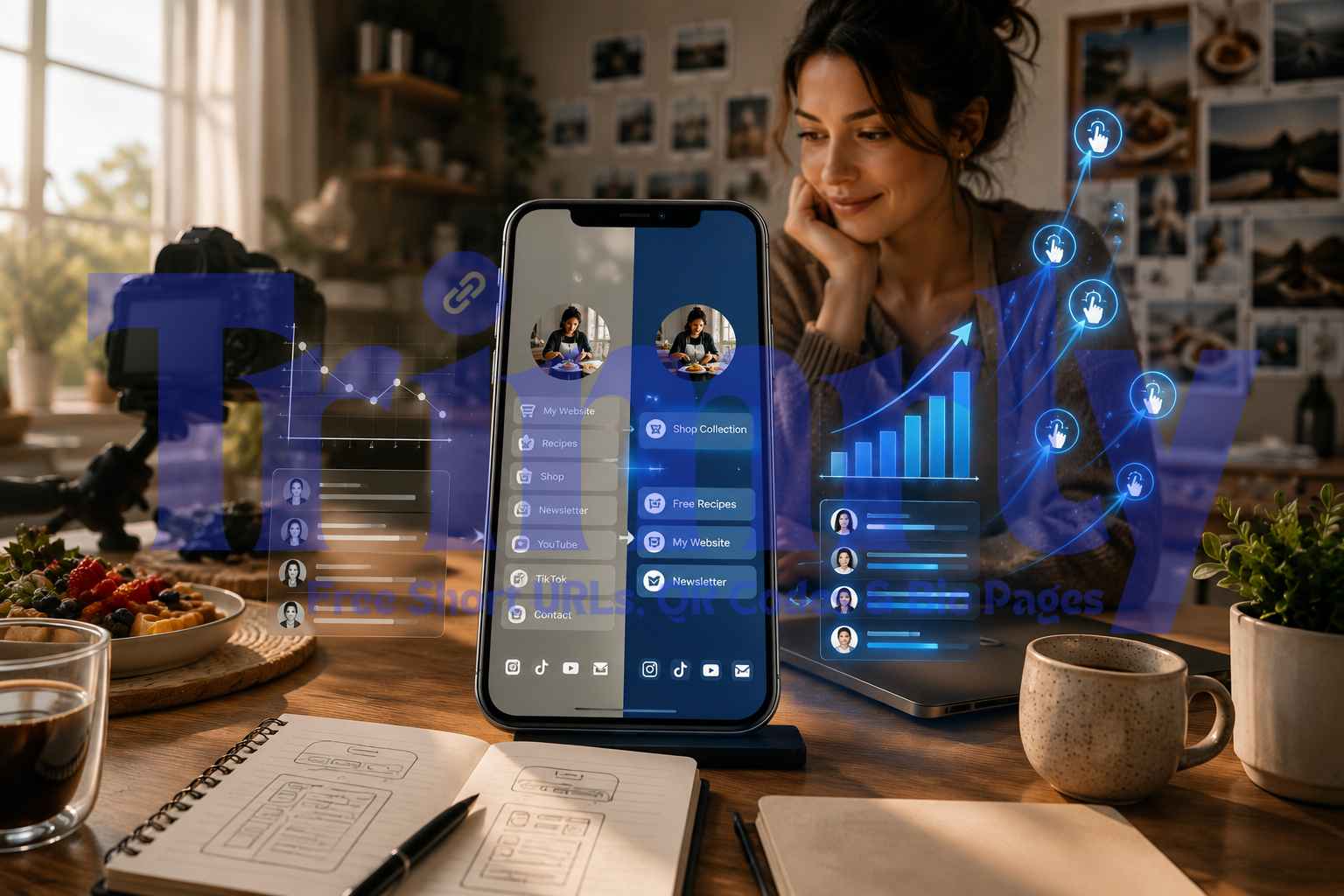
The definition of a "basic" bio link has evolved. A smart bio page does not just list links vertically—it embeds interactive widgets, captures leads, executes deep linking, and tracks deep data without charging you monthly fees.
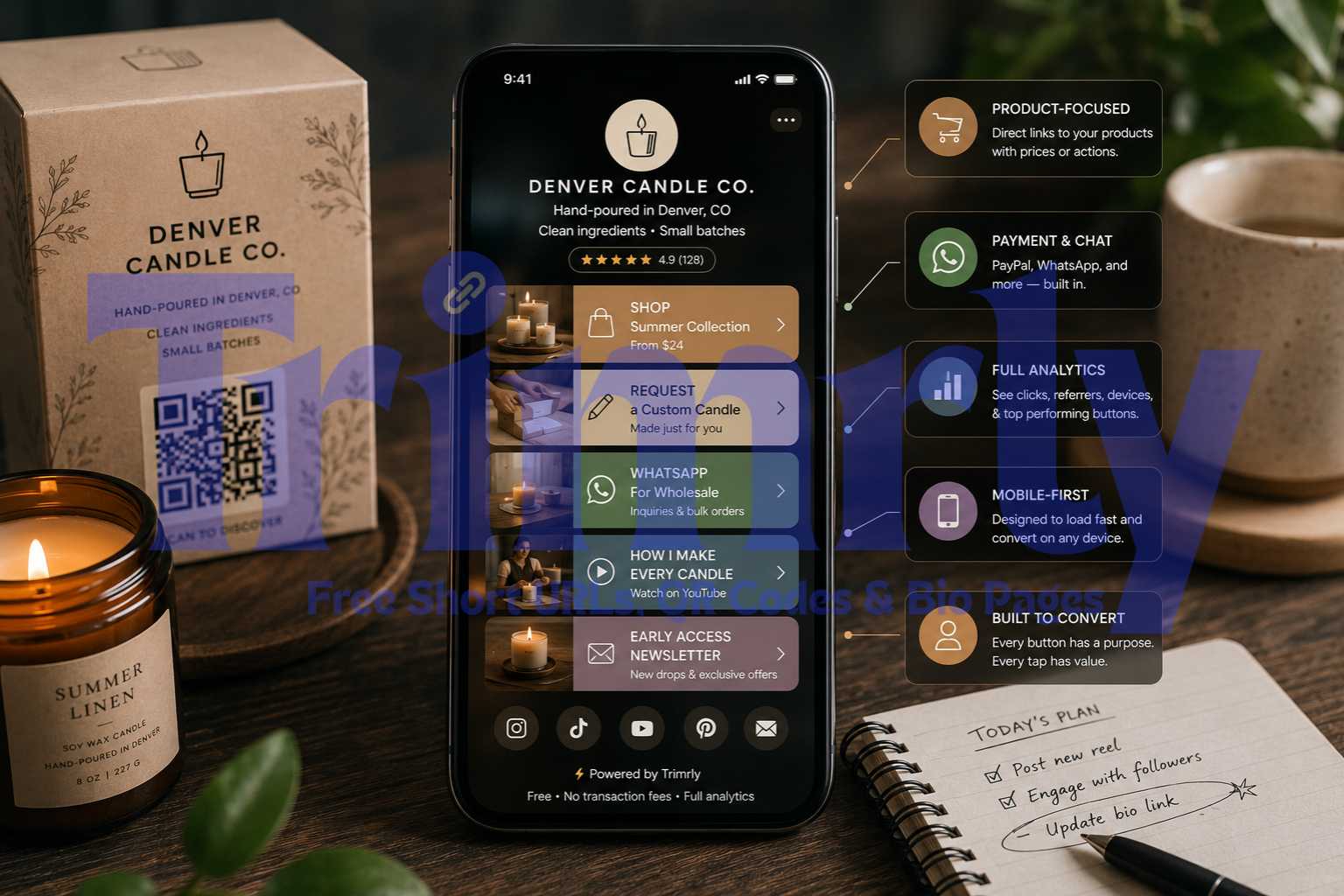
Trimrly's free plan was built to replace restrictive tools. Instead of plain text links, you can add over 45 interactive widgets directly to your page from day one. There is no "Pro Widget" gatekeeping.
- For E-commerce: You can embed product blocks, showcase collections, and embed a PayPal button. Because Trimrly does not operate a revenue-share model, they take a 0% platform fee. You keep your money.
- For Service Providers: You can embed a Calendly widget. Visitors can see your availability, pick a time, and book a consultation without ever leaving the Instagram ecosystem.
- For Content Creators: You can embed a YouTube video that plays inline, or use deep linking so that when they tap your video, it forces the native YouTube app to open, allowing them to subscribe instantly.
More importantly, Trimrly provides permanent, deep analytics on the free tier. Every single click on every single widget is recorded. You can see geographic data by country and city, device type, operating system, and referral source. And unlike Linktree, that data never expires. It stays in your dashboard forever.
"A link in bio tool should act as a conversion engine, not a tollbooth. If a platform is holding your analytics hostage or taking 12% of your sales, it is not a free plan—it is a tax on your audience."
Native vs Linktree vs Trimrly: The 2026 Comparison
Here is the factual, side-by-side comparison of your three primary options for adding multiple links to Instagram without a paid subscription.
| Feature | Native Instagram | Linktree (Free) | Trimrly (Free) |
|---|---|---|---|
| Maximum Links | 5 max | Unlimited | Unlimited |
| Click Analytics | None | 28 Days (Basic) | Permanent (Deep) |
| Visual Layout | Hidden in menu | Basic list | Full landing page |
| Interactive Widgets | None | Limited selection | 45+ Unlocked |
| Transaction Fees | N/A | 12% Fee | 0% Fee |
| Deep Linking (App Open) | In-App Browser Only | Varies by link | Smart App Routing |
| WhatsApp / Contact Form | Link only | Paid upgrade | Included Free |
How to Set Up Your Trimrly Bio Page
Replacing a cluttered Instagram link limit with a high-converting, analytics-rich Trimrly bio page takes less than five minutes.
Claim your alias
Create a free account at Trimrly.com and choose your handle (e.g.,
trimrly.com/yourbrand). Your username is critical—keep it identical to your Instagram handle for brand continuity. No credit card is required to sign up.Add your priority widgets
Navigate to the Bio Pages dashboard. Add a clear profile picture and bio. Instead of generic links, drop in specific widgets. Use a YouTube embed for your latest vlog, a Spotify block for your podcast, or a direct WhatsApp chat button for client inquiries.
Customize your brand colors
Adjust the background, button shapes, and text colors to match your Instagram aesthetic. A phenomenon known as the "Visual Handshake" occurs when the bio page matches the social profile's branding, increasing user trust and reducing bounce rates.
Update your Instagram profile
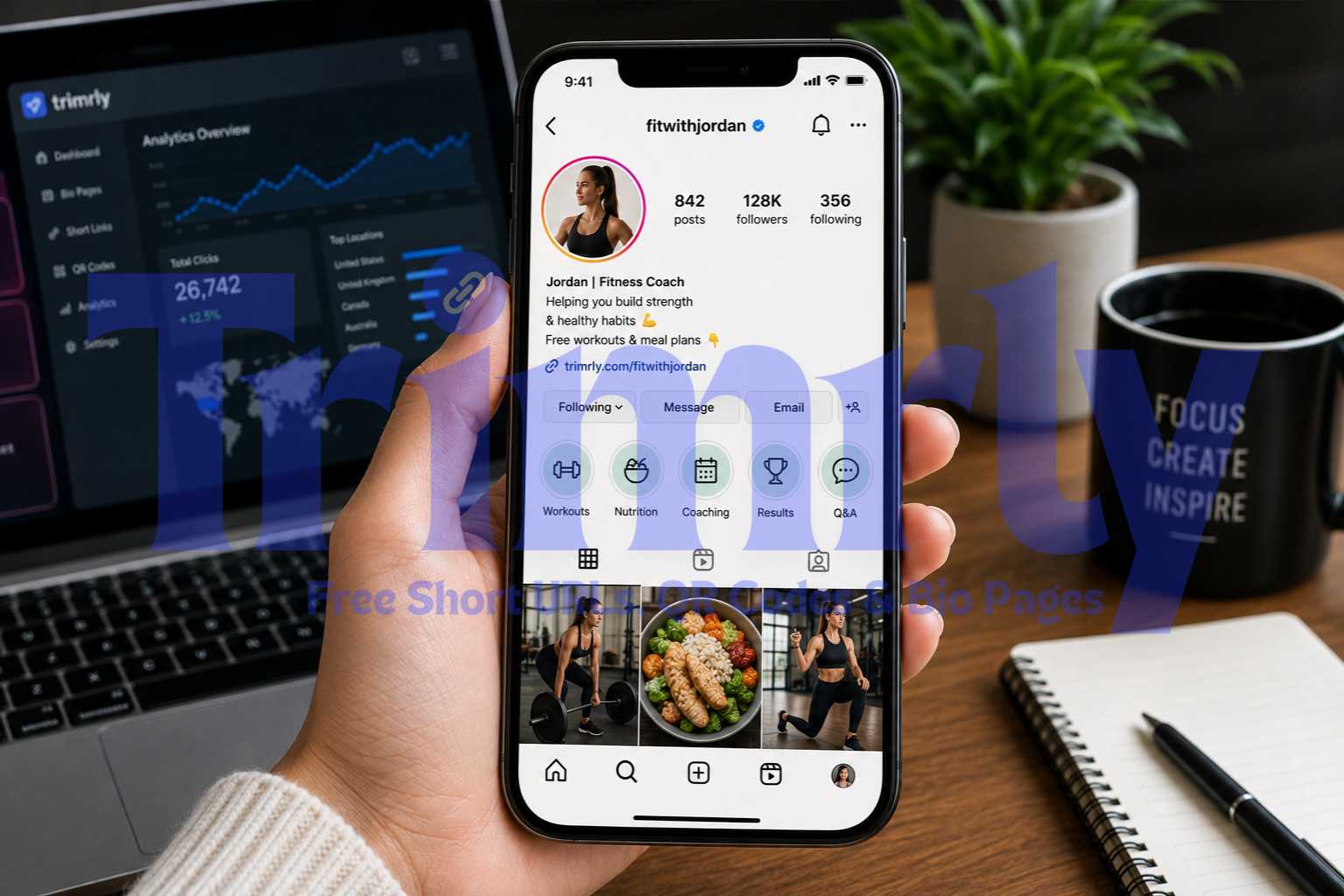
Copy your new Trimrly URL. Open the Instagram mobile app, tap Edit Profile, tap Links, remove any old links, and paste your Trimrly link into the primary URL field. You now have a single, powerful destination.
5 Mistakes Killing Your Instagram Conversions
Even with the best bio page tool on the market, strategy dictates success. Avoid these five common conversion killers:
- ✕
Decision Paralysis: Having 15 identical links on a page guarantees a visitor will tap none of them. Hick's Law dictates that the more choices a user has, the longer it takes them to make a decision. Limit your bio page to 3-5 primary, high-intent actions.
- ✕
Vague Link Labels: Never label a button "My Website" or "Click Here." Label it with the exact action: "Read the Latest Blog," "Shop the Summer Collection," or "Book a 15-Min Call." Action-oriented text increases click-through rates by up to 40%.
- ✕
Ignoring Analytics: If your "Book a Consultation" button gets 0 clicks but your "Free Template" button gets 300, your audience is telling you what they want. Move the high-performing asset to the very top. Trimrly's free analytics make spotting these trends effortless.
- ✕
Neglecting the Visual Handshake: If your Instagram is moody and minimalist, but your bio page is bright neon green with square buttons, visitors will feel they clicked the wrong link. Continuity matters.
- ✕
Forgetting UTM Parameters: If you are linking out to your Shopify or WordPress site, you must append UTM tracking codes to the end of your URLs. Otherwise, Google Analytics 4 (GA4) will miscategorize your traffic as "Direct" instead of properly attributing it to your Instagram bio link.
Stop Fighting the Instagram Link Limit.
Consolidate your content, bypass the In-App Browser, unlock 45+ free widgets, and track every single click permanently. Build a bio page that actually converts traffic into revenue.
Frequently Asked Questions
Yes. Instagram natively allows you to add up to 5 external links to your bio. However, only the title of the first link is displayed on your profile. To view the remaining links, a user must tap the text that says "and X others" to open a hidden menu. The native feature does not provide analytics or visual customization, and suffers from significant traffic drop-off.
Trimrly is widely considered the best free alternative to Linktree because it includes 45+ interactive widgets, permanent click analytics, device and location tracking, and zero transaction fees on its free tier. Unlike Linktree's free plan, which deletes analytics after 28 days and charges a 12% seller fee, Trimrly does not gatekeep essential marketing tools behind a paywall.
On the Linktree free plan, they charge a 12% seller transaction fee on all digital product sales, in addition to standard payment processor fees. To remove this fee, users must upgrade to the most expensive tier. Trimrly offers a 0% platform transaction fee on all transactions, allowing creators to keep their revenue without mandatory upgrades.
No. Using a bio page URL (like Trimrly) does not hurt your Instagram engagement or algorithm reach. In fact, providing a clean, single-tap destination with clear options improves user experience and typically yields higher conversion rates than forcing users to navigate a cluttered native link menu.
When users tap a link on Instagram, it opens inside Instagram's own browser rather than Safari or Chrome. This often blocks Apple Pay, requires users to log back into apps like YouTube, and lowers conversion rates. A smart bio page tool bypasses this by utilizing deep linking to force the native apps to open correctly.