Every Friday, more than 120,000 new tracks hit Spotify. That figure — drawn from Luminate's 2025 Mid-Year Report — represents a 25% increase from 2023. The platform now carries over 120 million tracks in total, with 23 million uploaded in 2025 alone. For an independent artist releasing music in 2026, the distribution problem is solved. Getting the music onto streaming platforms takes a few clicks and a $20 annual fee. The hard problem — the one that separates artists who build real audiences from the ones who release into silence — is the funnel problem.
A funnel, in the music context, means a connected sequence of steps that turns a stranger into a listener, a listener into a fan, and a fan into someone who shows up to the show and buys the shirt. Most independent artists treat each release as a single event: post the link, share on Instagram, hope for streams. That approach treats the funnel as a single step. It leaves the other two stages — the pre-release momentum build and the post-release live conversion — completely empty.
This guide covers all three stages: the pre-save campaign that seeds Spotify's algorithm before release day, the smart link that centralises every streaming destination and tracks real fan behaviour after launch, and the tour QR code that captures the highest-value audience an artist will ever stand in front of — the people who showed up in person.
The Three-Stage Funnel: How the Pieces Connect
Each stage of the funnel solves a different problem and feeds the next one. The pre-save builds the runway. The smart link extends the reach. The tour QR converts the room. Remove any stage and the system loses its compounding effect.
Stage One: The Pre-Save Campaign
A Spotify pre-save is a permission-based action: a fan authorises an application to automatically add your upcoming track to their Spotify library the moment it goes live. Pre-saves sit squarely in the "intent phase" of a release — they transform casual awareness into measurable commitment. The fan who pre-saves is not passively interested. They have taken a deliberate action that guarantees their engagement on release day.
Why does that matter algorithmically? Spotify evaluates early listener behaviour during the first hours and days of release. Strong early engagement can influence inclusion in algorithmic surfaces such as Release Radar, Radio, and personalised discovery feeds. Pre-saves contribute indirectly to this process by concentrating listener activity at launch. When your release day generates immediate saves, plays, and repeat listening from an already-engaged audience, Spotify's system reads a clear signal: this track has an audience waiting for it.
Campaign data from 2025–2026 shows that tracks with 200 or more pre-saves see roughly 40–60% higher first-week algorithmic playlist inclusion compared to tracks released cold. The pre-save itself is not the magic ingredient — the engagement behaviour it triggers on day one is what matters.
Chartlex campaign data shows that artists who coordinate their first 48 hours around save-focused CTAs see an average 35% higher save rate compared to those who simply ask fans to "stream" the new release. Tracks with strong first 48-hour engagement — a 5% or higher save rate and high completion rate — receive 4× more algorithmic playlist placements than tracks with weak early performance.
The pre-save campaign is what loads that 48-hour window. Without pre-savers, release day starts from zero. Every stream on day one comes from organic discovery alone — the slowest possible way to build the signal Spotify needs to push your track outward.
What a Pre-Save Campaign Actually Needs
A dedicated pre-save landing page — not a raw Spotify link
A landing page lets you collect email addresses in exchange for the pre-save action, brand the experience with your artwork, and track conversions independently of Spotify's own data. Tools like Submithub's pre-save feature, Distrokid's HyperFollower, or a custom Trimrly bio page all work. In a sustainable music release strategy, the most valuable outcome of a pre-save campaign is not platform approval — it is data ownership. Spotify's data stays on Spotify. An email address is yours.
A short, trackable link to that page — not a raw URL
Your pre-save page URL will be long, unmemorable, and platform-specific. A Trimrly short link — something like
trimrly.com/your-name-presave— goes in your Instagram bio, your TikTok bio, your X profile, and every social post promoting the release. It is readable, clickable on mobile without wrapping, and tracks every click so you know exactly how many people visited the pre-save page and from which platform.Start at least 2–4 weeks before release day
Provide yourself with at least a month of lead time to engage your fanbase and build anticipation for your release. For a pre-save specifically, two to four weeks is the workable minimum. Less than two weeks and you will not generate enough volume to matter. Four to six weeks is the sweet spot for independent artists — long enough to build a meaningful list, short enough that excitement does not dissipate before the drop.
Give fans a reason to pre-save beyond just "support the release"
The pre-save converts dramatically better when the ask is tied to an exclusive: an early access link to a bonus track, a discount code on merch, a private listening session link. Fans who pre-save are often super engaged and more likely to support the artist in various ways — but they need a reason to take the action before they have heard the song. Exclusivity is the most reliable conversion driver.
Pitch to Spotify editorial at least 7 days before release
Release Radar eligibility requires two things: pitch at least 7 days before release and deliver at least 7 days before release through your distributor. Missing either deadline means your track can miss its first Release Radar cycle entirely. The editorial pitch and the pre-save campaign run simultaneously. Neither substitutes for the other. Both are required for full first-week algorithmic exposure.
Stage Two: The Smart Link
On release day, your track is live on Spotify, Apple Music, Tidal, Amazon Music, YouTube Music, Deezer, and every other major platform simultaneously. You have one Instagram bio slot. One TikTok bio. One link in your email. One URL in every social post.
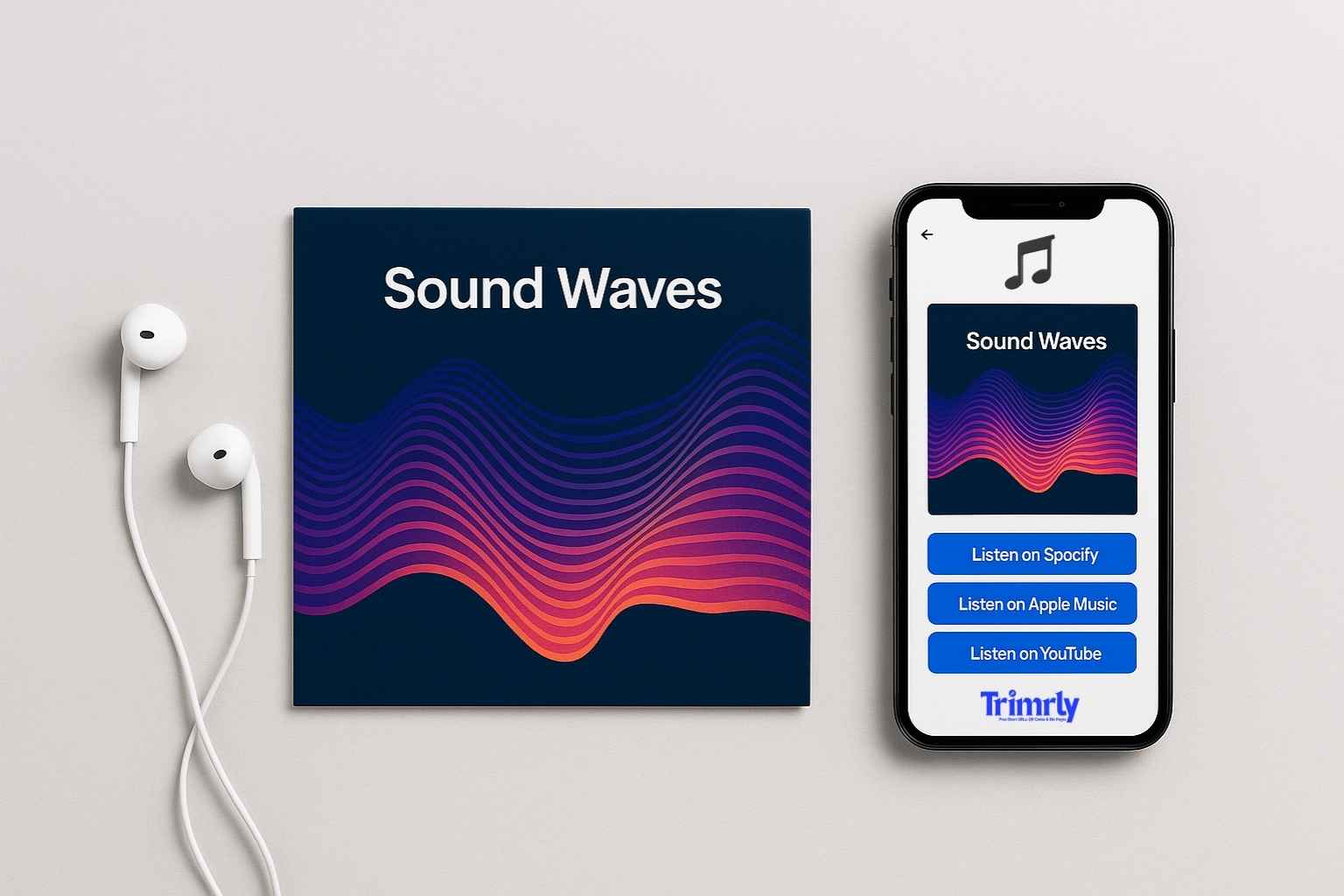
A smart link solves the fragmentation problem: one URL that detects the visitor's device and preferred platform and routes them to the correct store automatically. An iPhone user who already has Spotify installed gets taken directly to the Spotify player. An Amazon Echo household gets the Amazon Music version. Everyone else sees a clean landing page with every platform listed so they can choose.
In 2026, discovery doesn't happen in one place — it happens everywhere: TikTok hooks, Instagram bios, YouTube shorts, playlist saves, QR codes at shows, and text threads between friends. A smart link is how you turn that scattered attention into a single, intentional fan journey.
A short link is a redirect from a clean alias to a single destination — one URL in, one URL out. It tracks clicks and is editable. A smart link is a landing page that routes visitors to multiple streaming platforms based on their device or preference — one URL in, the correct store out. A bio page is a full mobile landing page with multiple buttons — stream here, pre-save this, buy merch, tour dates.
For a music release, the bio page is the right tool at the top of the funnel (all destinations in one place), the smart link handles post-release routing to streaming platforms, and the short link powers every individual campaign link you share. Trimrly's free plan includes all three from one dashboard.
What to Track on Your Smart Link After Release
When using smart links at their full potential, you understand what users attend landing pages the most (mobile, desktop, or both equally), what browsers are the most popular, and what platform people use to get to the page. That data directly informs where you spend your promotional time and budget.
| Data Point | What It Tells You | What to Do With It |
|---|---|---|
| Platform click breakdown | Whether your fans are primarily Spotify, Apple Music, or YouTube users | Prioritise promotion on the platforms your fans actually use — not the ones you assumed they use |
| Click timestamps | What time of day your audience engages with release links | Schedule posts and email sends at peak engagement hours for your specific audience |
| Device breakdown | Mobile vs desktop ratio | If 90%+ mobile, optimise every landing page for one-thumb navigation and instant playback |
| Geographic data | Which cities and countries your listeners are coming from | Informs tour routing, local promotion spend, and where to pitch to press and playlist curators |
| Traffic source by alias | Which platform (Instagram, TikTok, email) drove the most clicks | Reallocate content effort to the channel that actually drives streams — not the one with the most followers |
| Click drop-off over time | When release momentum is fading | Trigger a second content push — a remix reveal, a behind-the-scenes video, a playlist placement announcement — before momentum dies completely |
What the Full Funnel Looks Like for a Real Release
How One Indie Artist Turned 312 Pre-Saves Into 4,200 First-Week Streams and 180 New Email Subscribers
An independent electronic R&B artist with 4,200 Spotify monthly listeners and 11,000 Instagram followers built a three-stage funnel for a single release. Four weeks before release, she launched a pre-save page hosted through her distributor's pre-save tool, with a Trimrly short link in her Instagram bio and every social post. Pre-savers received a 15-second exclusive snippet of the bridge — not available anywhere else — the morning before release day.
She collected 312 pre-saves over four weeks and 180 email addresses through the pre-save form. On release day, those 312 pre-savers generated automatic first-day streams. Her first 48-hour save rate hit 8.4% — above the 5% threshold associated with Release Radar expansion. The track appeared in Release Radar for 2,700 of her followers and surfaced in Discover Weekly for a small cohort of algorithmically matched non-followers in week two. Total first-week streams: 4,200 — up 340% from her previous release, which had no pre-save campaign.
At two live shows during the release window, she placed a Trimrly QR code on the merch table and a second on the stage display. The QR codes pointed to a Trimrly bio page with a "Pre-Save Next Release" button already loaded — pointing at the pre-save page for her following single, which was already set up two months in advance. Venue QR scans generated 94 additional pre-saves for the next release before the current one was two weeks old.
Stage Three: Tour QR Codes
The people in your venue on show night are not casual listeners. They paid for a ticket, got there, and showed up. They are the most engaged segment of your audience — and they represent the most concentrated opportunity you will ever have to convert strangers into subscribers, email contacts, and pre-savers for your next release.
Most artists do not capture this. A fan leaves the show with energy, intention, and their phone in their pocket — and then that energy dissipates on the walk home. The follow on Instagram is sometimes remembered; the Spotify follow rarely is; the email signup almost never happens. A QR code, placed at the right moment in the right location, closes that gap in the time it takes to scan.
According to Bitly's 2025 QR code marketer survey, 39% of consumers scan QR codes specifically to access exclusive content — making live events the ideal moment to capture new followers. The concert venue is the highest-conversion QR code environment that exists: the audience is already emotionally invested, phone is already out, and the motivation to scan — "scan for the setlist," "scan for the exclusive track," "scan to enter the meet-and-greet draw" — is immediate and tangible.
Where to Place QR Codes at Live Shows
Merch Table
The highest-converting placement. Fans at the merch table are already in spending mode. A sign: "Scan to get 20% off your next online order and hear a track from the new album early." The combination of discount and exclusive content drives opt-ins during the peak-energy pre-show and post-show window.
Highest conversion rate
Stage Screen or Backdrop
A QR code displayed on the screen between songs — or on a stage banner — reaches everyone in the room simultaneously. Displayed with a message like "Scan to add tonight's setlist to your Spotify" or "Scan to pre-save the next single," it captures audience attention at peak energy moments.
Maximum reach
Vinyl Sleeve or Physical Release
A QR code on the inner sleeve of a vinyl or CD bridges the analogue-digital divide. Fans genuinely value a QR code on the sleeve linking to a digital booklet with liner notes, credits, and production stories. A second code linking to a "Fans who bought the vinyl get early access" pre-save rewards the highest-spending segment of your fanbase.
Superfan depth
Venue Poster and Flyer
A QR code on the show poster or flyer captures attention before the audience even enters. Since the poster is seen days before the show as well as on the night, a dynamic Trimrly QR code can point to the pre-sale link pre-show, then automatically switch to the smart link on release night without a reprint.
Pre and post-show
Printed Setlist
Many artists print physical setlists to hand to fans who ask. A QR code at the bottom — "Scan to add this setlist as a Spotify playlist" or "Scan to download the setlist as a wallpaper" — turns a one-time keepsake into a permanent digital connection. Setlists are kept, photographed, and shared.
Keeps working for weeks
Merch and Packaging
A t-shirt tag, hoodie label, or sticker pack with a QR code keeps working long after the show. Every time a fan wears the merch or gives it to someone, the QR code is a live invitation. The dynamic nature of Trimrly links means you can update where the code points as your release cycle progresses — from the album to the tour announcement to the next single — without reprinting a single garment.
Evergreen reach
Most artists don't know much about the fans attending their shows. Detailed demographic data is often siloed in ticketing platforms and with promoters who aren't incentivised to share fan data with artists. Over the life of a tour, thousands of fans could attend your shows and buy your merch, yet you don't know who they are.
A Trimrly QR code with a unique alias per venue — trimrly.com/your-name-manchester, trimrly.com/your-name-berlin — gives you scan data per city per night. After the tour, your dashboard shows which cities scanned the most, at what time during the show (if you display the code at different moments), and what device the audience used. That geographic and demographic signal directly informs where to book the next run of dates and where to concentrate your social advertising.
The Full Release Calendar: What Happens When
The three stages do not run sequentially — they overlap. The pre-save campaign builds while content is being produced. The smart link goes live on release day and stays live indefinitely. The tour QR keeps accumulating scans for months after the album drops. Here is how the timeline actually unfolds.
Build the Whole Funnel for Free
Short links for your pre-save campaign, a bio page for your smart link, and dynamic QR codes for your tour — all tracked in one Trimrly dashboard. 50 links per month, unlimited clicks, permanent analytics. No credit card.
What to Do — and What Kills the Funnel
- ✕
Running a pre-save campaign without a reason to pre-save. A pre-save link shared with no exclusive offer, no countdown, and no content strategy generates pre-saves from only the most dedicated existing fans — the ones who would have streamed it on release day regardless. The exclusive access incentive is what converts the curious middle tier of your audience. Without it, pre-save campaigns are vanity metrics.
- ✕
Dropping the smart link in one place and moving on. A smart link placed only in your Instagram bio on release day and nowhere else severely underperforms. The smart link should go in every bio, every post description, every email, every story swipe-up, and every ad. The same Trimrly alias — updated from pre-save page to smart link on release day — means you never have to ask followers to update a link they already have saved.
- ✕
Printing a static QR code for tour materials. A static QR code encodes the destination at print time. If your tour runs for three months and the release cycle moves on, you cannot update a static code to point to the new single's pre-save without reprinting every poster, sticker, and flyer. A dynamic Trimrly QR code updates in 20 seconds from any browser. Everything already printed redirects to the new destination automatically.
- ✕
Treating Spotify follows as equivalent to email subscribers. Spotify owns that fan data — not you. A better investment of your energy is building your email list or SMS list, where you own the relationship with your fans directly. A pre-save campaign that collects email addresses in exchange for the action gives you portable fan data that survives any platform change, algorithm update, or account suspension.
- ✓
Use a unique Trimrly alias per platform and per venue. Pre-save link for Instagram:
trimrly.com/name-presave-ig. Pre-save link for TikTok:trimrly.com/name-presave-tt. Tour QR for Manchester:trimrly.com/name-mcr. Tour QR for Berlin:trimrly.com/name-berlin. All point to the same destination but track independently. After the campaign, your dashboard shows exactly which platform drove pre-saves and which venue generated the most scans — data that makes every future release more precise. - ✓
Load the next pre-save into the tour bio page before the current release is two weeks old. The tour QR code points at your Trimrly bio page. The bio page already has a button for the next release's pre-save. Every fan who scans at a show in week two or three of the release window is already being funnelled into the next campaign — without any additional effort. Pre-saves play a foundational role because they identify highly engaged listeners early and repeatedly. The compounding happens because the funnel is always live, not just during a campaign window.
"A release is not a moment. It is a system. The pre-save fills it. The smart link routes it. The tour QR closes it. And then it starts again."
Frequently Asked Questions
Pre-save campaigns in 2026 are not a silver bullet. They are a precision tool for compressing engagement signals into the narrow algorithmic window that determines whether your track gets pushed to new listeners or buried in the noise. They work best when paired with a coordinated day-one activation — asking pre-savers to save the track again to a playlist, share it, and complete the full listen. The pre-save is the loading mechanism. The day-one blitz is what pulls the trigger.
A regular short link redirects a visitor from one URL to another single destination. A smart link detects the visitor's device and platform preference and routes them to the correct streaming store automatically — so a Spotify user goes directly to Spotify, an Apple Music user goes to Apple Music, and so on. For a music release, the smart link eliminates the problem of a multi-platform release having no single shareable URL. A Trimrly bio page functions as a smart link landing page: one URL, multiple destination buttons, full analytics on which platform gets chosen most.
Chartmetric's 2025 year-end analysis found a strong correlation between pre-save counts and first-week Release Radar placements: tracks with over 200 pre-saves were 3.2× more likely to appear in Release Radar for non-followers. Two hundred is the functional floor for algorithmic impact. Below that, pre-saves still help concentrate day-one engagement but are unlikely to generate meaningful algorithmic expansion beyond your existing follower base. The quality of day-one engagement — completion rate, save rate, replay rate — matters as much as the pre-save count.
The most effective destination for a tour QR code is a Trimrly bio page — a mobile-optimised landing page with multiple buttons: stream the latest release, pre-save the next one, join the email list for exclusive early access, and browse merch. A bio page converts better than a single Spotify link because it gives the fan choices, and it tracks which button they choose — giving you data on what your live audience actually wants from you. The destination is fully editable from the dashboard at any time without reprinting any physical material.
For a merch table sign viewed at arm's length (50–80 cm), a minimum of 4 cm × 4 cm is required for reliable scanning. For a stage backdrop or screen viewed from 3–5 metres, 15–20 cm minimum. For a large venue backdrop viewed from 10 metres or more, 40 cm minimum. Trimrly's QR generator exports SVG format — a vector file that prints sharp at any size without pixelation. Always test scan the printed output at the actual intended viewing distance before show night.