A marketing manager at a mid-sized e-commerce brand spent three months posting daily across Instagram, LinkedIn, X, and Facebook. Her team produced good content: polished graphics, sharp copy, consistent posting times. At the end of the quarter, her analytics dashboard showed healthy follower growth but could not tell her which platform actually drove purchases, which post type got clicks, or what time of day her audience converted.
She had been using raw URLs in every post. Her website analytics showed traffic, but not source. Her social platform analytics showed impressions and reach, but not what happened after the click. She had three months of content with no way to connect the effort to the outcome.
She switched to Trimrly short links the following quarter. Within six weeks, she knew that LinkedIn drove four times more purchase intent than Instagram for her product category, that posts published between 11 AM and 1 PM on weekdays generated 62% of her total link clicks despite representing only 30% of her posts, and that a single blog post she had written eight months ago was still generating weekly clicks from an old LinkedIn update she had nearly forgotten.
None of this required changing her content strategy. It required only changing how she shared links.
What a Link Shortener Actually Does (Beyond Shortening)
Most people think of link shorteners as a cosmetic tool. Long URL becomes short URL. That description is accurate but misses everything that matters.
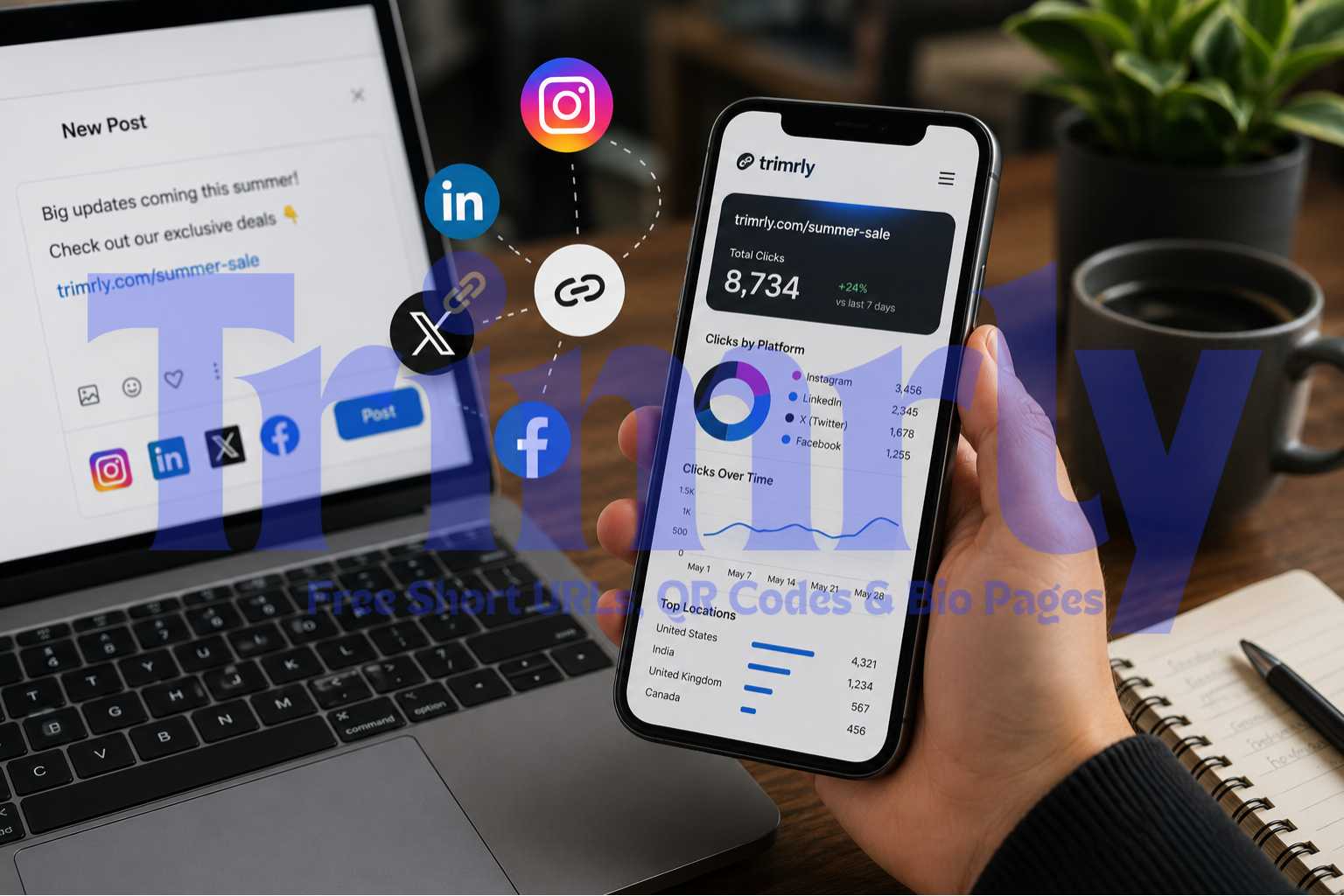
When someone clicks a Trimrly short link, the redirect happens in milliseconds and simultaneously records: the timestamp of the click, the device type (mobile or desktop), the country and city, the referring source if available, and which specific link was clicked. If you use different aliases for different platforms or posts, you know exactly which piece of content sent that person to your site.
The short link is cleaner, more trustworthy, and easier to read in a caption. But the real upgrade is invisible: every click is now a data point attached to that specific link, that specific post, and that specific platform.
Social media platforms deliberately limit the data they share with external analytics tools. Instagram, for example, strips referrer data from most clicks, making it appear in Google Analytics as "direct" traffic rather than Instagram traffic. A properly structured Trimrly short link with a unique alias per platform bypasses this limitation: you know it was Instagram traffic because it went through the Instagram-specific link, not because the platform told you so.
The Five Ways Short Links Directly Improve Engagement
1. Clean links get more clicks
A URL that wraps across three lines of a caption, ends in a string of random characters, and contains a tracker parameter visible to anyone who reads it signals spam to many users. A branded short link reads as intentional and professional. Studies on email marketing, where this has been measured extensively, consistently show that shorter, recognisable links receive higher click rates than long raw URLs. The same principle applies on social platforms where the link text or preview is visible to the reader.
2. You learn which platform actually works
Create a different Trimrly alias for the same piece of content on each platform: trimrly.com/sale-ig for Instagram, trimrly.com/sale-li for LinkedIn, trimrly.com/sale-x for X. Post the same content with the appropriate link. Within 48 hours you have real click data showing exactly which platform drove traffic, not platform-reported impressions or reach, but actual people who clicked through to your destination.
3. You discover your best posting times with precision
Trimrly records the timestamp of every click. After two to three weeks of consistent posting, your dashboard reveals a clear pattern: the hours during which your links receive the most clicks. This is more accurate than the "best time to post" data your social platform provides, because that data measures engagement within the platform (likes, comments, shares). Click timestamps measure the behaviour that actually matters: when your audience takes action outside the platform.
4. You can update the destination without changing the post
A product you promoted last month is now out of stock. The landing page has moved. The campaign has ended. With a raw URL, every post containing that link now points somewhere broken or irrelevant. With a dynamic Trimrly short link, you update the destination in 20 seconds. Every existing post, bio link, and printed material automatically redirects to the new destination. No editing old posts. No broken links in your archive.
5. Your bio link becomes a full content hub
Platforms like Instagram allow only one clickable link in the bio. A Trimrly bio page turns that one link into a full landing page with multiple destinations: your latest post, your shop, your newsletter, your review page, your contact form. Each button on the bio page is itself a tracked short link. You see exactly which destination your bio visitors click most, which tells you what your audience actually wants from you versus what you assumed they wanted.
Platform-by-Platform Strategy
Each social platform has different link behaviour, caption structures, and audience expectations. Here is how to use short links effectively on each one.
Links in captions are not clickable. Put your short link in the bio only. Use a Trimrly bio page with multiple buttons. Each post can direct followers: "Link in bio — tap Summer Sale." Track which bio button they actually click.
Bio page essential
Links in posts are clickable and LinkedIn strips the link preview when you delete the preview card before posting — keeping your caption cleaner. Short links look professional in a business context. LinkedIn referrer data is often masked; unique aliases are the only reliable way to track LinkedIn clicks.
High-intent traffic
X (Twitter)
X wraps all links in its own t.co shortener regardless, but a Trimrly link before that process still gives you click data on your side. Character limits make short links practical. Use separate aliases to distinguish tweets in threads from standalone posts.
Thread analytics
Links in posts are clickable and Facebook traffic is heavily mobile. Short links reduce friction on small screens. Facebook's own analytics frequently undercounts external clicks; your Trimrly data gives you the true number independent of Facebook's reporting.
Mobile-first clicks
TikTok
Bio link only for most accounts. A Trimrly bio page lets you list multiple destinations from a single bio link. TikTok audiences skew mobile almost entirely, so your short link needs to resolve quickly and cleanly — dynamic Trimrly links do this without redirect chains.
Bio page + speed
Every pin can include a destination URL. Use a unique Trimrly alias per board or pin campaign. Pinterest traffic is often evergreen — pins drive clicks for months. Short link tracking reveals which pins are still sending traffic long after they were posted.
Evergreen traffic
A Real Result: 4× Attribution Clarity in 45 Days
Nadia, Social Media Lead · Fashion E-commerce Brand
Nadia managed social for a fashion brand with active presences on Instagram, TikTok, Pinterest, and LinkedIn. Her monthly reports showed strong follower growth and high post reach, but the sales team kept asking a question she could not answer: which channel is driving purchases?
She set up Trimrly short links with platform-specific aliases for every product link shared on social. Instagram posts used /brand-ig, TikTok bio used /brand-tt, Pinterest used /brand-pin, LinkedIn used /brand-li. Within the first week, she had click data by platform. Within 45 days, she had enough data to act on it.
Pinterest was driving 3.4 times more clicks to the product pages than TikTok despite receiving less than one third of the content investment. LinkedIn clicks were converting at twice the rate of Instagram clicks even though LinkedIn had one sixth of the follower count. She shifted 20% of content production budget from TikTok to Pinterest and LinkedIn. In the following quarter, revenue attributed to social increased 31% with the same total content volume.
What to Track and What to Do With the Data
A Trimrly dashboard gives you click volume, timestamps, device types, and geographic data for every link. Here is how to turn each data type into a decision.
How to Set Up Short Links for Social Media on Trimrly
Create a free Trimrly account
Go to trimrly.com/user/register. No credit card required. The free plan includes 50 short links per month and full click analytics on every link permanently — meaning you never lose historical data even on the free tier.
Name your aliases by platform and content
Use a consistent naming convention from day one. For a campaign called Summer Sale: trimrly.com/sale-ig for Instagram, trimrly.com/sale-li for LinkedIn, trimrly.com/sale-pin for Pinterest. Consistency makes your dashboard readable at a glance weeks later.
Set up your bio page for single-link platforms
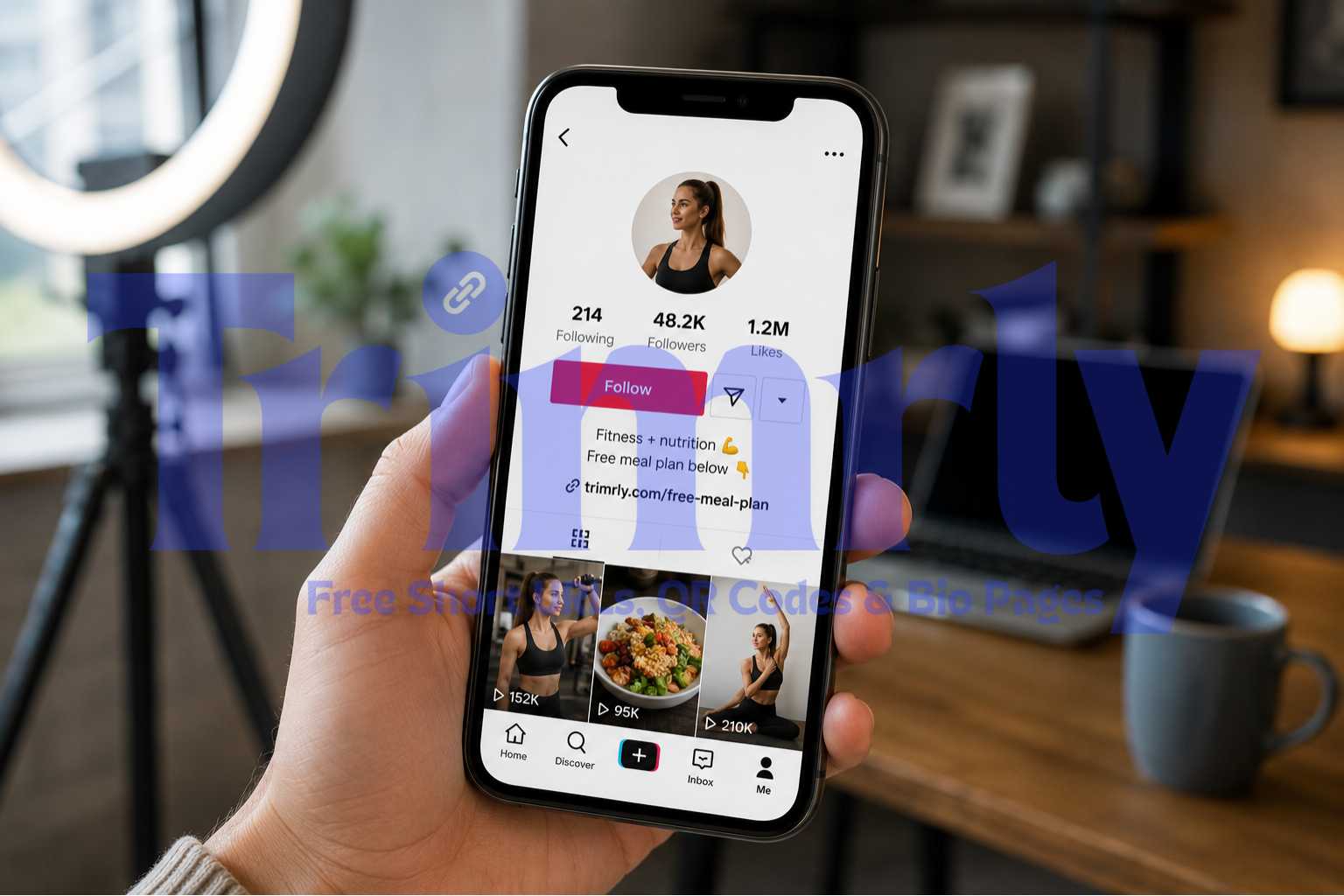
For Instagram, TikTok, and any platform that allows only one bio link, create a Trimrly bio page. Add buttons for your top destinations: latest post, shop, newsletter, contact. Each button is itself a tracked short link. Set your bio URL to the Trimrly bio page link.
Post consistently for two to three weeks before drawing conclusions
Click data is meaningful once you have enough volume. Two to three weeks of regular posting gives you enough data points to identify genuine patterns versus noise. Avoid changing your posting frequency or style during this calibration period so the data reflects your baseline performance.
Review your dashboard weekly and make one change at a time
Look at click volume by alias (which platform performs), click times (when your audience converts), and device type (how they access your content). Make one strategic change at a time based on what you find, so you can isolate which change caused any improvement.
Use dynamic links so old posts never break
When a product sells out or a campaign ends, update the destination URL in Trimrly rather than deleting posts or leaving broken links. Every post you ever published that used a Trimrly link can be redirected to an updated destination in under 30 seconds, without touching the post itself.
Start Tracking Every Social Click for Free
50 short links per month, full click analytics, bio page, and dynamic redirects. No credit card. No link expiry.
Raw URL vs. Trimrly Short Link: What You Actually Get
| Feature | Raw URL | Trimrly Short Link |
|---|---|---|
| Click tracking per post | None | Full history |
| Platform attribution | Unreliable | Exact per alias |
| Update destination without reposting | Not possible | 20 seconds |
| Appearance in caption | Long, cluttered | Clean, branded |
| Device and location data | None | Per click |
| Bio page for single-link platforms | Not available | Included free |
| QR code from the same link | Separate tool needed | Built in |
Mistakes That Reduce the Value of Your Short Links
- ✕
Using one link across all platforms. If every social platform uses the same short link, you lose all platform attribution. You will know total clicks but not where they came from. Always create a unique alias per platform, and ideally per campaign.
- ✕
Ignoring the dashboard after setup. A short link that is not reviewed regularly is just a shorter URL. The value is in the data. Set a calendar reminder to check your Trimrly dashboard weekly. The patterns that emerge over four to six weeks are the ones that change your strategy.
- ✕
Changing too many variables at once. If you change your posting time, platform, content format, and link alias all in the same week, you cannot tell which change caused the click improvement. Treat your link data like a scientific experiment: one variable at a time.
- ✕
Using static links for product or campaign pages. Products go out of stock. Campaign pages expire. A static link pointing to a dead page is a permanent conversion killer in every post that ever used it. Dynamic Trimrly links let you redirect all those posts to a live destination instantly.
- ✕
Forgetting mobile optimisation after seeing mobile click data. When your Trimrly dashboard shows that 85% of your social clicks come from mobile devices, and your landing page loads slowly on mobile or requires horizontal scrolling, you have found the exact point where your campaign is losing conversions. Fix the page before increasing traffic to it.
- ✓
Creating a naming convention before you post your first link. Decide on a format before you start: brand-platform-content-month works well (e.g., brand-ig-sale-jan). Once you have 50 links without a naming system, your dashboard becomes impossible to read. Five minutes of planning saves hours of confusion later.
- ✓
Using QR codes alongside your short links for cross-channel reach. The same Trimrly short link that you post on Instagram can generate a QR code for a physical flyer, a packaging insert, or a business card. Both the social click and the QR scan appear in the same dashboard. You see total reach across digital and physical from one place.
"Every raw URL you post is a question you chose not to answer. Every short link is a question your data will eventually answer for you."
Frequently Asked Questions
Trimrly short links use 301 permanent redirects, which pass link equity through to the destination page. For social media use, the relevant consideration is that links shared on social platforms are typically no-follow, meaning they do not directly contribute to search rankings regardless of whether they are shortened or not. The SEO impact of social short links is effectively neutral, and the analytics benefit is substantial.
Trimrly redirects resolve in under 100 milliseconds in virtually all cases. The redirect is imperceptible to users. Unlike some older or free link shorteners that use JavaScript-based redirects (which can be slow and blocked by some browsers), Trimrly uses server-side 301 redirects that are both fast and universally compatible.
At minimum, one per platform where you share the link. If you want to compare performance across different post types on the same platform (for example, comparing a video post to a carousel post on LinkedIn), create one alias per post. The more granular your aliases, the more precise your attribution data. Trimrly's free plan includes 50 links per month, which covers most active social media strategies comfortably.
Yes, and it is particularly useful for paid campaigns. Most ad platforms allow short links as destination URLs. Using a Trimrly short link in your ad gives you an independent click count that you can compare to the platform's reported clicks — discrepancies often reveal where bots or invalid traffic are inflating platform metrics. The destination can also be updated mid-campaign without creating a new ad.
UTM parameters are tags appended to your URL that Google Analytics reads to attribute traffic. Short links are a redirect layer that sits before the destination, tracking clicks before the user reaches your website. The two approaches are complementary, not alternatives. Using both a Trimrly short link and UTM parameters on the destination URL gives you click data from Trimrly (total people who clicked the link) and session data from Google Analytics (what those people did on your site). Together, they give you a complete picture from click to conversion.