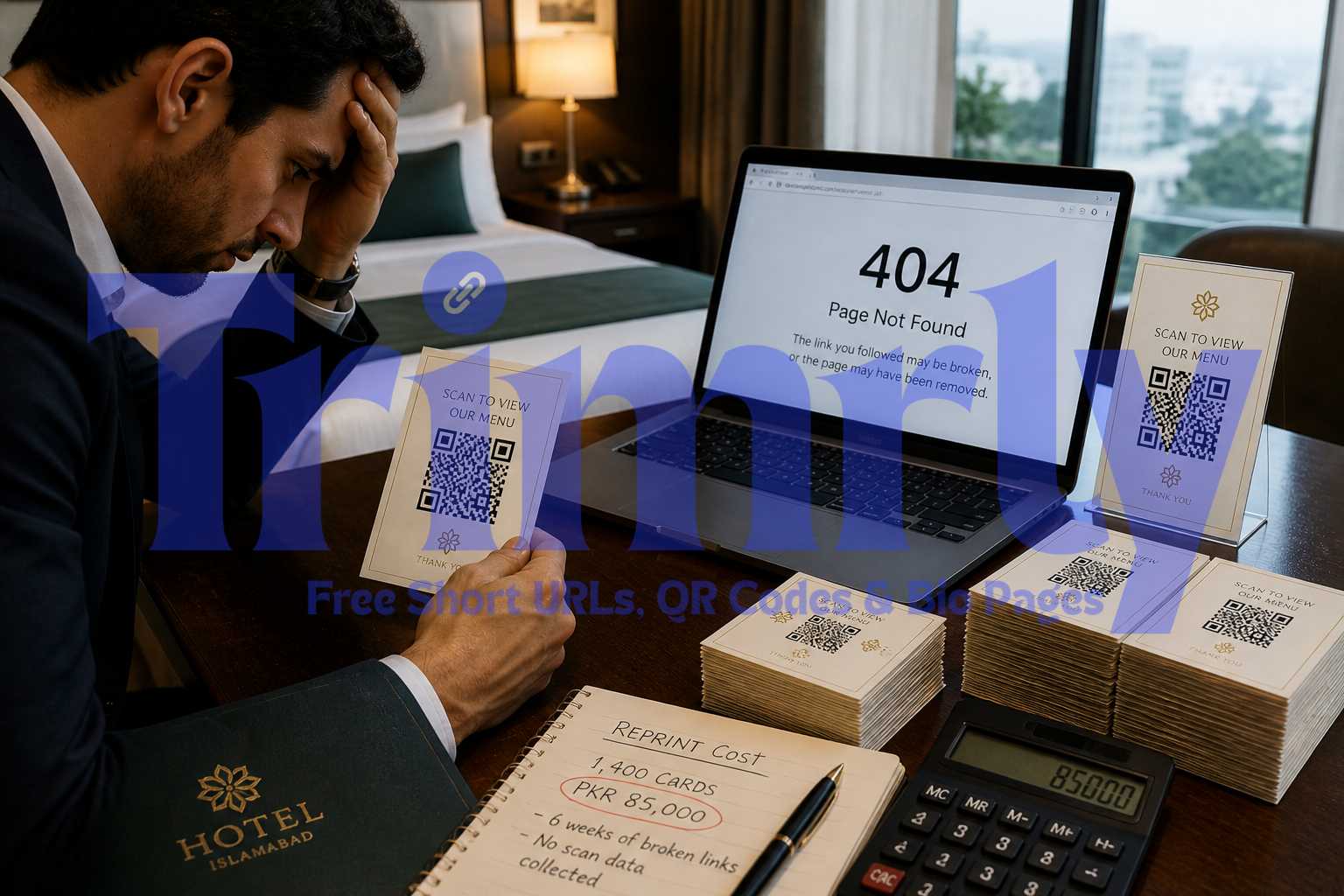
A boutique hotel in Islamabad had just finished reprinting 1,400 room cards. Each card had a freshly printed QR code linking to their restaurant menu. Six weeks later, they updated their menu and changed the URL structure of their website during a redesign. Every single QR code now pointed to a 404 page.
They had used a static QR code generator. The URL was baked directly into the black and white squares. There was no backend to update, no redirect to swap, nothing. The only fix was to reprint everything at a cost of around PKR 85,000.
The genuinely frustrating part: a dynamic QR code would have cost the same to generate and print. The switch would have taken 30 seconds. The entire problem was one decision made without understanding the difference between the two types.
What Actually Happens Inside Each Type of QR Code
A QR code is not magic. It is a visual encoding of data: a string of characters represented as a pattern of black and white squares. When your phone's camera reads that pattern, it decodes the string and acts on it. If it is a URL, your browser opens it.
The difference between static and dynamic comes down to what that string of characters actually contains.
A static QR code contains your full destination URL directly inside its pattern. Every character in that URL is represented in the squares. Change the URL and the entire pattern changes. You cannot update the squares on a printed piece of paper.
A dynamic QR code contains a short redirect URL, something like trimrly.com/abc. That short URL never changes. What it redirects to is stored in a database you control. When the destination needs to change, you update the database entry. The squares on the printed code stay identical. Scans start going to the new destination immediately.
Both types produce the same black and white square pattern visually. A dynamic QR code is often slightly simpler in pattern density because it only encodes a short redirect URL rather than a full long URL, but the difference is subtle enough that you cannot reliably tell them apart by looking at them. The only way to know which type you have is to check how it was generated.
The Full Story: How One Decision Cost 85,000 Rupees
The hotel in Islamabad is not a unique case. The same mistake happens constantly across restaurants, event organizers, retail stores, and agencies. Here is the full sequence of events that leads to it.
The hotel's marketing team needs QR codes for room cards linking to their restaurant menu PDF. They search for a free QR code generator, find one, paste the URL, download the image, and send it to the printer. Done in five minutes. No one asks what type of code it is.
1,400 room cards are printed, laminated, and placed in every room. The QR code works perfectly. Guests scan it, the menu loads. The marketing team is happy. Six weeks pass without incident.
The hotel launches a website redesign. The new site has a cleaner URL structure. The old menu URL no longer exists. Traffic to the old URL now hits a 404 error. The QR codes on 1,400 room cards all point to a page that no longer exists.
A guest complains to reception that the menu QR code does not work. Reception checks. Maintenance checks. The IT team checks. Everyone confirms: the URL is dead and there is no way to update the QR code remotely. The code is static. The URL is permanent.
Reprinting 1,400 laminated room cards: PKR 85,000. Two weeks of guests using a broken QR code before the reprint arrives. Zero scan data collected during the entire six-week period the codes were in use, because static codes have no analytics backend.
Generate a dynamic QR code from Trimrly's free QR code generator. Print the same room cards. When the website redesign changes the menu URL, log into Trimrly, update the destination URL in the dashboard in 20 seconds. Every card in every room starts pointing to the new URL immediately. No reprint. No cost. No complaints.
Static vs Dynamic: The Full Feature Breakdown
| Feature | Static QR Code | Dynamic QR Code |
|---|---|---|
| Destination URL | Encoded permanently into the code | Stored in a dashboard, editable anytime |
| Can be updated after printing | No | Yes |
| Scan tracking | No analytics | Full scan data |
| Works if destination URL changes | Breaks immediately | Update in 20 seconds |
| Pattern complexity | Dense (full URL encoded) | Simpler (short redirect only) |
| Scan speed | Slightly slower on complex URLs | Faster on all devices |
| Requires internet to scan | No (URL embedded) | Yes (needs redirect) |
| Free on Trimrly | Yes | Yes, 20 per month |
The one genuine advantage of a static QR code is that it does not require an internet connection to function at the redirect level. Since the destination URL is encoded directly, a device can read the code and open the URL in one step. For a dynamic code, the scan goes to the redirect URL first, which then requires an internet connection to complete. In practice, virtually all QR code scans happen on smartphones with an active internet connection, making this distinction irrelevant for the overwhelming majority of real-world use cases.
"The only scenario where static beats dynamic is if you are printing QR codes for use in a Faraday cage. For everything else, go dynamic."
When Each Type Makes Sense
Despite the clear advantages of dynamic codes for most situations, there are specific cases where static codes are appropriate and where the permanence is actually a feature rather than a liability.
Restaurant Menus
Menus change seasonally, sometimes weekly. Prices update. Items get added and removed. A static code linking to a specific menu PDF is broken the moment that PDF is replaced. Use dynamic without exception.
Always dynamic
Event Signage
Event programmes, schedules, speaker bios, and seating charts all change between draft and final versions. Even after the event, you might want to redirect scans to a post-event survey. Dynamic handles all of it.
Always dynamic
Product Packaging
Packaging gets printed in large runs months in advance. If your product page URL ever changes, every unit in warehouses and on shelves becomes a broken link. Dynamic is the only sensible choice for anything printed at scale.
Always dynamic
Business Cards
Business cards link to a profile, portfolio, or contact page. If you ever change your website or job, static means reprinting everything. Dynamic means updating the destination once. Cards stay valid indefinitely.
Use dynamic
Permanent Documents
Certificates, legal documents, or archival materials linking to a fixed, permanent URL that will genuinely never change. If the destination is truly immutable, static is acceptable. This scenario is rare.
Static acceptable
Offline Environments
Areas with no internet access where the QR code needs to work without a redirect. Encoding a Wi-Fi password or a local file path directly. Static is the only option in genuinely offline environments.
Static required
How to Create a Dynamic QR Code on Trimrly (Free)
Create a free Trimrly account
Go to trimrly.com/user/register. No credit card. The free plan includes 20 dynamic QR codes per month with full scan analytics: device type, location, timestamp, and total scan count per code. All codes are dynamic by default.
Go to the QR code generator
Visit trimrly.com/free-qr-codes-generator and paste your destination URL. Trimrly automatically creates a short redirect URL, encodes that into the QR code pattern, and links the redirect to your destination in the backend.
Customize the appearance if needed
You can adjust colors, add a logo in the center, change the eye style at the corners, and choose between square and rounded module shapes. Customization is optional and does not affect the dynamic functionality. The code scans correctly regardless of how it looks.
Download as SVG for print, PNG for digital
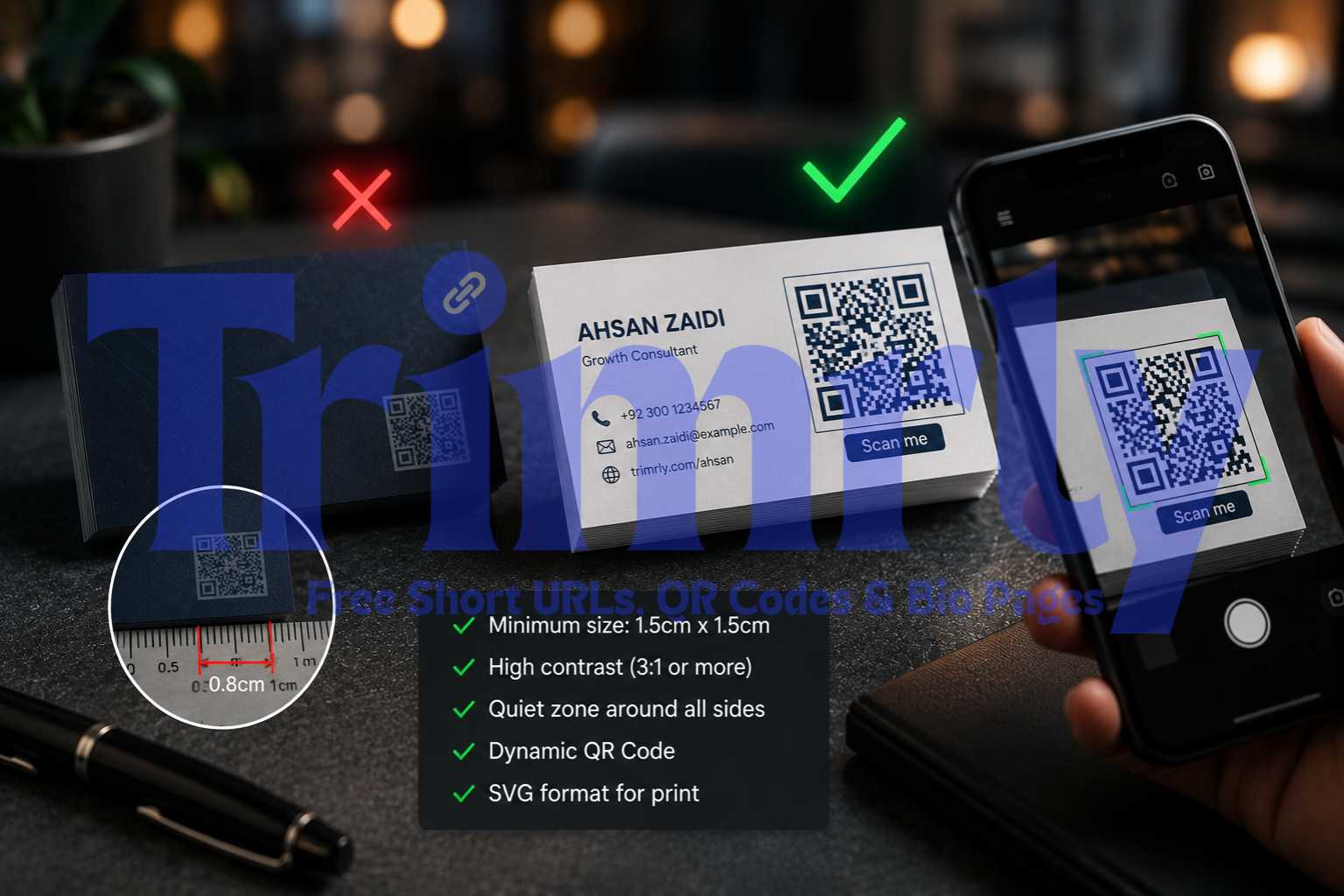
Always download SVG format for anything going to a professional printer. SVG is a vector format that scales to any size without pixelation. PNG is fine for digital use on screens and social media but will look blurry if printed large from a low-resolution export.
Test it before sending to print
Scan the code yourself using at least two different smartphones before your print run goes ahead. Confirm the redirect lands on the correct page. Check that the load time is acceptable. This takes 60 seconds and has saved many print jobs from having to be redone.
Update the destination anytime from your dashboard
When the destination URL changes, log into your Trimrly account, find the QR code, click edit, and paste the new destination URL. Every scan from that point forward goes to the new page. Nothing needs to be reprinted. The physical code is unchanged.
Create Your Dynamic QR Codes Free
20 dynamic QR codes per month. Full scan tracking. Update destinations anytime. No credit card. No reprint nightmares.
What Scan Analytics Actually Tell You
This is the second major advantage of dynamic codes that people overlook until they have it. Static codes are completely blind. You have no idea how many times they were scanned, where those scans happened, or what device was used.
Dynamic QR codes through Trimrly track every scan with the following data points:
- ✓
Total scan count over time. See if your QR codes are being used at all, and whether scan frequency is growing or declining. A code on your packaging with zero scans after 60 days tells you it is not visible enough or not compelling enough to scan.
- ✓
Country and city data. Where your codes are being scanned. Useful for packaging shipped internationally, event signage at multi-location venues, or business cards distributed across different markets.
- ✓
Device and operating system. Mostly iOS vs Android. Useful for understanding which app store to link to for deep links, and for checking whether your destination page renders well on the most common scanner device.
- ✓
Scan timestamps. When people are scanning. For restaurant menus this is especially useful: knowing that 70% of scans happen between 12 PM and 2 PM and 7 PM and 9 PM tells you when your table traffic is highest without needing POS data.
- ✕
Individual user identity. QR scan analytics cannot tell you who scanned, only the device and location characteristics. This is the same privacy constraint as any anonymous web analytics.
A restaurant that switches from printed menus to QR code menus often discovers that their lunch rush peaks 20 minutes earlier than they assumed, that 40% of weekend evening scans happen on iOS, and that certain tables generate far fewer scans than others, usually because the code placement is physically awkward. None of that information exists with a static code.
Connecting QR Codes to Your Full Link Strategy
A dynamic QR code is not an isolated tool. It fits into the same link ecosystem as your short links, bio pages, and UTM tracking. Here is how they connect.
When you generate a dynamic QR code through Trimrly, it is powered by a short link under the hood. That means the QR code and the short link share the same destination. You can share the short link digitally (in WhatsApp, on Instagram, via email) and print the QR code physically, and both route to the same destination with the same analytics tracked in one dashboard.
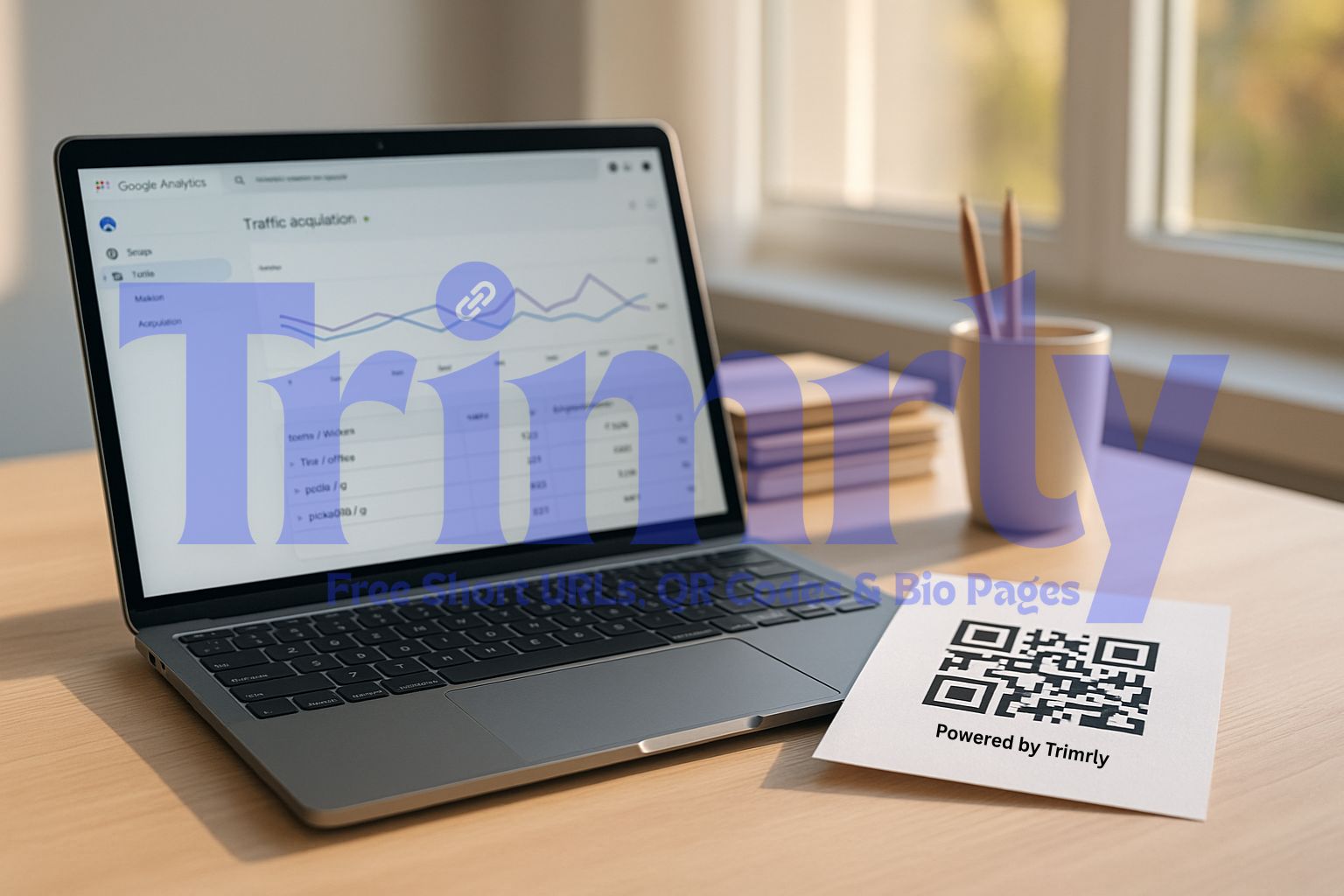
If you add UTM parameters to the destination URL before generating the QR code, scans show up in GA4 with full campaign attribution. Use utm_source=qr-code and utm_medium=print as a starting point, then make utm_campaign specific to the location or material the code appears on. A code on your packaging can be utm_campaign=packaging. One on your window display can be utm_campaign=window-display. GA4 then separates the data so you can see which physical touchpoint drives the most web traffic.
Your Trimrly bio page can also be the destination for a QR code. Print one QR code that links to a bio page with buttons for your menu, your WhatsApp chat, your Instagram, and your online store. Update the bio page buttons seasonally without ever reprinting the QR code. One printed code, infinite flexibility in what it leads to.
Before generating any QR code for physical print: always use dynamic. The upside of being able to update the destination and track scans is significant. The downside of dynamic over static in real-world use cases is essentially nothing. The question is not whether to use dynamic. The question is only where to generate it.
Frequently Asked Questions
No. A static QR code cannot be converted to a dynamic one. The code pattern is fixed at the time of generation. To get a dynamic code, you need to generate a new one from a platform that supports dynamic codes, like Trimrly, and then reprint or replace any physical materials that used the static version. This is exactly why choosing dynamic from the start is important.
Dynamic QR codes depend on the redirect service that powers them. If the service shuts down or your account is deleted, the redirect stops working and the code becomes dead. On Trimrly's free plan, QR codes and their redirect links do not expire. Links and codes you create on the free plan remain active permanently as long as your account exists.
Marginally, in theory. A dynamic code resolves a short redirect URL first, then proceeds to the destination, adding one network request. In practice on a standard mobile connection, this adds 50 to 200 milliseconds, which is imperceptible to the person scanning. Dynamic codes are often faster to scan optically because they encode a shorter string, making the pattern simpler and quicker for a camera to read.
On Trimrly's free plan, there is no scan limit per code. A dynamic QR code you generate can be scanned an unlimited number of times. The 20 codes per month limit on the free plan refers to how many new codes you can create, not how many times each existing code can be scanned.
SVG is the best format for print. It is a vector file that scales to any size without losing quality. A QR code at 1 cm or 1 metre looks identically sharp when exported as SVG. PNG is acceptable for digital use but becomes pixelated when scaled up for large-format print. Always request SVG from your QR generator for anything going to a professional printer.