From guest entry to merchandise sales and post-event follow-up, QR codes now power every stage of a great event experience. This guide shows how Trimrly helps organizers create, track, and update event QRs — all in one simple tool.
Event logistics can get chaotic fast — paper lists, slow check-ins, and missed follow-ups. QR codes cut through all that friction. With Trimrly, every event touchpoint becomes measurable: one scan for check-in, one for merch, one for feedback, and one for re-engagement later. The best part? You can set it up in under 10 minutes.
Create your event QR in seconds
Why event QR codes work so well
At a live event, your audience already has smartphones in hand. QR codes make it effortless to bridge their real-world actions with your digital platforms. They eliminate typing errors, speed up registration, and instantly collect data on attendee behavior.
- ✔️ Instant check-in: attendees scan to verify tickets or register at the door.
- ✔️ Merch tracking: link QRs on products to limited-time offers or discounts.
- ✔️ Post-event engagement: use the same QRs to share slides, photos, or feedback forms.
- ✔️ Analytics and attribution: track how each QR performs inside Trimrly or GA4.
The three pillars of event QR success
Most event teams underuse QRs because they see them as static posters. In reality, Trimrly’s dynamic QR system lets you adapt mid-event — a single printed code can redirect to a new page instantly. Think of it as a digital layer built right into your physical venue.
| Stage | Purpose | Trimrly Use Case |
|---|---|---|
| Before Event | Registrations & ticket confirmations | QR short links with UTMs for marketing campaigns |
| During Event | Check-ins, booth visits, merch scans | Dynamic QRs connected to specific product or session pages |
| After Event | Feedback, thank-you messages, retargeting | Same QR updated to link to survey or next-event sign-up |
Step-by-step: Using Trimrly for event QR codes
- Go to Trimrly’s QR Generator.
- Enter your landing page or event link (e.g., registration form or ticket page).
- Add UTM parameters to track performance in GA4 or Meta Ads Manager.
- Select “Dynamic QR” to allow edits later without reprinting.
- Download and add the code to flyers, booths, badges, or merchandise.
Real-world example: Local Tech Expo
A 3-day tech expo used Trimrly QRs across different areas:
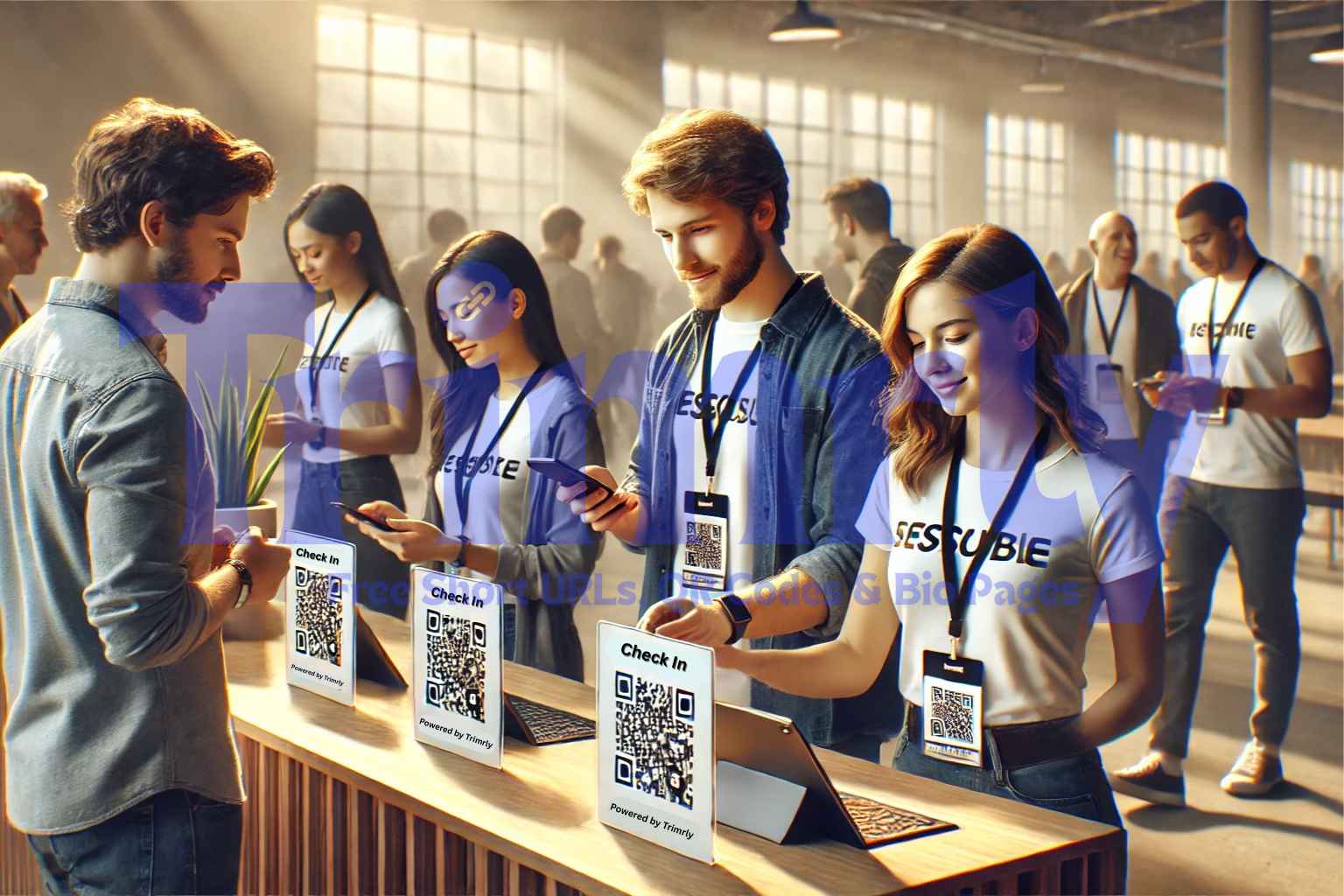
- Entry badges: attendees scanned QRs for quick check-in; Trimrly logs verified attendance counts.
- Booth displays: each exhibitor had a QR linking to a lead form; all URLs tagged with UTMs for campaign tracking.
- Merch tags: shirts and mugs included QRs redirecting to online stores with post-event discounts.
- Follow-up emails: post-event page links triggered remarketing audiences based on scan activity.
By the end of the expo, the organizer saw 4,200 total scans — 48% came from booth QRs, 37% from merch, and the rest from event signage. With Trimrly analytics, they exported the data directly into GA4 for channel performance comparison.
How QR retargeting works after the event
Once the event ends, your printed QRs still live on. With Trimrly, you can change their destination anytime. For example:
- Change check-in QRs to lead magnets (“Get event slides” or “Join our newsletter”).
- Update merch QRs to show new collections.
- Switch booth QRs to thank-you messages or next-event teasers.
This flexibility keeps your physical materials valuable long after the event, giving your marketing team an always-on engagement loop.
Best practices for event QR naming and tracking
Consistent UTM naming ensures clean GA4 reporting. Below is a quick reference table.
| Element | Recommended Format | Example |
|---|---|---|
| Source | Where the QR is placed | badge / poster / booth |
| Medium | Type of channel | offline / event |
| Campaign | Name of event or promotion | tech-expo-2025 |
Measuring ROI and engagement
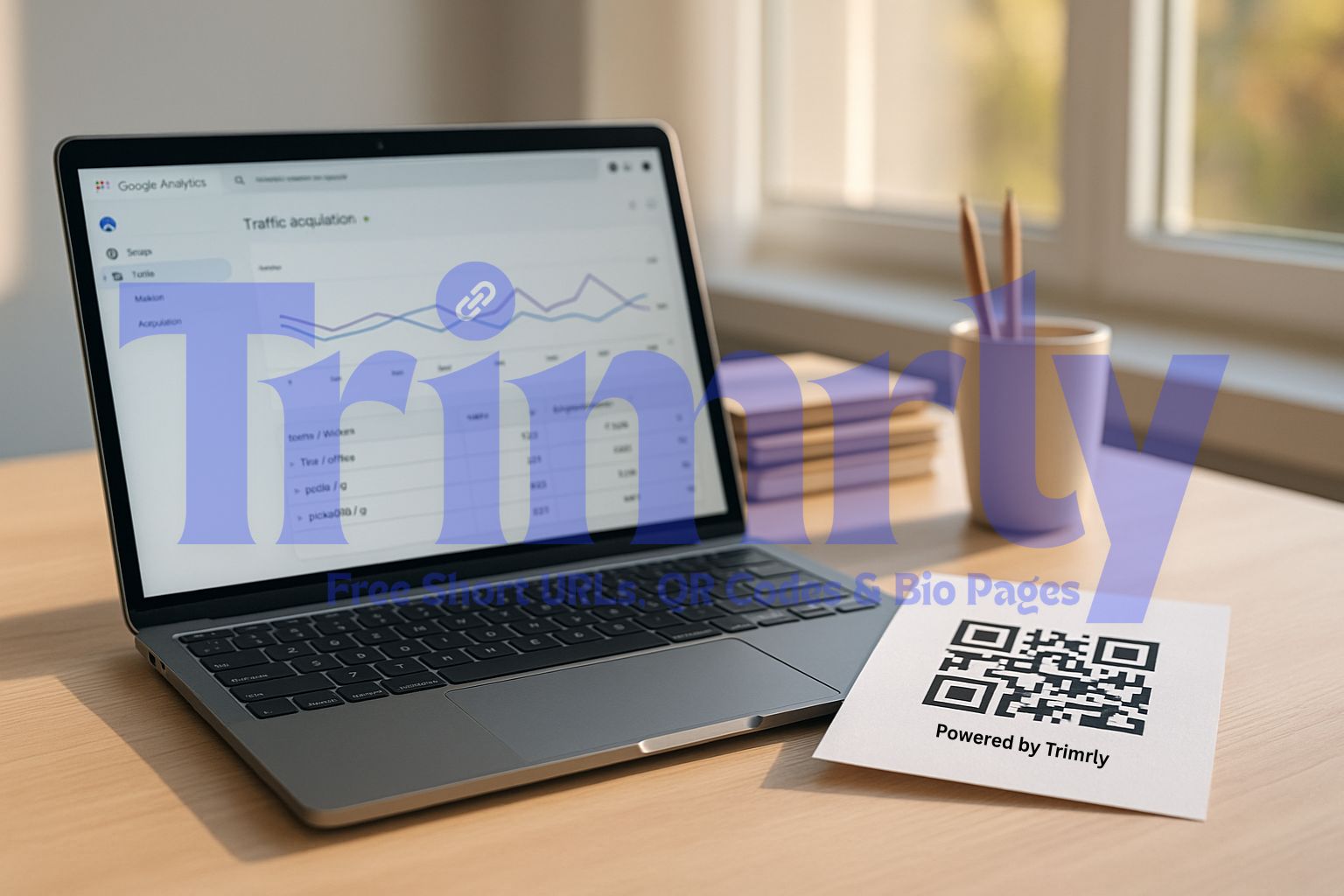
Inside Trimrly’s dashboard, you can view total scans, device types, and top-performing locations. When connected with GA4, these sessions appear with proper source and medium labels. You’ll know which booths or products drive the most interest and how offline visitors convert later online.
Why dynamic beats static QR codes for events
- 🔁 Editable URLs after printing
- 📊 Real-time scan tracking
- 📅 Campaign scheduling options
- 📥 Export-ready analytics
Static codes lock you in forever. Dynamic QRs keep your campaigns agile — a necessity for multi-day events where plans evolve hourly.
Create your event QR in seconds
FAQs
Can I use the same QR for multiple days of an event?
Yes. With Trimrly’s dynamic QRs, you can update links daily without replacing printed materials.
How can I track which booth or product got the most scans?
Create separate short links for each booth or product. Trimrly analytics will show scan counts per link in real time.
Do attendees need an app to scan QRs?
No. Any modern smartphone camera can scan Trimrly QRs instantly — no extra software required.
Can I connect event QRs to Google Analytics 4?
Yes. Use UTMs within Trimrly so that every scan shows up cleanly in GA4 reports.
Is there a cost to use Trimrly for events?
No. Trimrly’s Always Free plan includes dynamic QRs, analytics, and link management for unlimited scans.