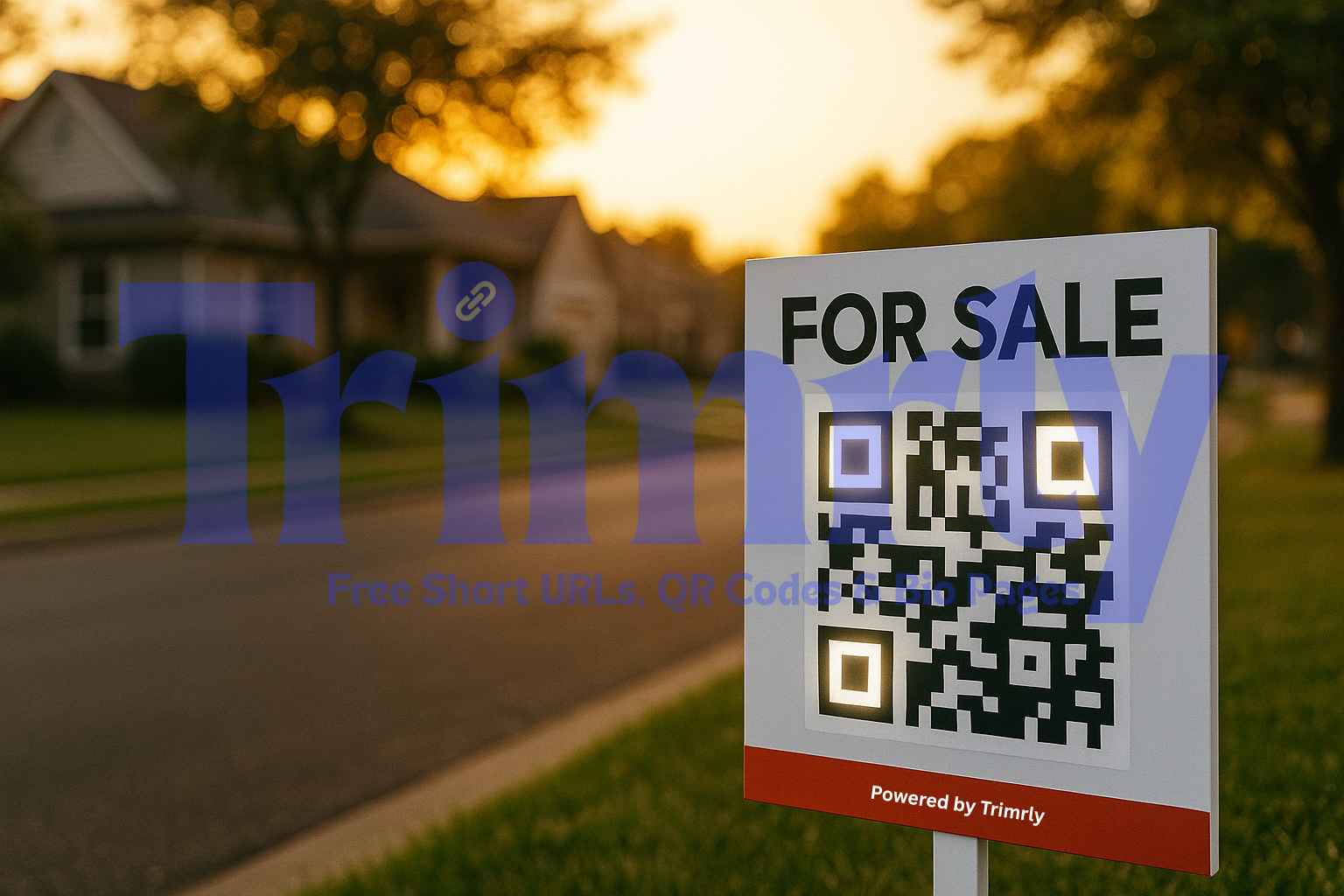
Picture this. A family drives past a “For Sale” sign on a sunny afternoon. The house looks perfect, but the kids are hungry, and everyone’s in a rush. They pull out a phone, scan a small square on the corner of the sign, and within seconds, they’re walking through the house virtually. That’s the power of a real estate QR code.
QR codes have quietly become one of the most effective tools for real estate agents. They bridge the gap between street curiosity and digital conversion, no forms, no waiting, just instant access to photos, tours, and contact buttons. This article breaks down how top-performing agents use QR codes to turn signs, flyers, and mailers into lead magnets, and how you can set it up with Trimrly’s free QR generator in minutes.
Why Static Signs Don’t Cut It Anymore
Traditional yard signs rely on memory. A potential buyer might jot down an address or take a blurry photo, but by the time they search for it online, the interest has cooled. Every extra step costs you attention. A QR code removes that friction, it’s a digital handshake that happens right there on the curb.
Agents now print a small, scannable code on everything, from “Open House” boards to window posters and mailers. When scanned, it directs prospects to property details, videos, or even a pre-filled contact form. No apps, no typing, just instant engagement.
Real Examples: Where QR Codes Work Best in Real Estate
| Scenario | Offline Touchpoint | Digital Destination | Result |
|---|---|---|---|
| 🏡 Yard Sign | Front lawn / curb | Virtual tour or listing page | ✅ Viewers explore instantly |
| 📬 Flyer or Brochure | Mail, local café stand | Property photo gallery | ✅ Higher recall and saves |
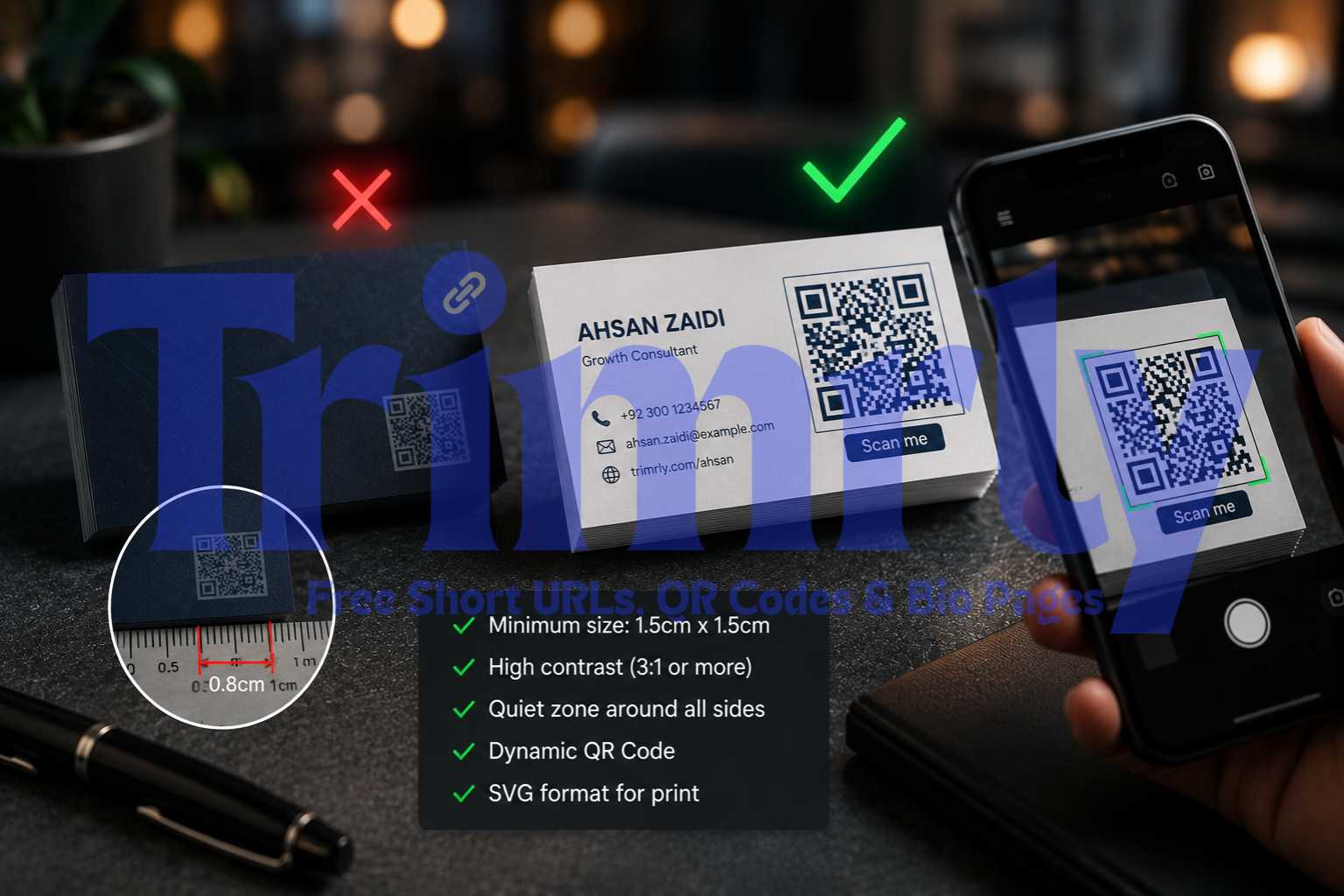
| 💼 Agent Business Card | Networking / referrals | Agent bio page + listings | ✅ 1-tap contact |
| 💬 Window Display | Office frontage | WhatsApp or contact form | ✅ Real-time inquiries |
| 🎥 Event Booth | Real-estate fair | Portfolio or landing page | ✅ Easy lead collection |
These are not tech experiments anymore. They’re small, simple touchpoints that remove friction. The best part? You can track every scan and know exactly which property, street, or flyer is performing best.
Create a Real Estate QR with Trimrly (Free)
How to Set Up a Real Estate QR Code That Converts
Creating a QR code is easy. The challenge is making it useful. Here’s how to do it right:
- Choose the right destination. Don’t just link to your homepage. Send users straight to the property page, virtual tour, or contact form.
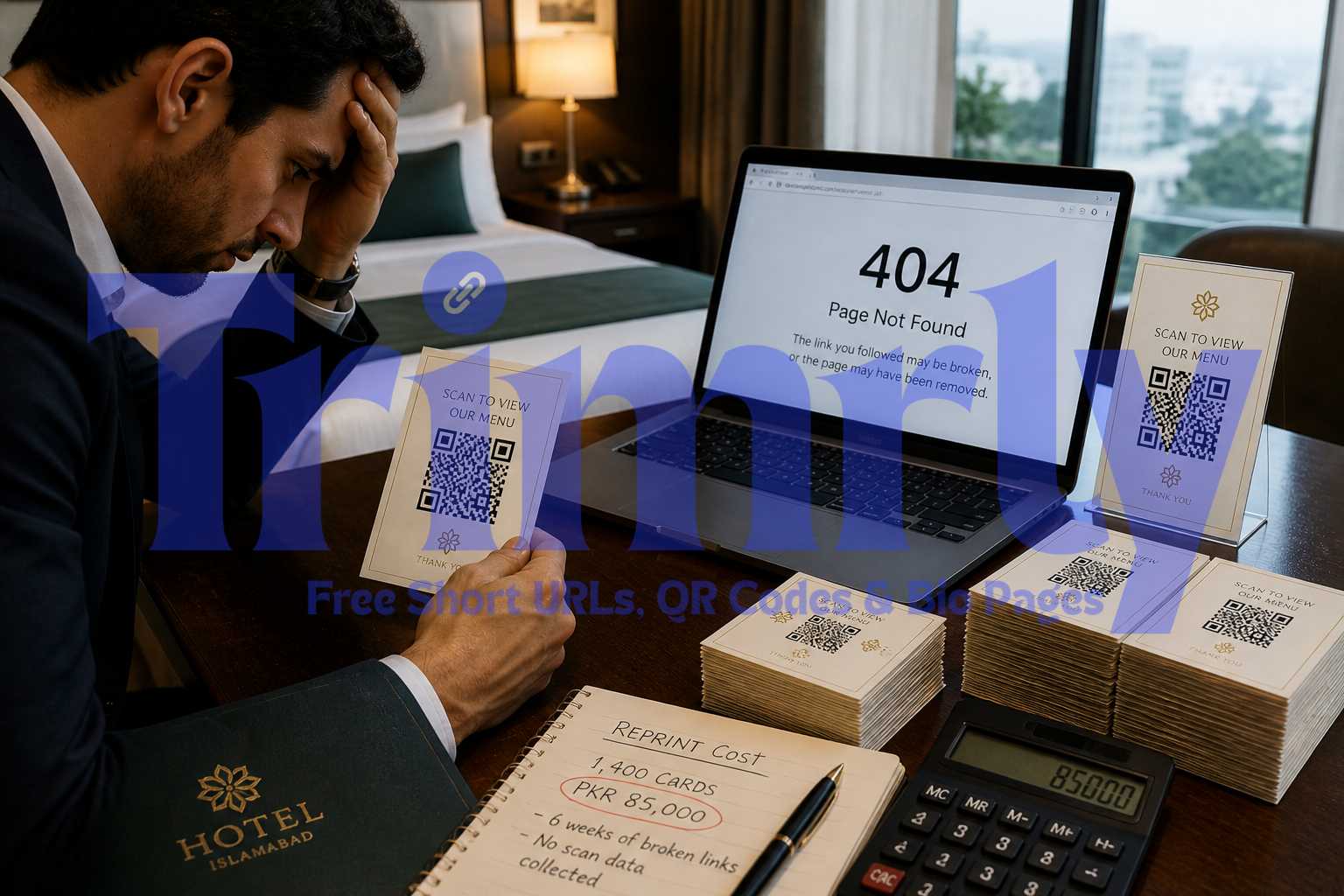
- Use a dynamic QR code. With Trimrly’s dynamic QR, you can change the link later if the property sells or moves to another listing, no need to reprint signs.
- Brand your short link. Add a short URL below your QR. Even if someone can’t scan it, they can type it easily. Trimrly gives you short links that match your brand name.
- Add tracking with UTMs. Connect your QRs to GA4 or any analytics tool to see which signs and areas drive the most engagement.
- Test before you print. Scan the code from different angles, light conditions, and devices. A quick test can save a lot of missed scans later.
A Day in the Life of a QR-Powered Agent
Imagine Sarah, a real-estate agent in Austin. She lists a new home and adds a Trimrly QR on the front-yard sign. Every scan opens a short link with a video walkthrough, price, and her WhatsApp contact button. Within 24 hours, she gets three direct messages from people who were just driving by. One of them books a visit the same weekend. Sarah didn’t need a lead magnet or a landing-page ad, just a small, trackable square that connects curiosity to conversion.
That’s what a real-estate QR does. It turns drive-by traffic into real conversations.
Tracking and Updating: The Real Advantage of Dynamic QR
Static QRs lock you into one URL. Dynamic QRs let you redirect anytime. Maybe the listing sold, and you want the same QR to open your “Similar Homes” page instead. You can edit that instantly inside Trimrly, no reprinting. You can also track scans by date, device type, and location, which helps you learn which neighborhoods drive the most interest.
Combine QR Codes with Short Links for Maximum Reach
Even though QR usage has exploded, not everyone will scan. Some will type. Always add a short link below your code, such as trimr.ly/hillcrest-tour. This keeps your flow inclusive and still trackable. Both the QR and short link can use the same Trimrly analytics, giving you a complete picture of engagement across channels.
Create a Short Link + QR (Always Free)
Small Details That Make a Big Difference
- Contrast matters. Always print dark QRs on light backgrounds.
- Keep quiet space. Leave at least 4 mm of white margin around the code.
- Add a call-to-action. A simple “Scan for Virtual Tour” boosts scans dramatically.
- Use vector format. Export as SVG or EPS so it prints crisp on large boards.
- Preview before sending to print. Ensure logo placement doesn’t block the pattern.
Why Trimrly Is Built for Real-Estate Marketing
| Feature | Generic QR Tools | Trimrly |
|---|---|---|
| Dynamic Link Editing | ⚠️ Extra cost | ✅ Included free |
| Custom Short Links | ❌ Rare | ✅ Built-in |
| Scan Analytics + Map View | ⚠️ Limited | ✅ Real-time insights |
| GA4 + UTM Presets | ❌ Manual setup | ✅ Auto-generated |
| Bio Pages for Agents | ❌ Not offered | ✅ Create free with Trimrly |
Trimrly isn’t a one-off QR creator. It’s an always-free toolkit for marketers and agents who want to control how every scan behaves, tracks, and evolves.
Create a Real Estate QR with Trimrly (Free)
Quick Checklist Before You Print
- ✅ The QR scans from 3 meters away.
- ✅ The destination opens in under 3 seconds.
- ✅ The short link below the QR works correctly.
- ✅ Analytics and UTMs are applied.
- ✅ Printed material passes the “arm’s-length” readability test.
Key Takeaway
Every buyer starts somewhere, a street, a café, a friend’s recommendation. Your job is to make that first moment effortless. Real estate QR codes turn curiosity into connection. They work quietly on your signs and flyers, doing lead generation while you’re asleep. With Trimrly, you get free, editable, and trackable QRs that never expire. That’s real-world marketing that scales.
Create a Real Estate QR with Trimrly (Free)
FAQs
Can I update my QR code after printing?
Yes. Dynamic QRs on Trimrly let you change the destination anytime, perfect for listings that sell or change links.
How do I track QR scans?
Each QR you create includes analytics showing total scans, devices, and locations. You can also connect GA4 for deeper tracking.
What if someone can’t scan the QR?
Add a short link below the QR so they can type it manually. Both will lead to the same destination.
Is Trimrly really free for real-estate use?
Yes. Trimrly’s Always Free Plan lets you create QRs, short links, and bio pages without limits on basic features.
Can I link directly to WhatsApp or phone calls?
Absolutely. You can create QRs that open a WhatsApp chat, phone dialer, or pre-filled message with one tap.